How to Connect TikTok with Hunter.io Create Contact
The integration will allow you to get new leads from TikTok and transfer them to Hunter.io for create contacts. Use this template to add lead details to your contact list for email campaigns or outreach. This way you can automate the process of processing data from the TikTok using Hunter.io as efficiently as possible.
Let's go through the entire TikTok with Hunter.io setup steps together!
Navigation:
1. What will integration TikTok with Hunter.io do?
2. How to connect TikTok account?
3. How to connect Hunter.io account?
4. How to setup data transfer from TikTok to Hunter.io?
5. An example of the data that will be sent to your Hunter.io.
6. Auto-update.
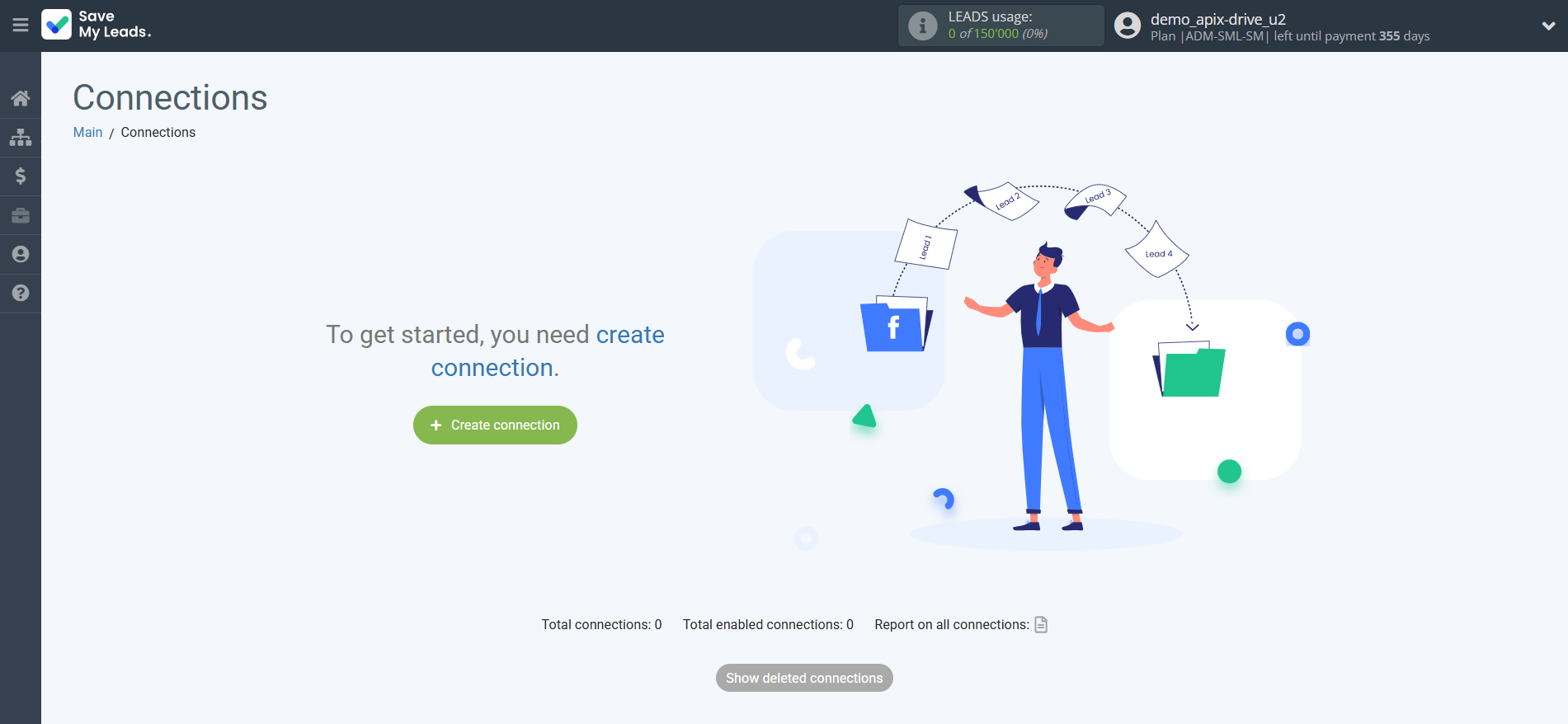
To start setup new connection, click "Create connection".
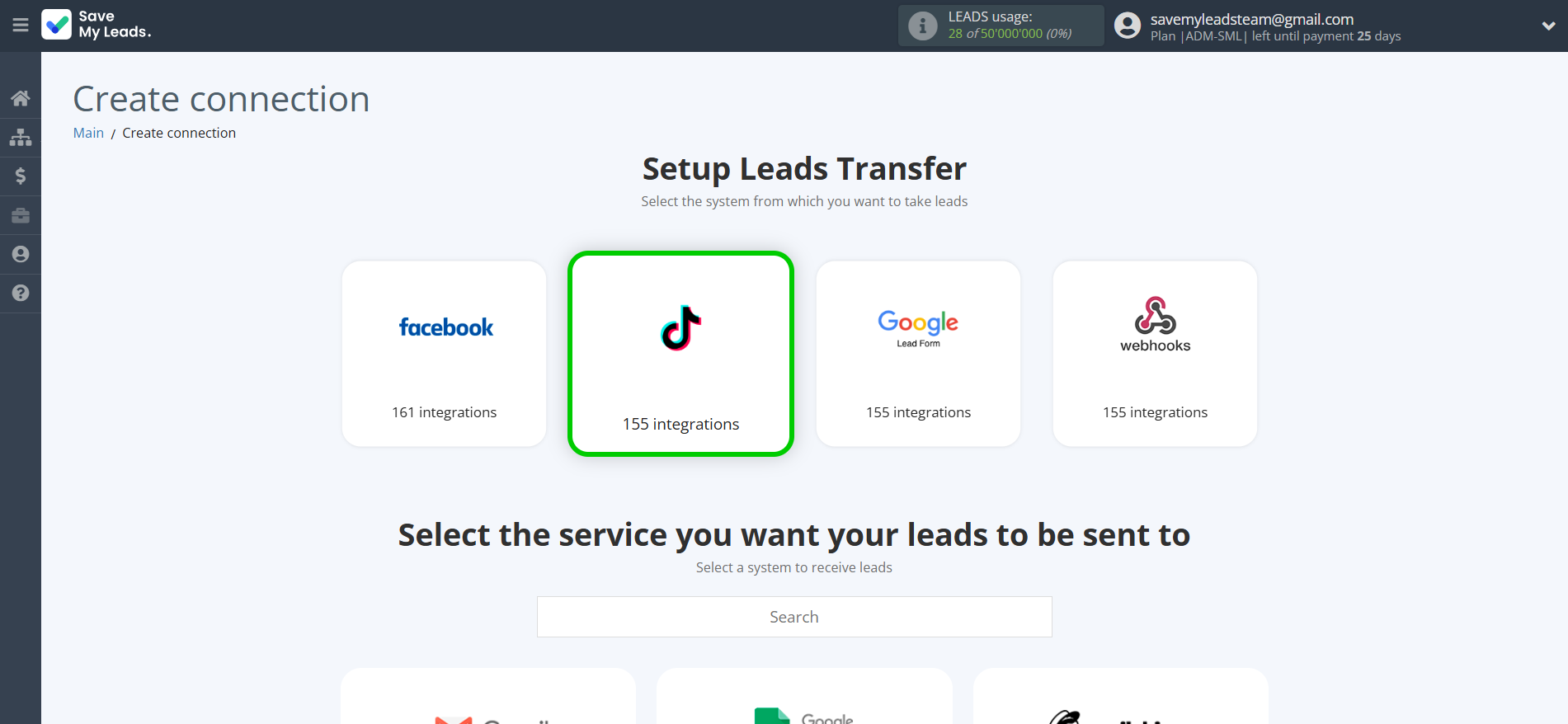
Select a system as the Data Source. In this case, you must specify the TikTok.
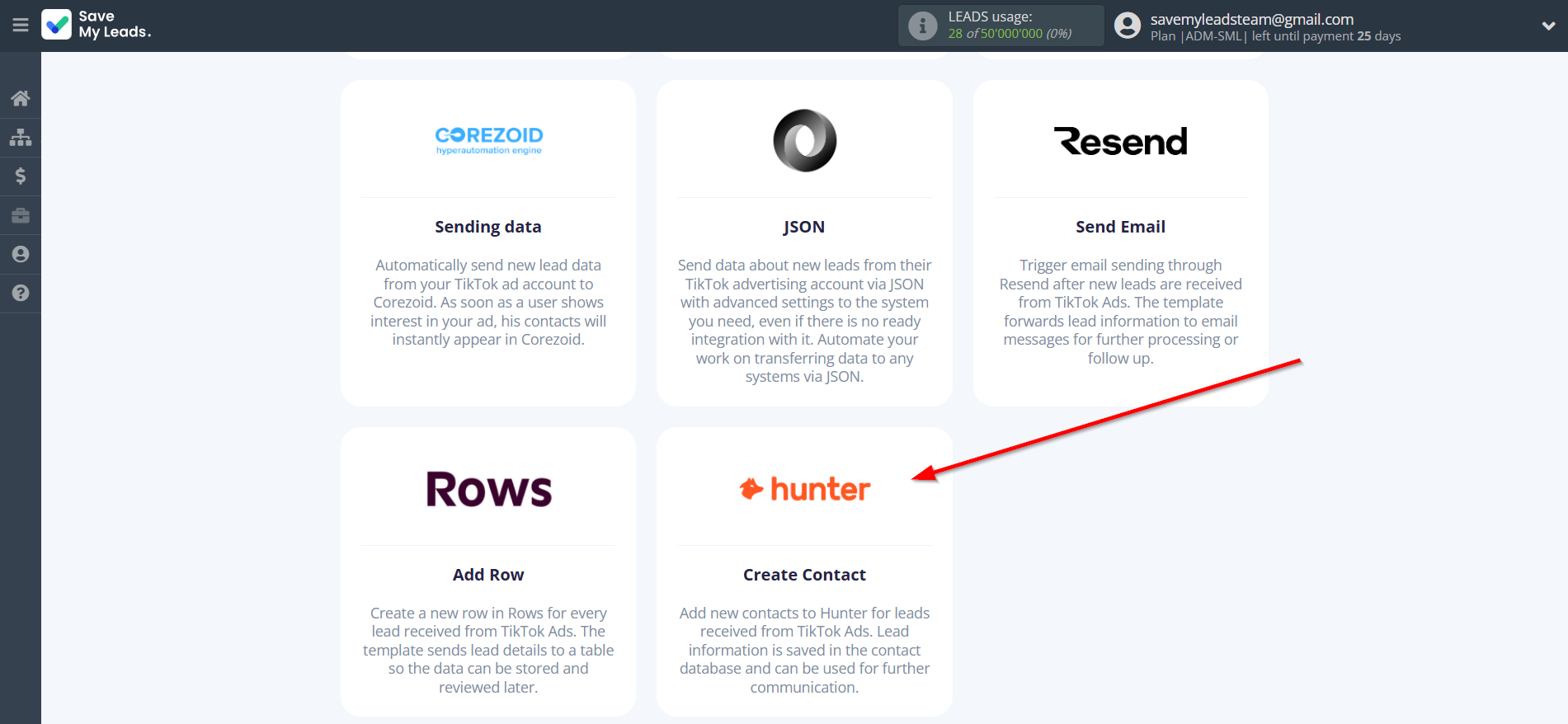
Next, you need to specify the system to which the data from the TikTok will be transferred. In this case, you must specify Hunter.io Create Contact.
The next step is to select TikTok account from which SaveMyLeads get leads.
If there are no accounts connected to the system, click "Connect account".
Enter your email and password and give all access to work with this account.
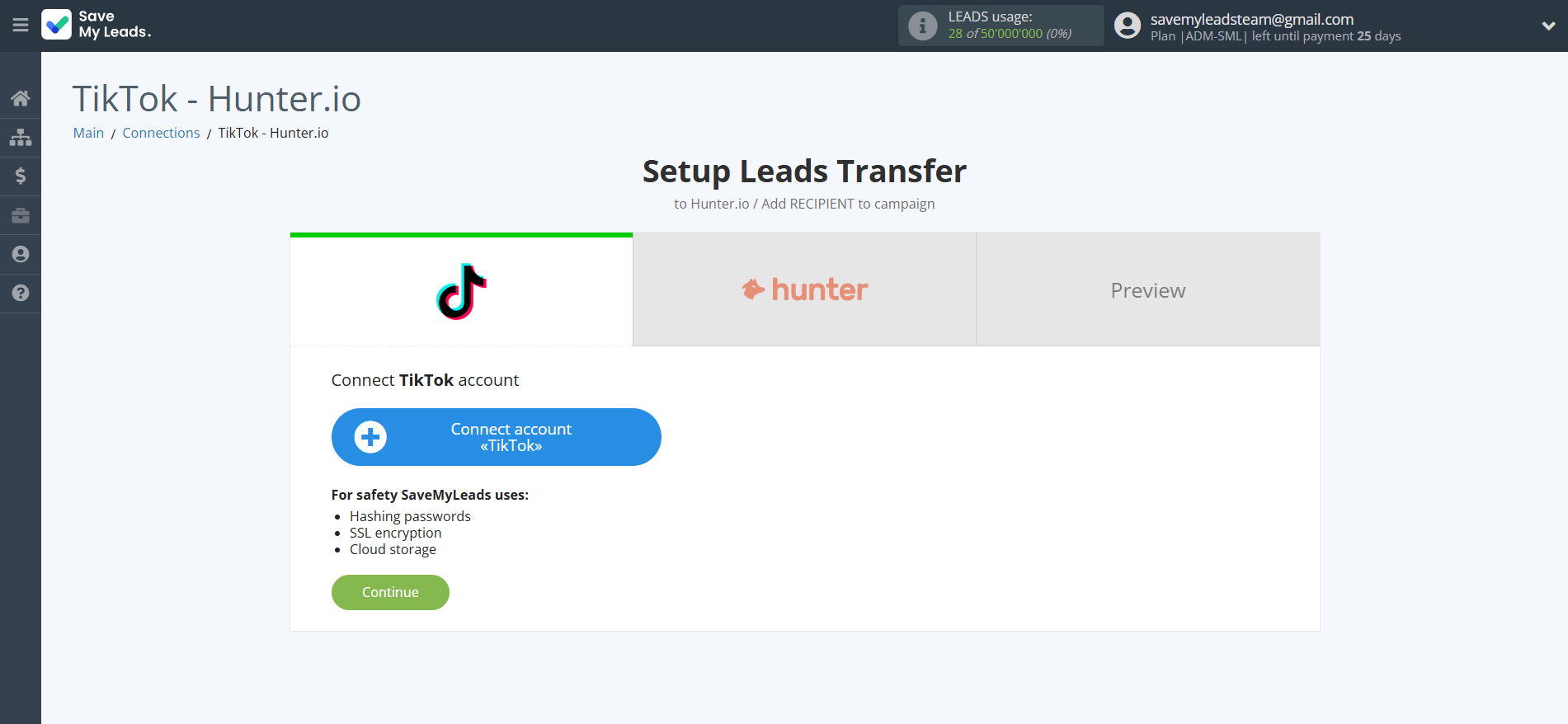
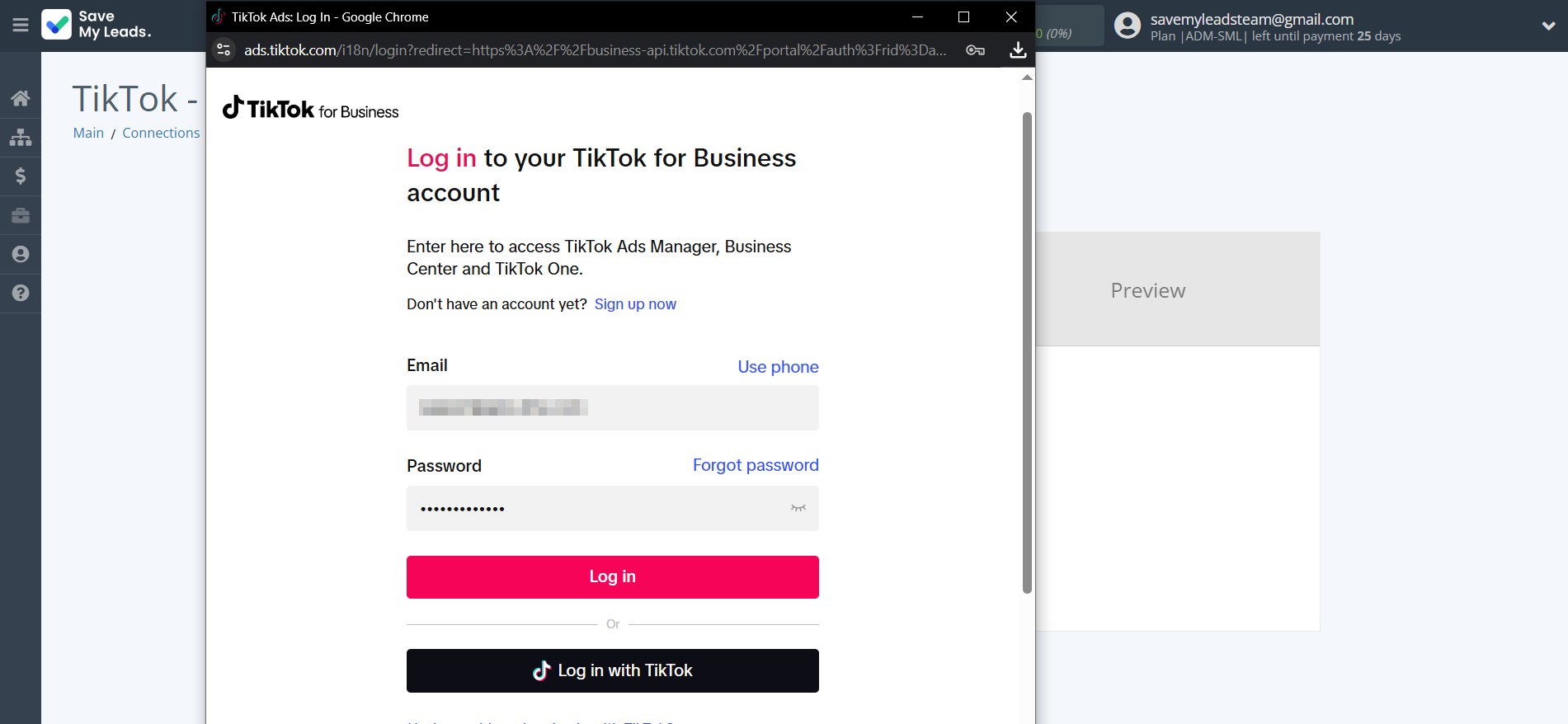
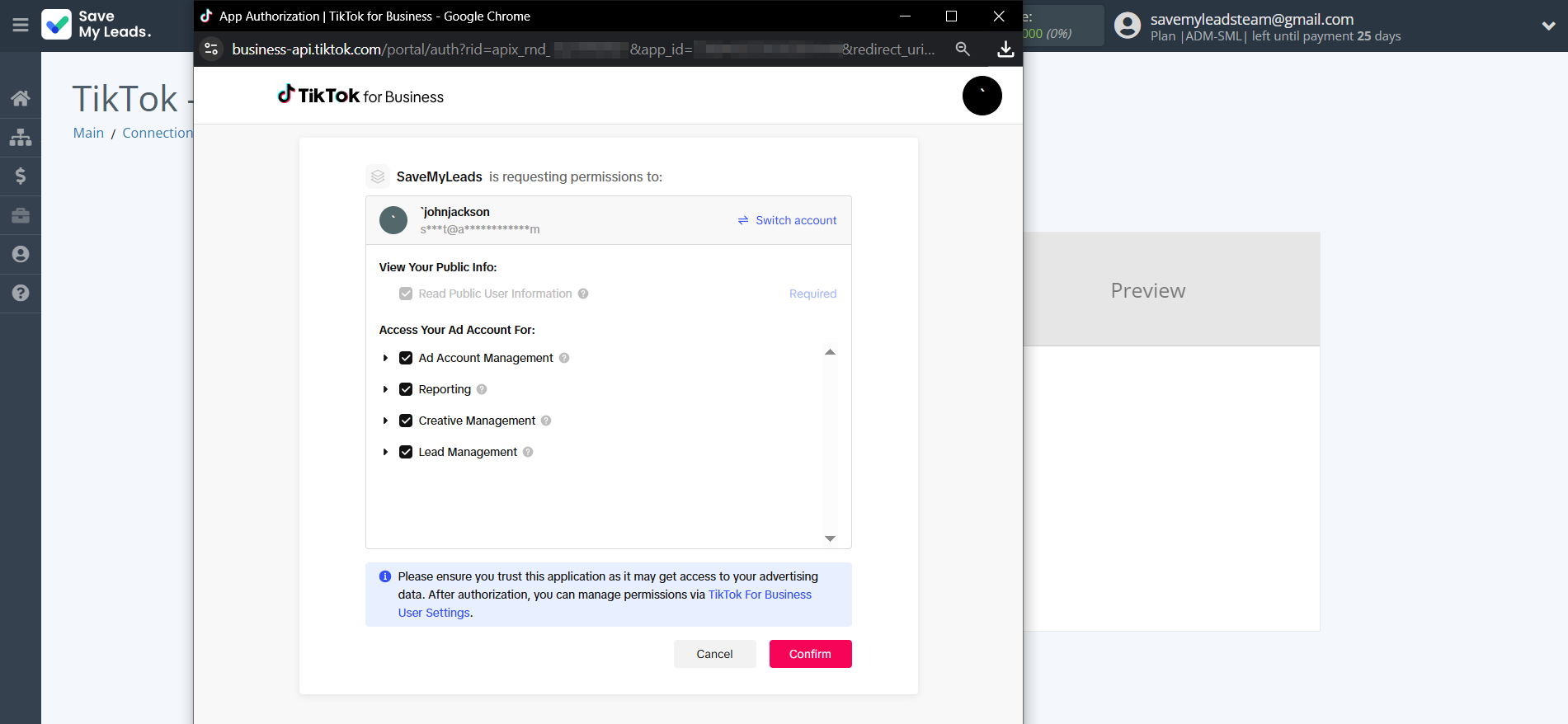
When the connected account is displayed in the "active accounts" list, select it.
Attention! If your account is in the "inactive accounts" list, check your access to this account!
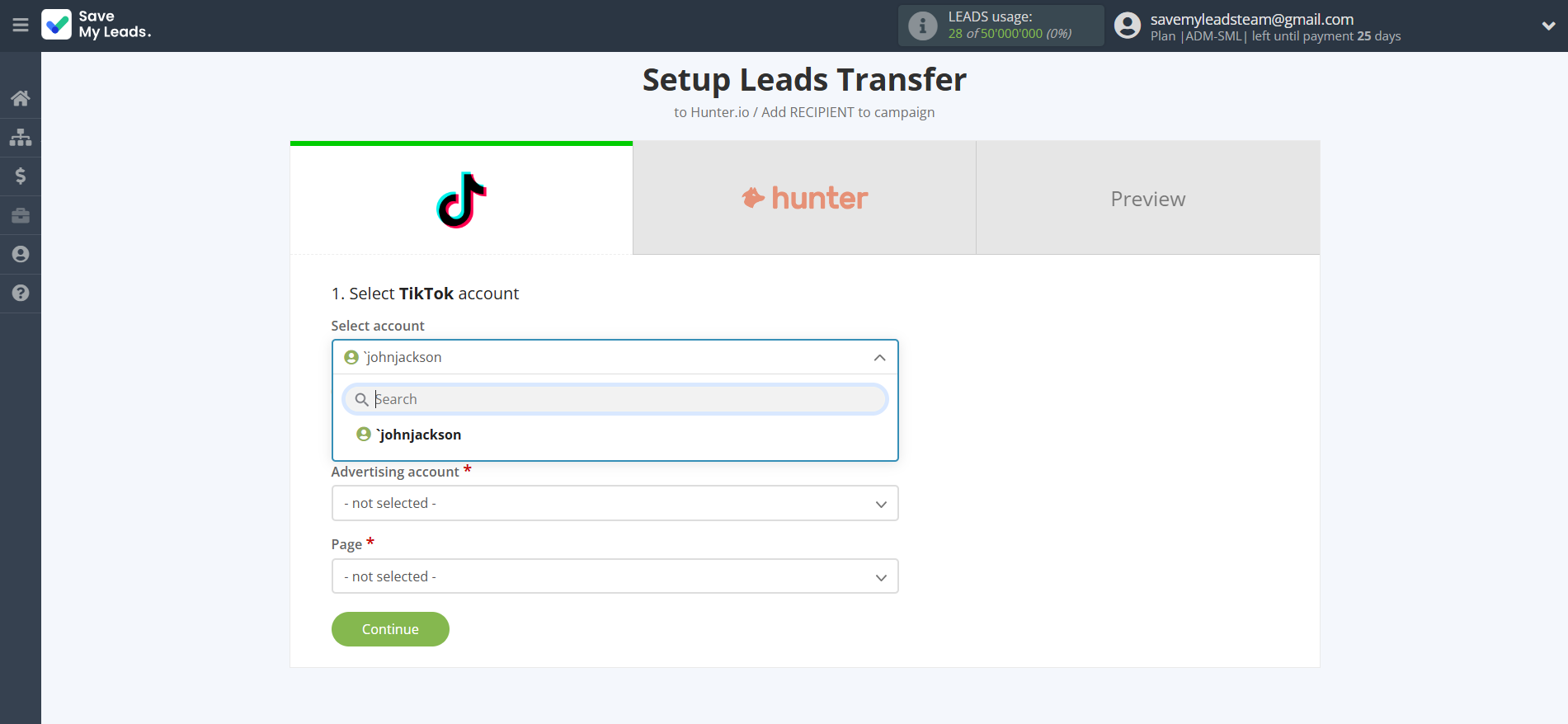
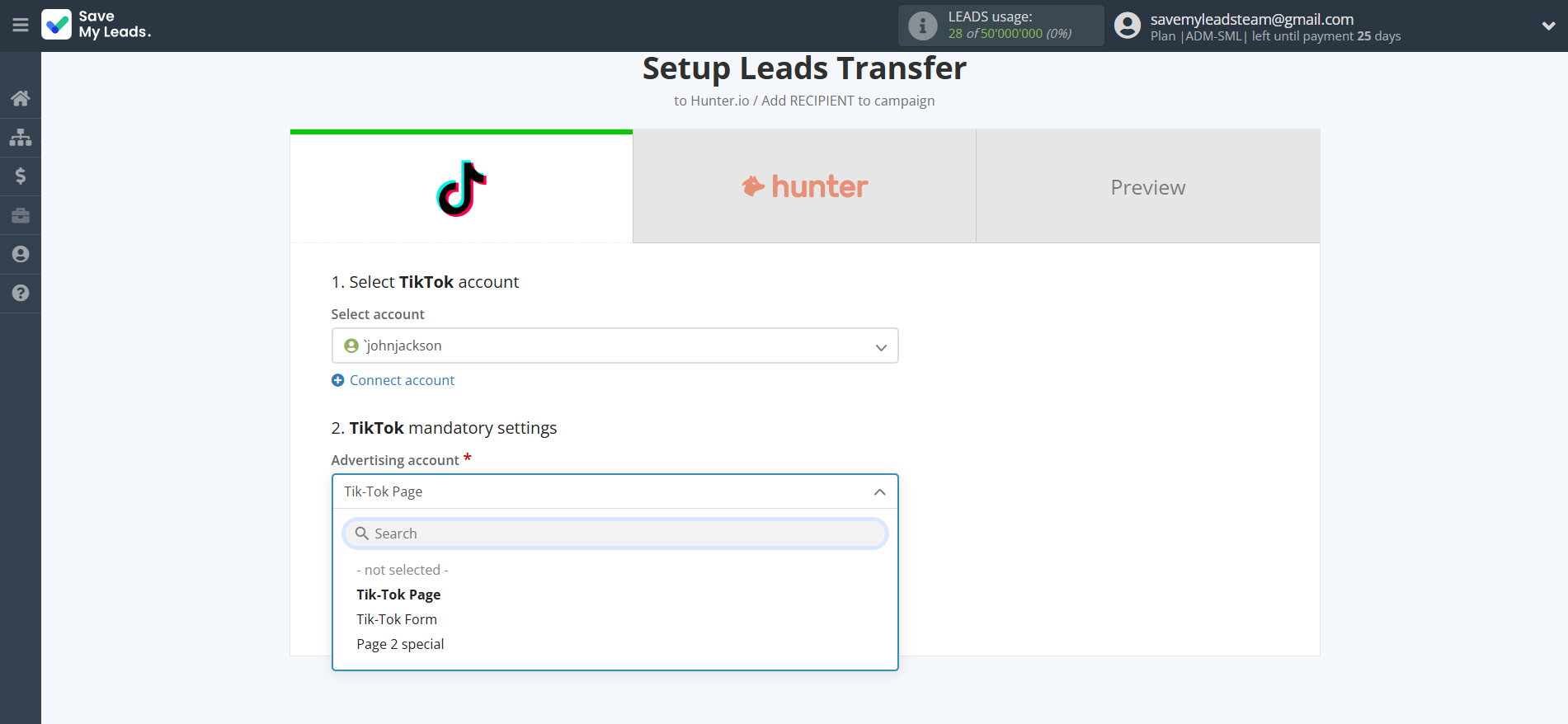
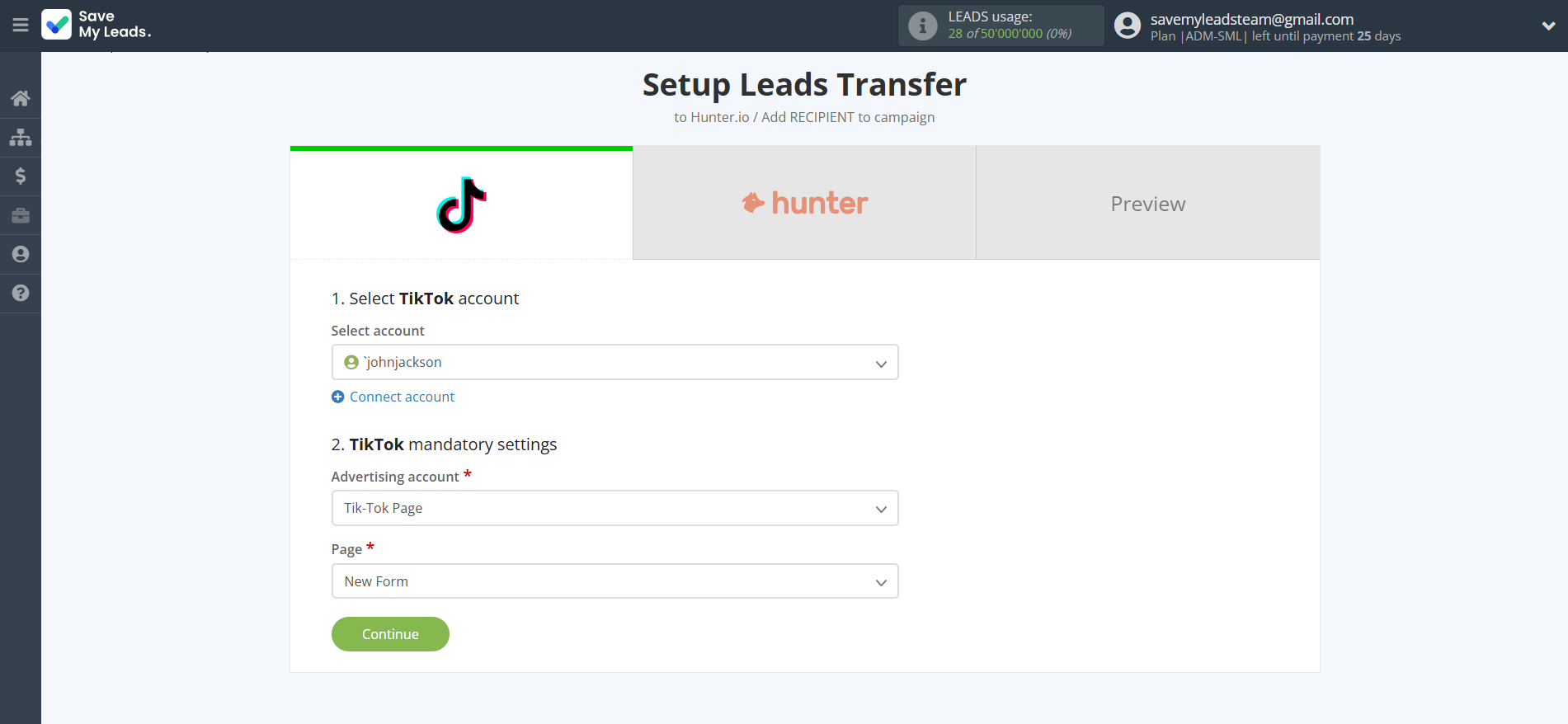
Select the Advertising Account and Page from the drop-down list and click Continue.
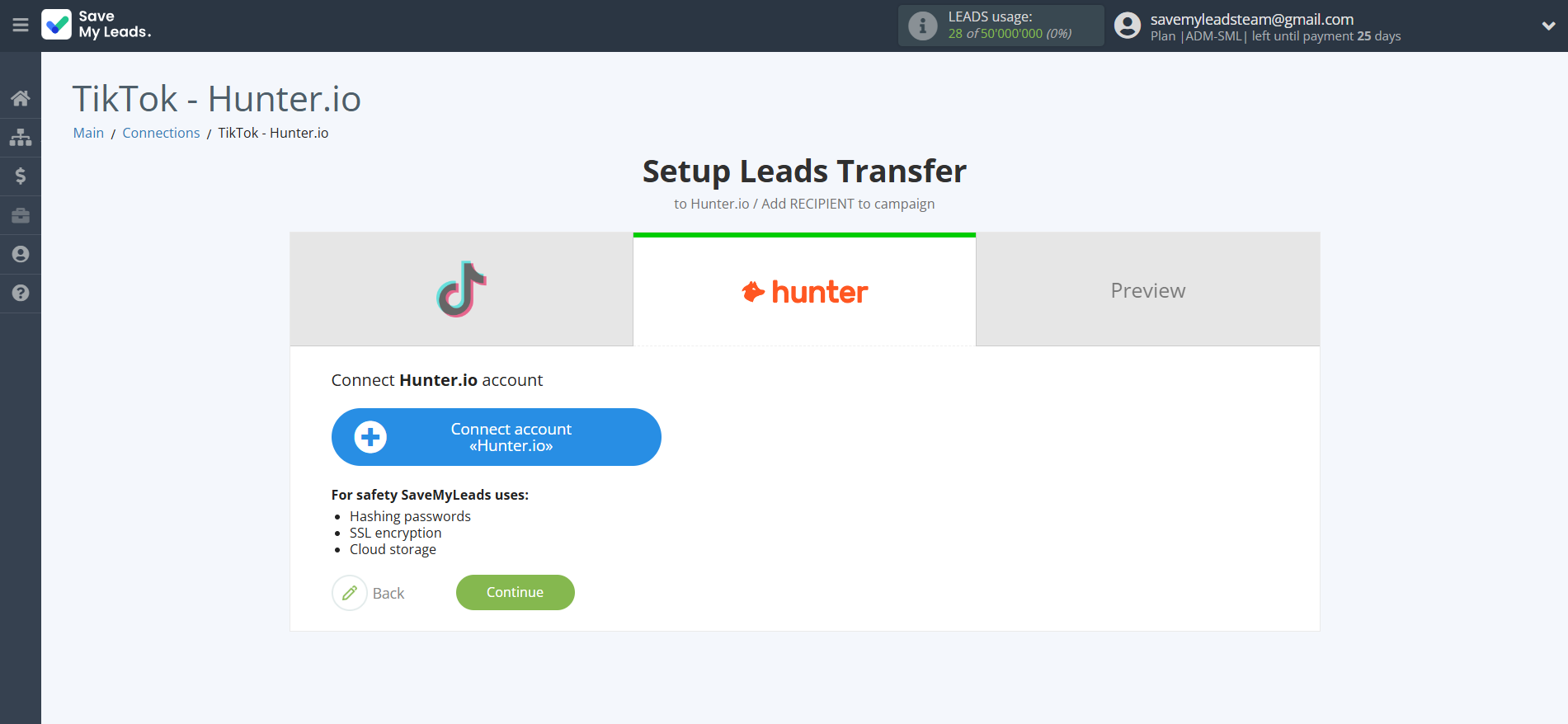
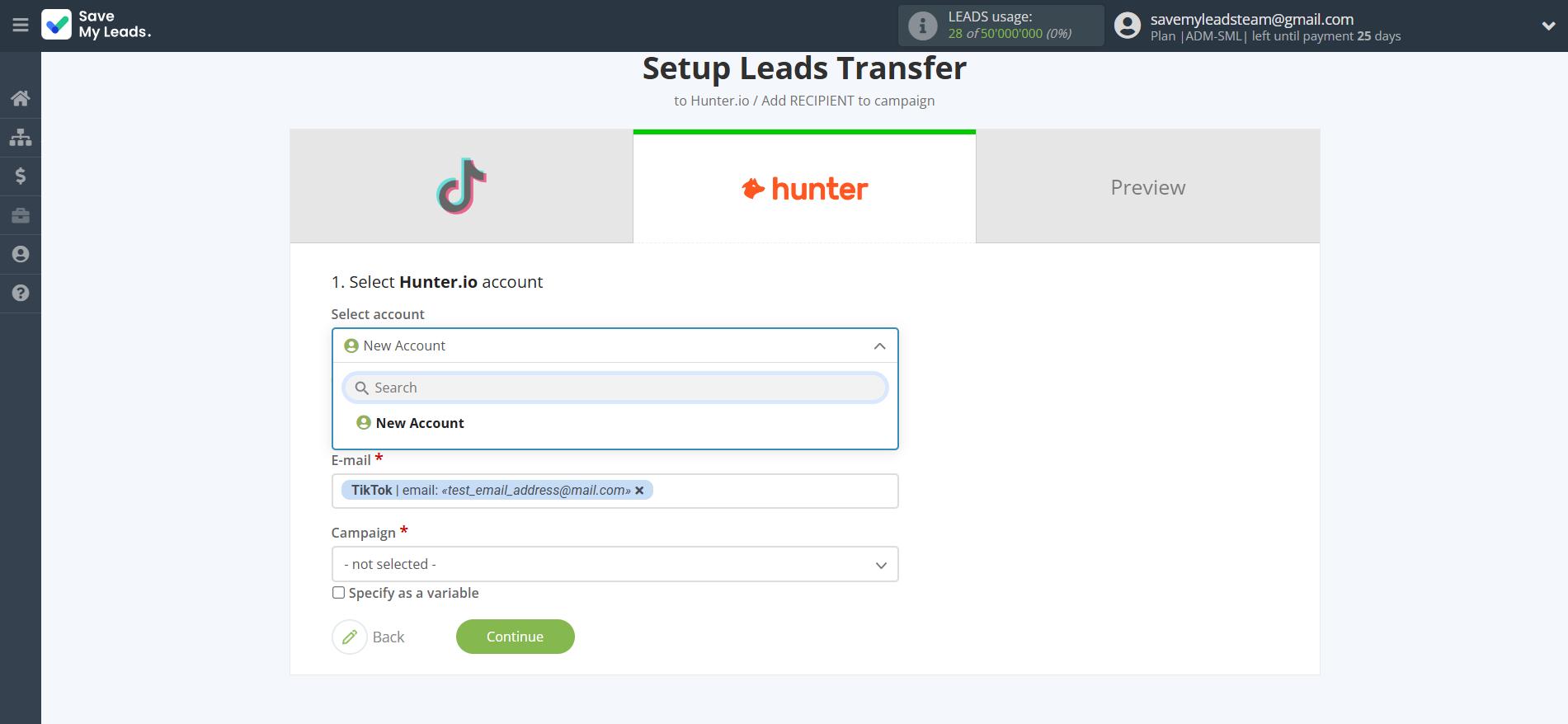
The next step is to select Hunter.io account to which leads will be sent.
If there are no accounts connected to the system, click "Connect account".
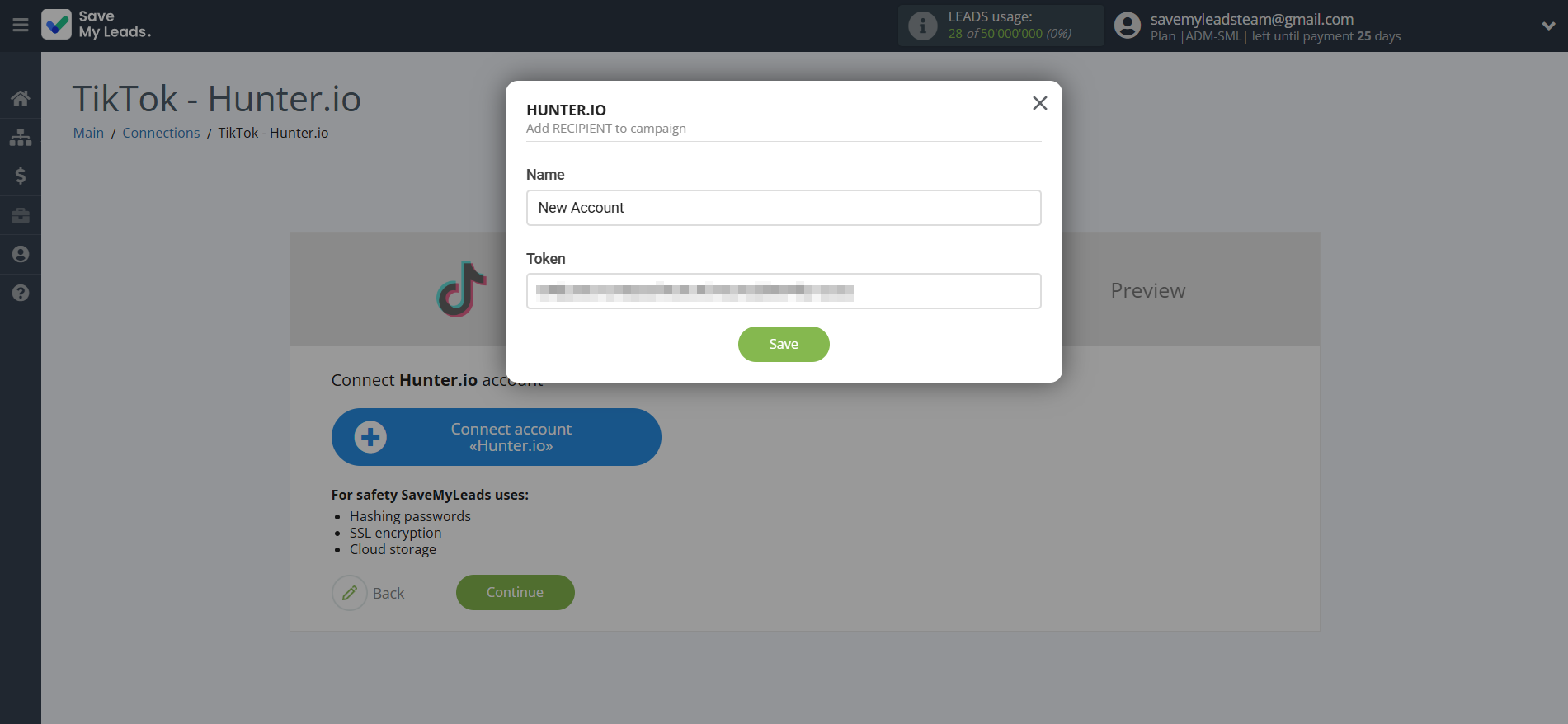
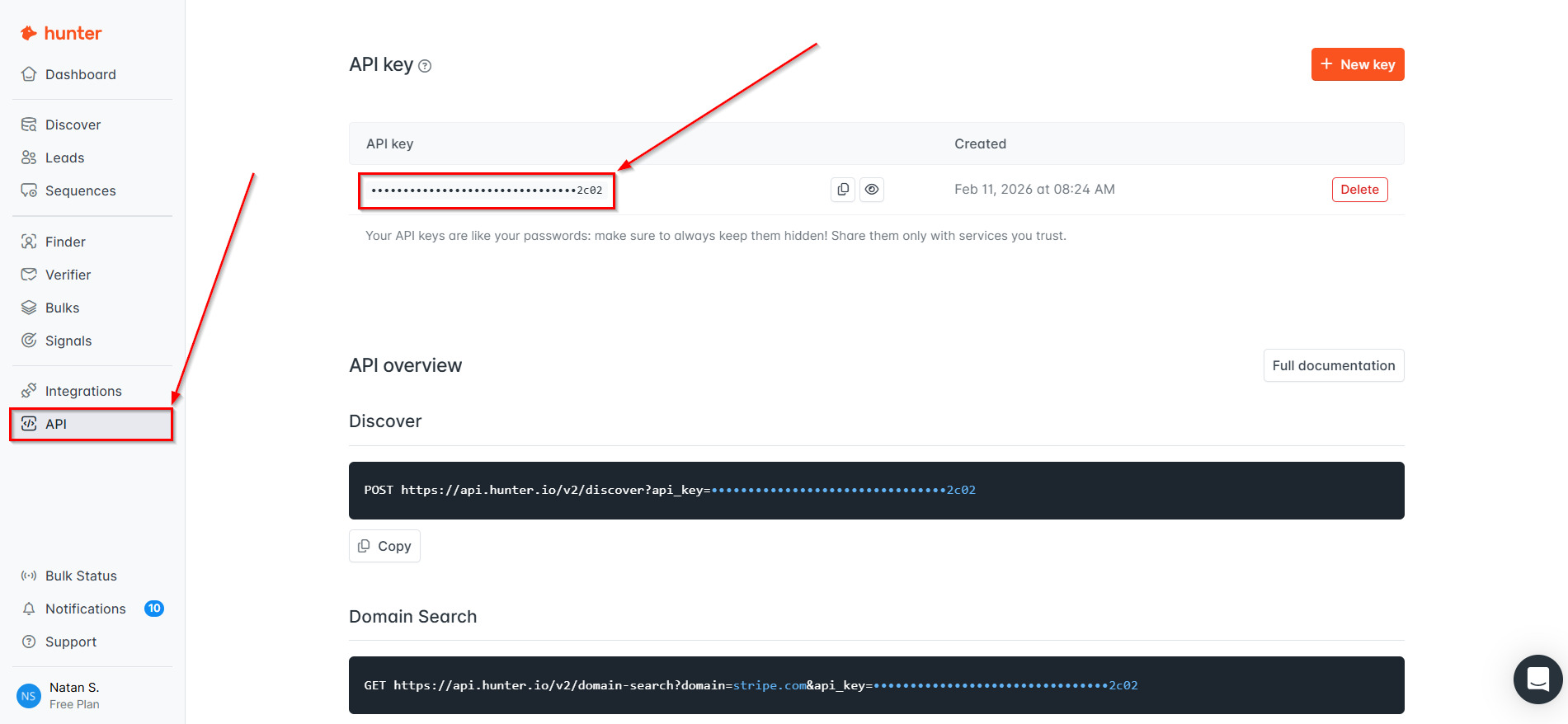
In the window that opens, you need to fill in the "API key" field, which is located in "API" in your Hunter.ioaccount.
Copy the "API key" and paste it into the corresponding field in the SaveMyLeads system.
When the connected account is displayed in the "active accounts" list, select it.
Attention! If your account is in the "inactive accounts" list, check your access to this account!
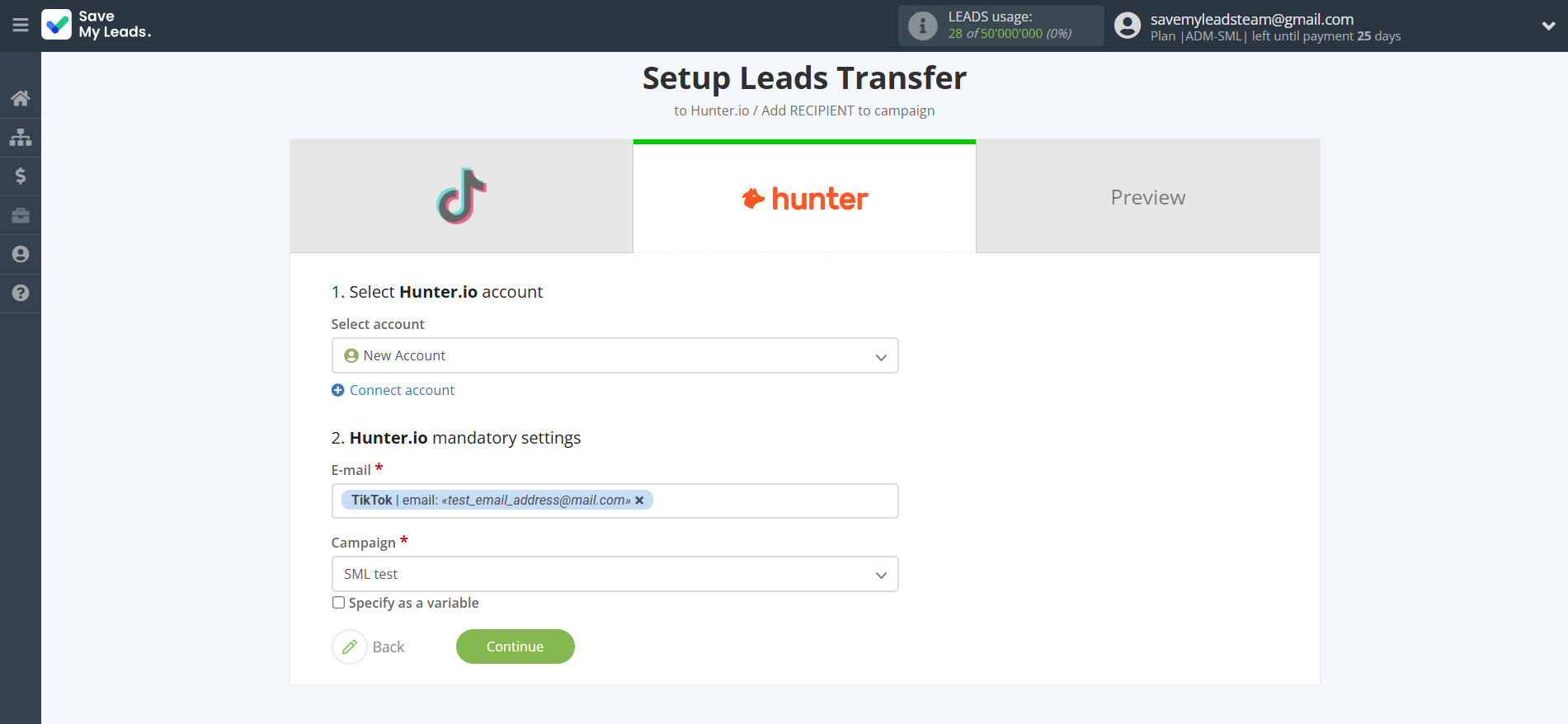
Now you need to assign variables to the required fields to send data to Hunter.io.
Select the required TikTok data, click on the parameter and it will be assigned to the selected Hunter.io field.
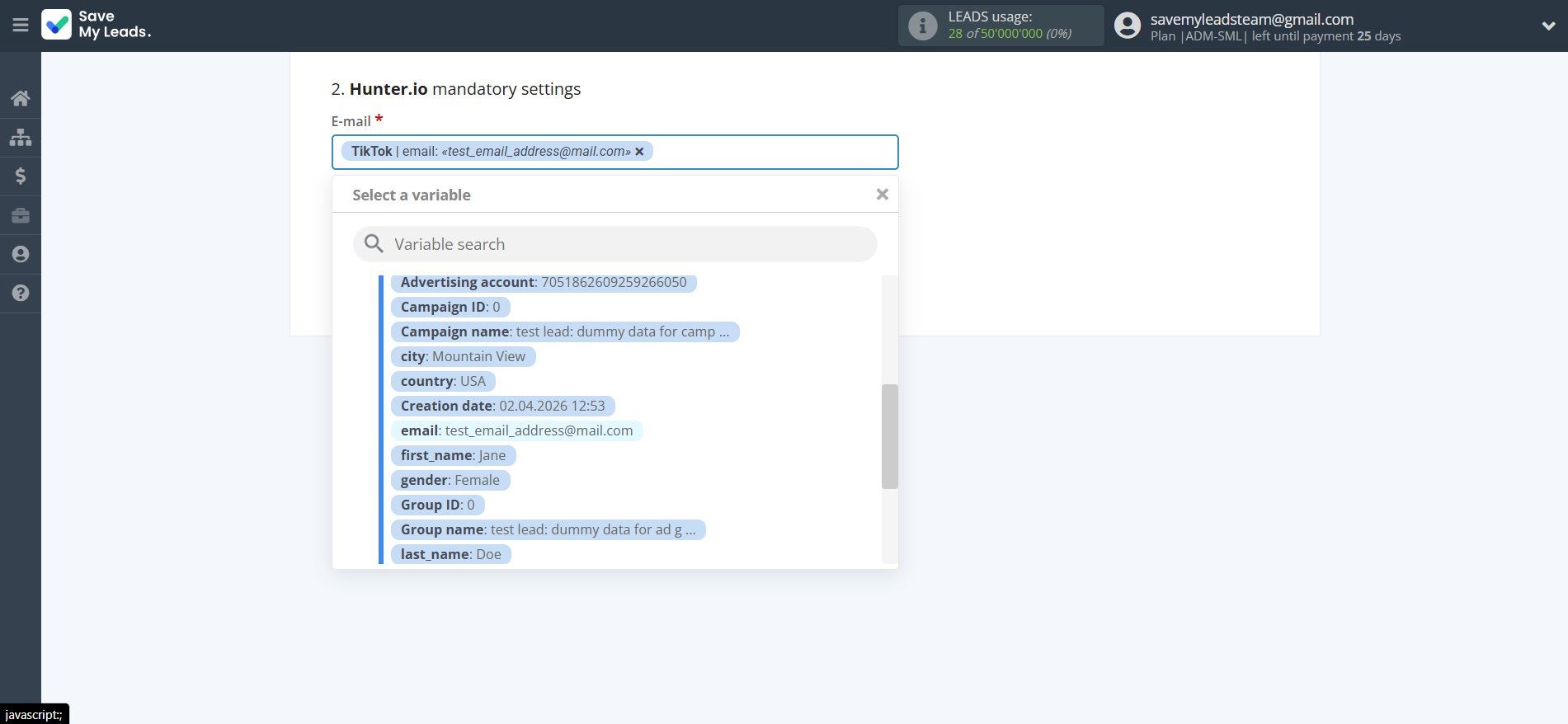
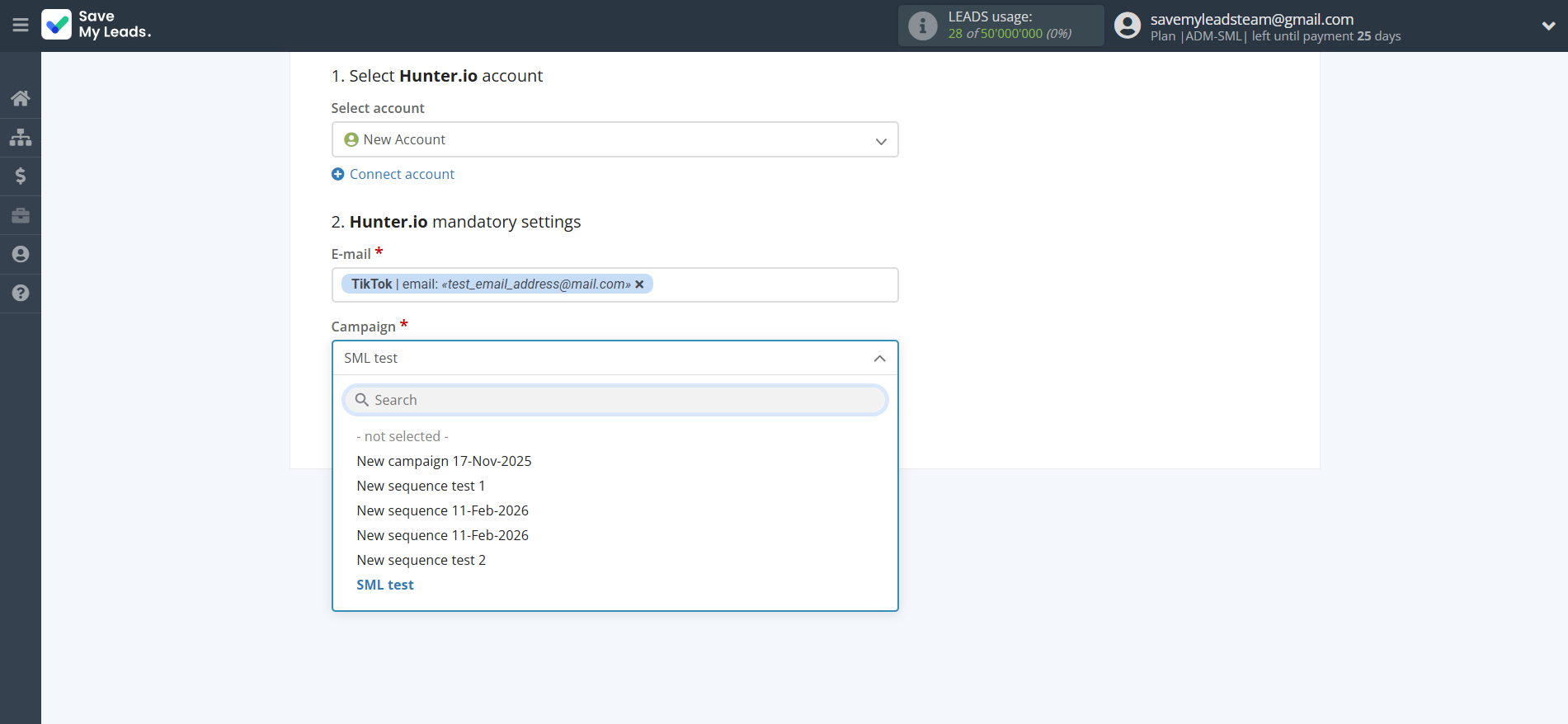
In this section, the fields will be assigned according to the template. You can completely change it or leave it as is.
Click "Continue" when you're done with assigning fields.
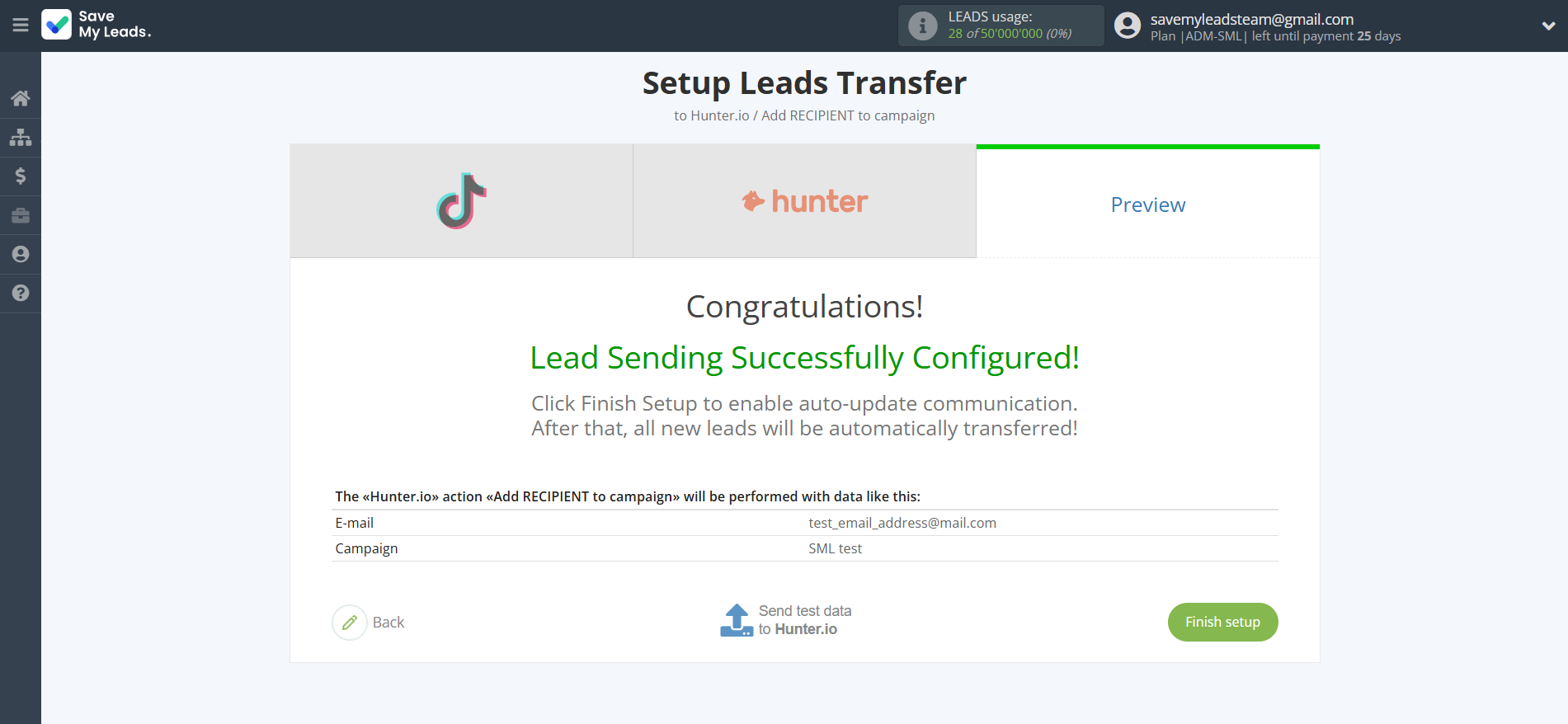
Now you can see Test data.
Click "Send test data to Hunter.io" and check your Hunter.io contacts.
If something does not suit you, click "Back" and go back one step.
In order for data from TikTok to be transferred multi-venously to Hunter.io, click "Finish setup".
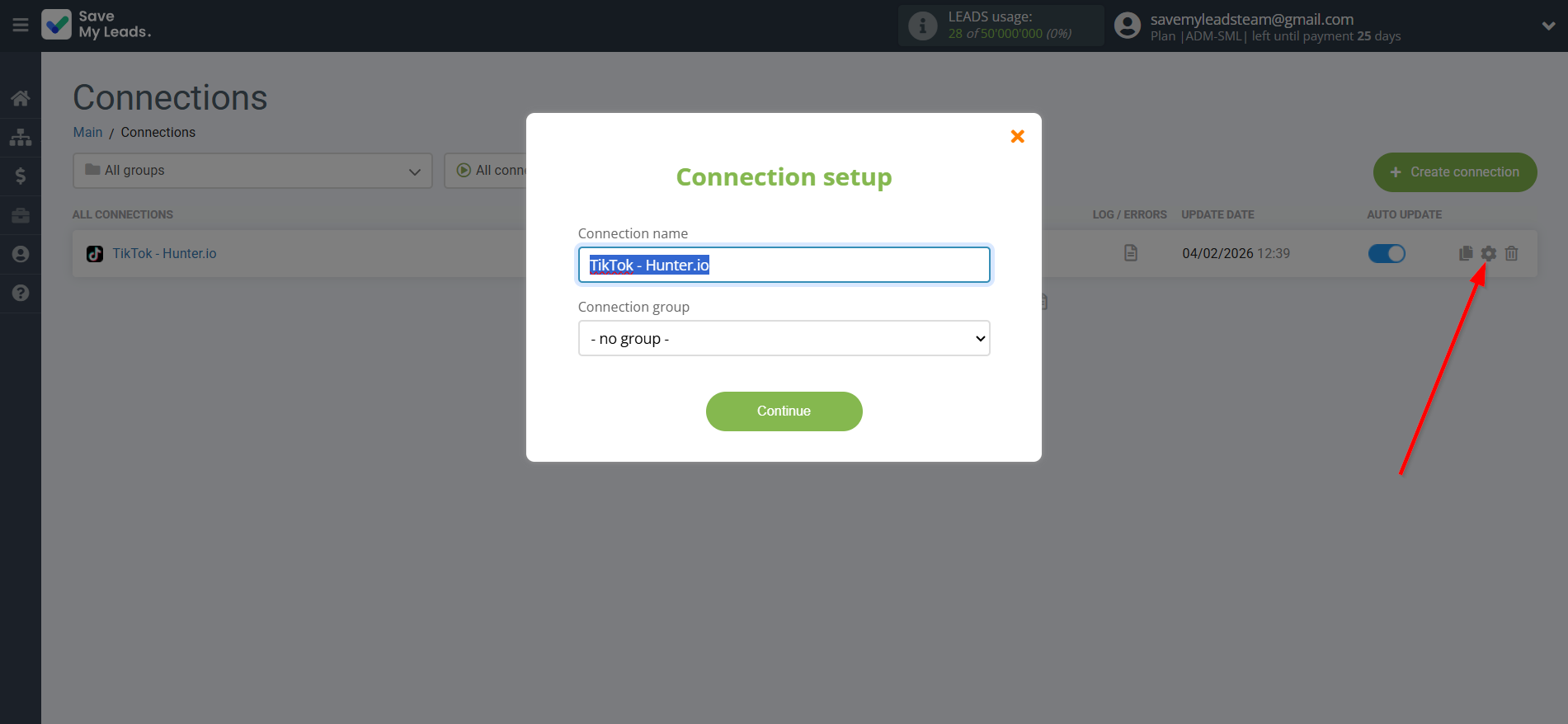
On the main screen, click on the gear icon to select name of the connection and select a group for it, if necessary.
When the slider is in the position as shown in the picture - auto-update works. If you want to disable communication, click this slider.
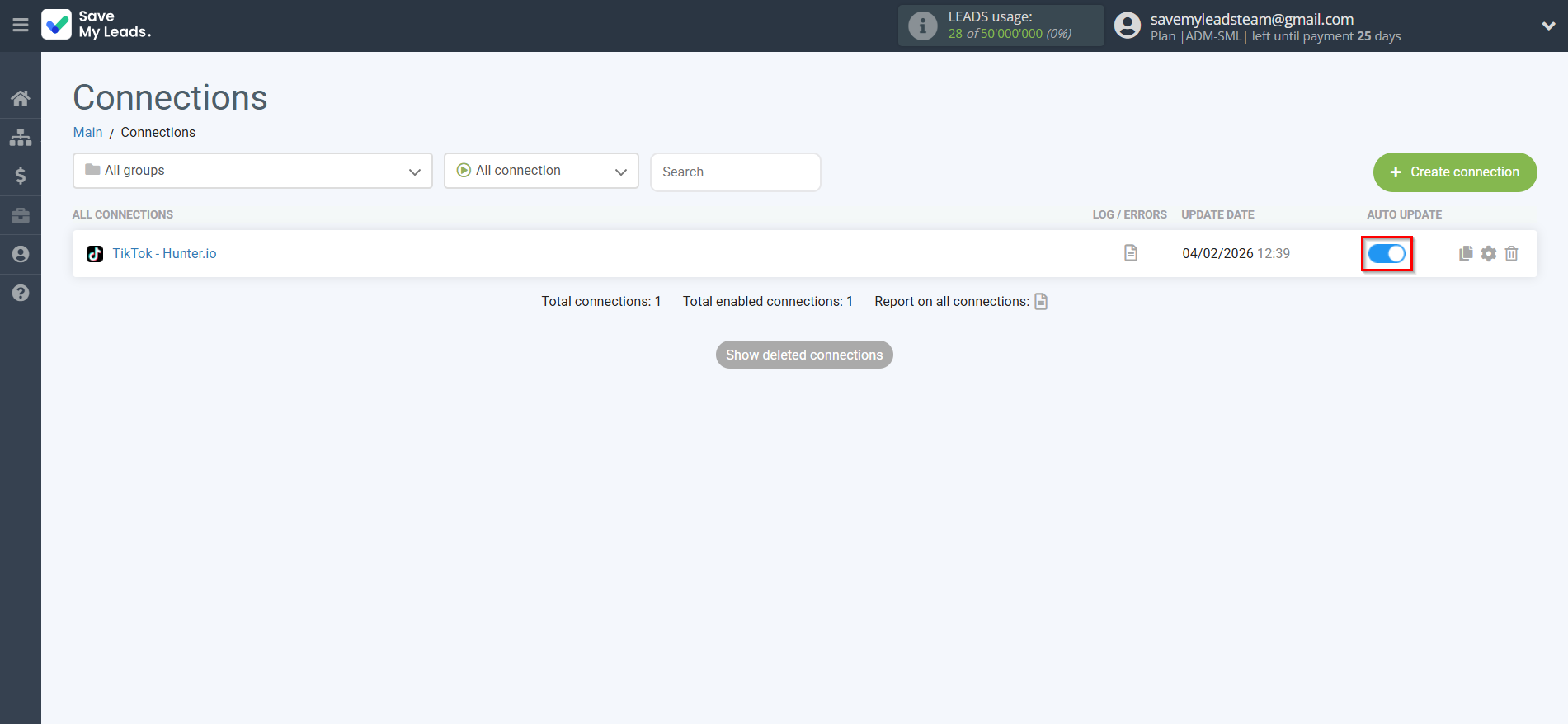
This completes the integration setup between TikTok and Hunter.io Create Contact! See how easy it is!?
Now you don't have to worry, SaveMyLeads will do everything on its own!