Many modern presentation platforms allow users without formal design training to create polished slide decks with templates, automated layout tools, and AI-assisted features. This article reviews five professional presentation tools, focusing on their key features, use cases, and current pricing plans.
Canva
Source: canva.com
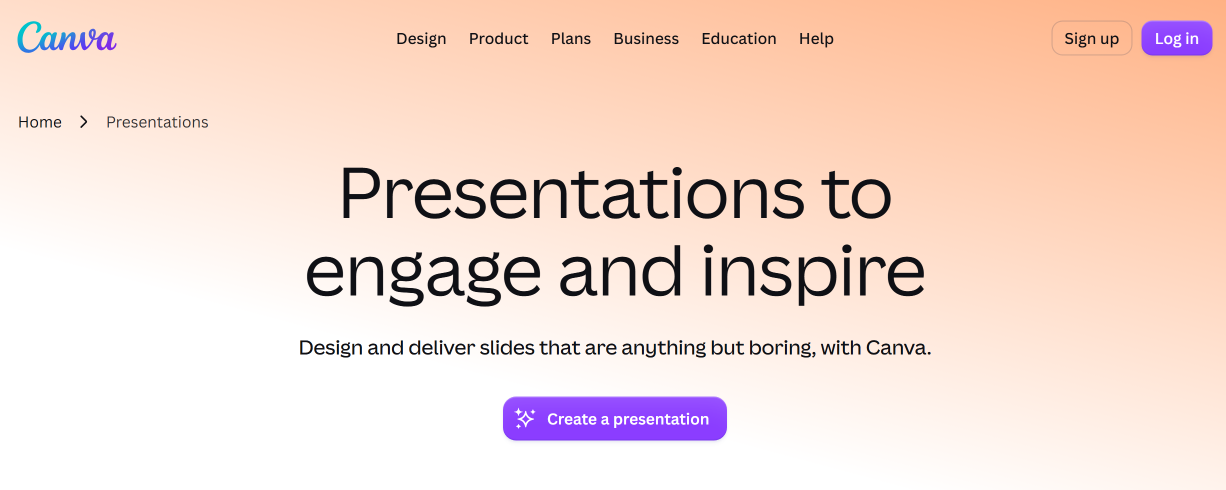
Canva is a popular presentation and slide deck creation platform. It combines the capabilities of a graphic editor, presentation builder, and collaborative platform. A wide selection of templates, visualization tools, and AI-powered features makes it suitable for creating individual slides quickly as well as building complete presentations for business, education, and marketing.
Key features:
- Canva's catalog contains over 20,000 templates for presentations, including professional templates for business slides. You can filter them by format, style, theme, color scheme, price, and other criteria.
- A simple drag-and-drop editor lets users create and edit presentations without advanced design skills. A range of customization options is also available for slide design: colors, fonts, backgrounds, layouts, and elements.
- Canva offers a massive library of millions of assets, including photos, illustrations, icons, audio, and video. It also provides access to stock media and data visualization tools (graphs, charts, and diagrams).
- Collaboration mode allows multiple users to create and edit presentations together. The platform supports comments, mentions, and feedback, as well as the ability to convert presentations into whiteboards for brainstorming.
- The platform includes a presenter mode with speaker notes, a timer, and slide previews.
- Presentations can be recorded and exported in video format.
- The platform also supports AI-assisted slide deck creation through Magic Design for layouts, Magic Write for text and ideas, and Magic Animate for animations and transitions.



Canva offers four pricing plans:
- Free (for individual users, including a drag-and-drop editor and 1,000+ design types, 1.6 million templates, 4.7 million pieces of content, 1 brand kit, 5 GB of cloud storage, etc.).
- Pro (for individual users: all Free options, 3.6 million templates, 141 million pieces of content, 5 brand kits, premium and AI tools, 100 GB of cloud storage, etc.) — $18/month per user.
- Business (for individuals and teams: all Pro features, 100 brand kits, collaboration and administration tools, 500 GB of cloud storage, etc.) — $25/month per user.
- Enterprise (all Business options, custom applications, enterprise-level security and management, SSO/SCIM, 1000 brand kits, 1 TB in the cloud, etc.) — price upon request.
Beautiful.ai
Source: beautiful.ai
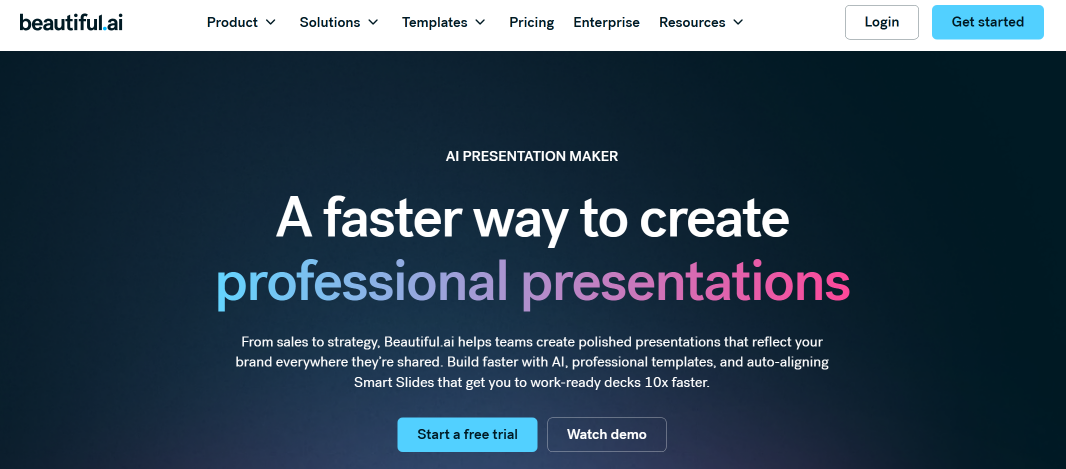
Among professional presentation tools for business, Beautiful.ai stands out for its high level of automation. Its AI-powered tools help users generate polished slide decks and maintain consistent branding without extensive manual design work.
Key features:
- To get started, users simply provide a prompt, outline, or document, and the built-in AI generates a complete presentation draft. The AI can also automatically rewrite, supplement, and summarize the content on the slides.
- Smart Slides automatically adjust layout, spacing, and alignment as content is added or removed from a presentation, eliminating the need for users to move elements or make other manual adjustments.
- Beautiful.ai is well known for pitch deck creation, but its use cases extend beyond this task. The service also offers professional templates for training materials, investor presentations, and more. Structured slide templates are also available, including timelines, charts, dashboards, and more.
- The platform helps maintain a consistent brand identity across all presentations. Simply configure your themes, colors, fonts, and logos once, and they will be automatically applied across all slides.
- The service offers collaboration, AI image generation, stock media libraries, data visualization (graphs, charts), export to a range of formats (PPTX, PDF, Google Slides), and integration with Slack, Dropbox, Salesforce, PowerPoint, and other external systems.
Beautiful.ai offers three pricing plans:
- Pro (for 1 user, access to all AI tools, 300+ Smart Slide layouts, slide auto-formatting, media libraries, custom branding, etc.) — $12/month when paying annually or $45/month when paying monthly.
- Teams (for 2–20 users, all Pro features, collaboration tools, engagement tracking and analytics, presentation creation and translation in 100+ languages) — $50/month per user or $40/month when paying annually.
- Enterprise (all Teams features, unlimited users, slides, templates, themes, content, advanced administration and security tools) — price upon request.
Gamma
Source: gamma.app
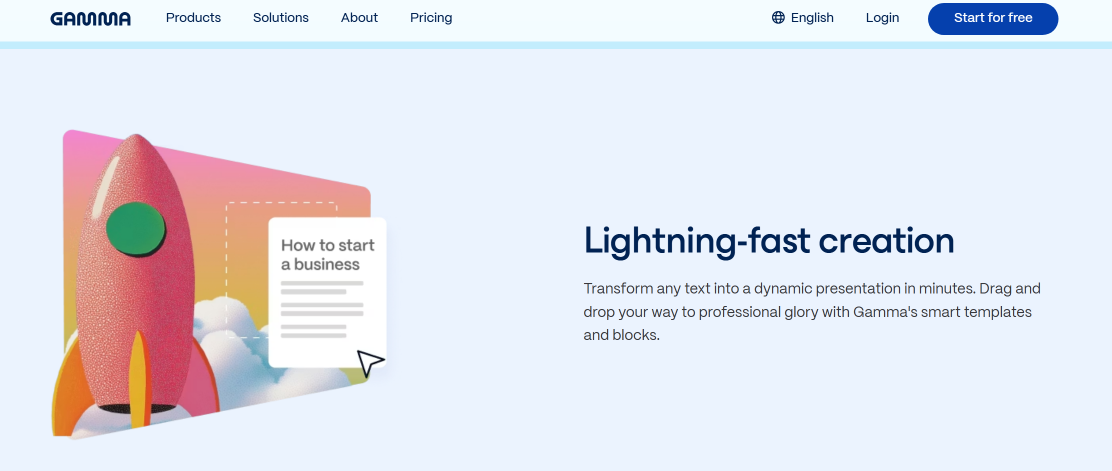
Gamma is a next-generation browser-based platform that combines tools for creating presentations, documents, and lightweight web pages with artificial intelligence capabilities. The platform has become one of the top-rated professional slide deck tools in 2026, thanks to its flexible approach to content generation and a modern presentation format.
Key features:
- Users can design professional presentations from scratch using short text prompts or notes. AI automatically generates the slide structure, headings, and bullet points, as well as the entire visual layout.
- AI tools automatically format presentations. They select design layouts that match the content, maintain consistent styling and spacing, and suggest suitable visuals.
- Gamma structures presentations as vertically scrollable cards rather than fixed slides. This flexible format works well in web browsers and on mobile devices.
- Created presentations are automatically saved to the platform's cloud storage. They can be shared via links and viewed in any browser without downloading files.
- AI editing and regeneration features let users rewrite text and change visuals, formatting, design elements, and other presentation components.
- Additional features include collaboration mode and automatic generation of graphs, charts, speaker notes, and bullet points. The platform also allows you to quickly select images for slides, embed videos and links, and get analytics on your presentations. Export to PPTX, PDF, PNG, and Google Slides is supported.
Gamma offers a wide range of pricing plans:
- Free (generate up to 10 cards per prompt, 400 credits after registration, simple presentations, documents, websites and images, import from PPTX and PDF, export to PPTX, PDF, PNG and Google Slides).
- Plus (all Free features + up to 20 cards per prompt, 1,000 credits per month, no Gamma branding, advanced AI models for images) — $12/month per seat.
- Pro (all Plus features + up to 60 cards per prompt, 4,000 credits per month, premium AI models for images, custom branding and fonts, advanced sharing and analytics, hosting on 10 domains, API, workspace templates) — $25/month per seat.
- Ultra (all Pro features + up to 75 cards per prompt, 20,000 credits per month, access to all AI models, hosting on 100 domains, early access to new features) — $100/month per seat.
- Team (all Pro options + up to 60 cards per prompt, 6,000 credits per month, centralized billing, administration, shared folders, data management) — $20/month per seat.
- Business (all Team options + up to 75 cards per prompt, 10,000 credits per month, SSO, SOC 2, advanced data management and access to AI models) — $40/month per seat.
Pitch
Source: pitch.com
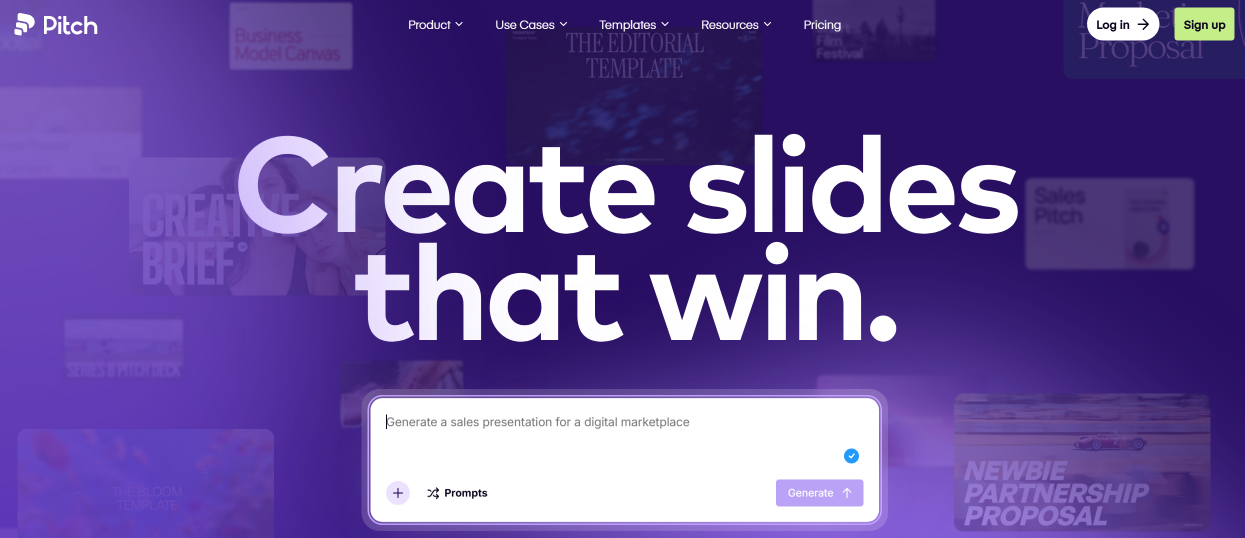
Pitch supports the entire presentation workflow, from creating the first slides to publishing, distribution, and audience engagement tracking. This platform integrates tools for presentation development, collaboration, content management, and analytics. This suite of features makes it a sought-after solution among the best slide deck builders for startups and teams that regularly work with presentation materials.
Key features:
- Built-in AI models create presentation drafts based on simple text queries, transforming ideas and points into structured slide decks. They can also generate content, layouts, and compelling narratives from scratch.
- Users can choose from more than 100 professional presentation templates and customize them with colors, fonts, logos, and other brand assets. Custom presentations can also be saved for reuse.
- Pitch allows multiple participants to work on presentations in real time or asynchronously. They can leave comments, assign tasks, track slide statuses, and use other collaboration tools.
- The drag-and-drop interface simplifies working with text, images, and other elements, making the editing process more intuitive. Tools for creating and formatting layouts are complemented by the ability to customize animations and transitions, as well as embed videos, forms, and other interactive elements.
- For publishing and sharing presentations, the service offers shared links and a Pitch Rooms format, where slides can be combined with files and other materials in a single workspace. Access settings and viewing permissions offer flexible control over who can view and interact with the content.
- The platform provides built-in tools for tracking engagement and other key presentation metrics. Additionally, a presenter mode with notes and a timer is available, as well as integration support for embedding videos, graphs, and analytical data. A built-in recording tool lets you capture presentations for later playback or distribution.
Pitch offers five pricing plans:
- Free (up to 5 users, 100 AI credits, unlimited presentations, custom templates, branded sharing links and PDF exports, 2 guests).
- Plus (1 user, 500 AI credits/month, 5 guests, custom fonts, video uploads, no service branding, PowerPoint export) — $15/month.
- Team (up to 25 users, all Plus options + 500 AI credits per month per user, 25 guests, 25 advanced links, custom domains, 30 days of version history storage, etc.) — $23/month per user.
- Business (up to 200 users, all Team options + 750 AI credits per month per user, unlimited guests, extended links and pitch rooms, unlimited version history storage, content library, etc.) — $30/month per user.
- Enterprise (from 30 users, all Business options + SAML SSO, onboarding and training, personal manager, priority support, etc.) — price upon request.
Decktopus AI
Source: decktopus.com
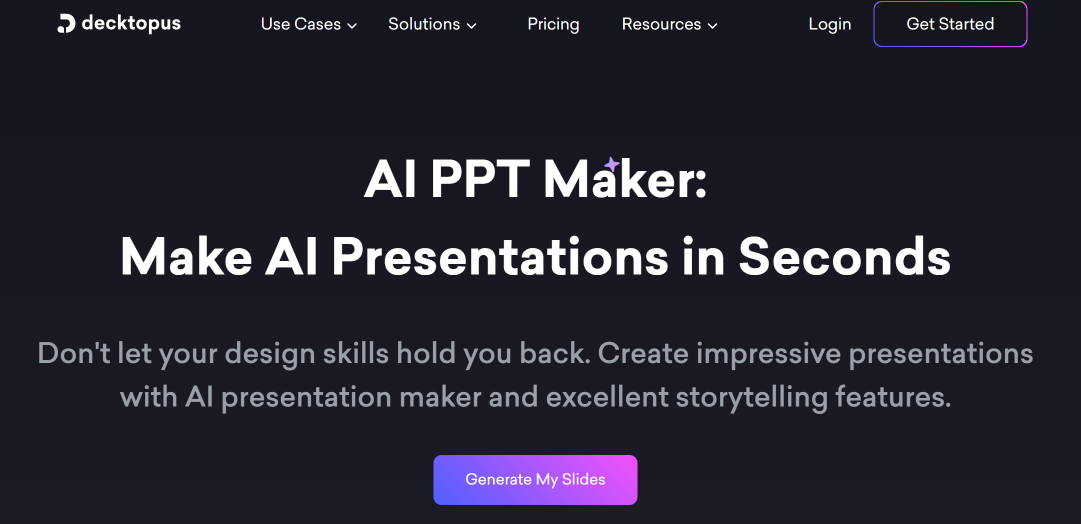
Rounding out our review of modern presentation apps for corporate teams is the Decktopus AI platform. Designed to automate presentation creation, it helps businesses speed up the preparation, editing, and design of slide decks using artificial intelligence. The platform combines content generation, design, and presentation tools in one workspace, reducing manual work and simplifying the entire material preparation process.
Key features:
- AI automatically generates complete presentations, including the structure, text, and visuals, from user prompts or uploaded documents.
- The brand import feature applies logos, fonts, colors, and other brand elements from a website URL or uploaded assets.
- The built-in AI assistant handles tasks beyond slide design, including storytelling, copywriting, script writing, and speaker notes.
- The platform can generate images, automatically select visuals for individual slides, and regenerate designs or content based on updated prompts.
- Users can create and edit presentations manually via a drag-and-drop interface, as well as use a library of custom templates.
- The service provides tools for collaboration (shared templates, a centralized dashboard, etc.), integration with external systems, and workflow automation.
Decktopus AI offers three pricing plans:
- Pro (full functionality, 750 AI credits per month, AI generation of presentations and images, PDF export) — $24.99/month.
- Business (all Pro options + 1,000 AI credits per month, custom domain connection, slide analytics, webhooks, team management) — $49.99/month per user.
- Enterprise (all Business options + corporate branding, AI branding customization, custom slide layouts, document import, corporate templates) — price upon request.
Conclusion
The presentation platforms covered in this article provide professionals with a range of useful tools. They significantly speed up and streamline the creation and editing of presentation content.
A defining feature of the leading platforms is their built-in AI capabilities. With these, users can automate a wide range of tasks, from writing content and selecting visuals to developing turnkey presentations. Another advantage is flexible, tiered pricing, with some platforms offering a free plan.
Note: Pricing, plans, features, and usage limits may change over time. Check each provider’s official website for the latest information before choosing a plan.