AI tools can make it much easier to work through long articles, documents, research materials, videos, and other sources of information. Some focus on quick summaries, while others combine reading with research, annotation, search, or knowledge management. In this article, we'll compare useful tools for reading and summarizing content in 2026, including their key features and current pricing.
Claude

Source: claude.com
Launched in 2023, Anthropic's Claude has become a popular general-purpose AI assistant for working with long texts, documents, and other types of content. Its large context windows and file-handling capabilities make it particularly useful for summarization and document analysis.
Key features:
- One of the service's main advantages is its large context window. This enables the chatbot to efficiently handle and summarize large volumes of text: multi-page documents, reports, books, datasets, etc.
- Claude supports direct uploads of PDF, Word, CSV, and several other document formats. Users can attach one or multiple files and ask Claude to extract, summarize, compare, or analyze the information they contain.
- Users can give the chatbot text processing instructions in the form of simple prompts. For example, "write a short summary," "create a detailed analysis with sections," or "highlight the main points in a list."
- In addition to summarizing text, Claude can answer questions about uploaded information, compare sources, and explain complex material in detail.
- The AI assistant can convert content into various structured formats: tables, lists, and checklists.
- Claude can also analyze visual content such as uploaded images and screenshots. For PDFs of 100 pages or fewer, it can process embedded images, charts, and graphics alongside the text. Other document formats are generally processed as text, so embedded visuals may not be interpreted.

- Automate the work with leads from the Facebook advertising account
- Empower with integrations and instant transfer of leads
- Don't spend money on developers or integrators
- Save time by automating routine tasks
Claude offers five main pricing plans:
- Free: $0. Includes core Claude features such as writing, editing, summarization, web search, file creation, code execution, and limited usage.
- Pro: $20 per month or $200 per year. Adds higher usage limits, unlimited projects, Research, access to more Claude models, Claude Code, Claude Cowork, Claude Design, and Claude Science.
- Max: $100 per month for the Max 5x tier or $200 per month for Max 20x. Provides substantially higher usage limits, priority access during busy periods, and early access to selected new features.
- Team: Standard seats cost $25 per seat per month with monthly billing or $20 per seat per month with annual billing. Premium seats cost $125 per seat per month or $100 per seat per month with annual billing. Team subscriptions require at least two members and include centralized administration, SSO, enterprise search, and collaboration features.
- Enterprise: $20 per seat per month, billed annually, plus usage charged separately at standard API rates. Self-service subscriptions require at least 20 seats. The plan adds advanced administration, SCIM, audit logs, role-based access, custom data retention controls, and other enterprise security features.
Perplexity AI
Source: perplexity.ai
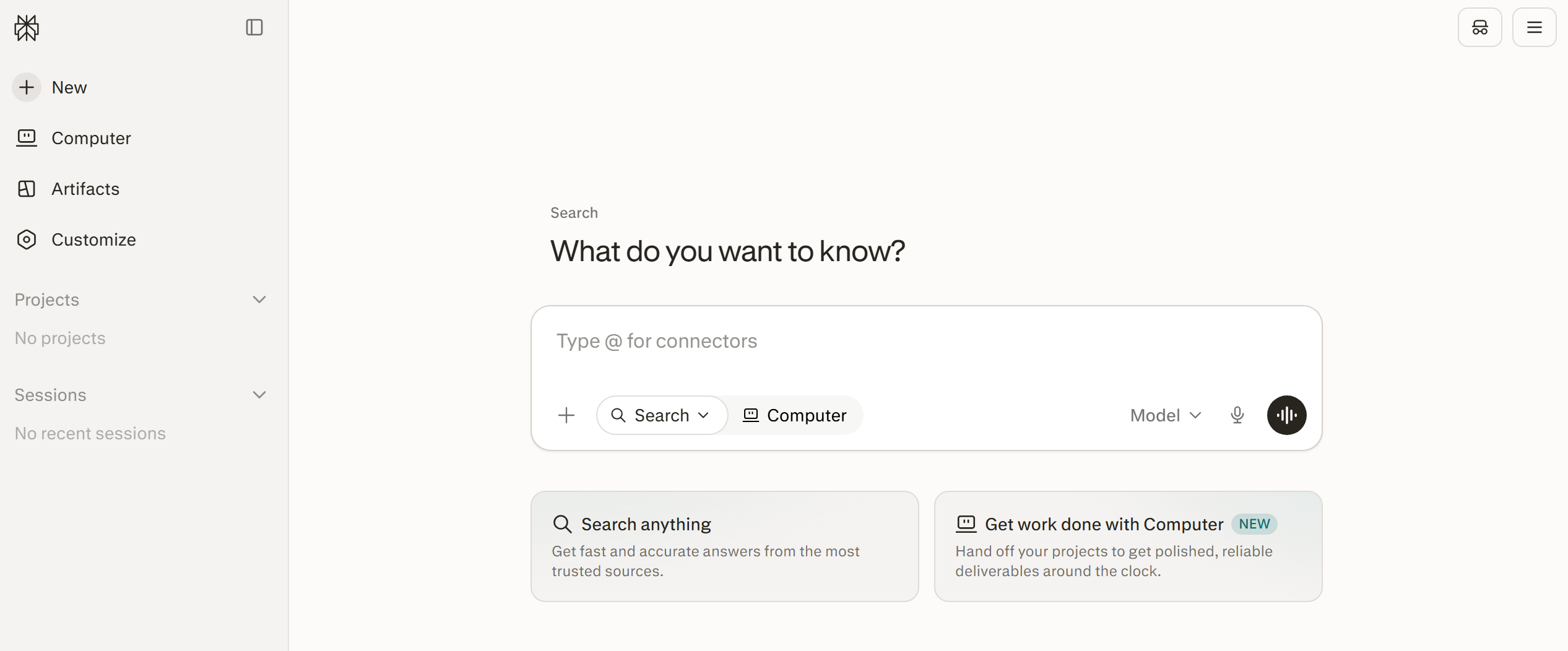
Perplexity AI combines web search with a conversational AI assistant, making it useful for students, researchers, and anyone who regularly works with source-based information. It can search the web, analyze uploaded files, and produce cited answers or longer research reports.
Key features:
- In Search mode, Perplexity answers questions using current web sources and any relevant files uploaded by the user.
- Research mode examines a topic in greater depth by searching and comparing multiple sources before producing a structured report.
- Create files and apps mode can generate documents, spreadsheets, presentations, reports, dashboards, and web apps by combining research with content and data processing.
- The AI-powered Comet browser can summarize webpages, research topics across multiple tabs, manage tabs, assist with email and calendar tasks, and automate browser actions such as filling out forms or organizing information.
- Projects provide persistent workspaces for organizing research, files, conversations, custom instructions, connected tools, and related tasks in one place.
In addition to its free Standard plan, Perplexity offers four main paid subscriptions:
- Pro: $20 per month or $200 per year. Includes access to advanced AI models, extended Pro Search and Research usage, file analysis, image generation, and Create files and apps.
- Max: $200 per month or $2,000 per year. Adds substantially higher limits, broader access to advanced models, Create files and apps, Comet's Max Assistant, and early access to selected new features.
- Enterprise Pro: $40 per seat per month or $400 per seat per year. Adds enterprise data protections, administration and seat management, organization-wide file repositories, collaboration features, and extended usage limits.
- Enterprise Max: $325 per seat per month or $3,250 per seat per year. Includes all Enterprise Pro features plus the highest enterprise limits for Research, file and app creation, advanced models, file storage, and selected security features.
Gemini Notebook
Source: notebooklm.google
Previously known as NotebookLM, Google’s Gemini Notebook is built around a simple idea: give the AI a defined collection of sources and let it help you understand them. This source-based approach is particularly useful for summarizing documents, comparing materials, studying complex subjects, and conducting research without losing sight of where the information came from.
Key features:
- Users can build notebooks from PDFs, EPUBs, Word documents, presentations, spreadsheets, web pages, images, audio recordings, copied text, Google Drive files, Gemini conversations, and public YouTube videos with captions.
- Gemini Notebook automatically creates an overview of each imported source. Users can also request shorter summaries, detailed breakdowns, comparisons, timelines, or explanations tailored to a particular audience.
- The chat interface can answer questions across one or several selected sources. Responses include citations linked to the relevant passages, making it easier to check the original context behind an answer.
- Google Docs, Slides, and Sheets imported from Drive can be synchronized with their original files. This allows a notebook to incorporate later changes without requiring the user to upload the material again.
- Audio files are transcribed when imported, while supported YouTube videos are processed through their captions or transcripts. Web pages are primarily imported as text, so embedded media and paywalled content may not be available for analysis.
- Studio tools can transform source material into study guides, briefing documents, FAQs, mind maps, flashcards, quizzes, Audio Overviews, and narrated Video Overviews. Users can customize many of these outputs by specifying a topic, audience, or preferred level of detail.
- Fast Research can search the web or connected Google Drive files for relevant material. Deep Research goes further by reviewing a larger collection of online sources, preparing a structured report, and allowing the report and supporting references to be added directly to the notebook.
- Gemini Notebook can also create editable reports, documents, spreadsheets, presentations, charts, images, and structured data based on the sources in a notebook. Generated files can be reviewed, modified, and downloaded for use elsewhere.
Gemini Notebook is available for free with a Google account. Higher limits are included with broader Google AI subscriptions rather than sold as separate Gemini Notebook plans. Current US pricing includes:
- Free: $0. Provides the core notebook, source analysis, chat, summary, and content-generation features with standard usage limits and up to 50 sources per notebook.
- Google AI Plus: $4.99 per month. Includes higher Gemini Notebook usage limits along with additional Gemini features and 400 GB of Google storage.
- Google AI Pro: $19.99 per month. Provides expanded Gemini Notebook access, supports up to 100 sources per notebook, and includes 5 TB of Google storage and other Google AI benefits.
- Google AI Ultra: starts at $99.99 per month. Includes the highest Gemini Notebook limits, supports up to 300 sources per notebook, and adds expanded access to Google’s most advanced AI tools.
Plan availability, usage limits, storage allowances, and prices may vary by country.
Readwise Reader
Source: readwise.io
Readwise Reader is an all-in-one reading app for collecting, annotating, and organizing content. It brings material from different sources into a single workspace, making it easier to read, revisit, and reuse later.
Key features:
- Reader brings articles, newsletters, PDFs, EPUBs, RSS feeds, tweets, and YouTube videos with transcripts into a single reading library.
- Reader can generate AI summaries of saved content, including PDFs, directly within the reading workflow.
- Content can also be imported from other services or saved to the library through browser extensions and mobile apps.
- Users can highlight text, images, tables, and other elements in various types of content. They can also add notes and tags to structure the data. Highlights are automatically synced with the cloud library.
- Ghostreader, Reader's built-in AI assistant, can summarize documents, define unfamiliar terms, explain complex passages, answer questions about the text, and run custom prompts.
- The platform supports full-text search across the entire library, custom filters, and queries for dynamic content organization.
- Reader also includes text-to-speech, allowing users to listen to documents with natural-sounding voices.
- Data export to Notion, Obsidian, Evernote, and other systems is available. There's an API for custom integrations.
Readwise Reader includes a 30-day free trial. After the trial, continued access to Reader requires the full Readwise subscription:
- Readwise Full: $9.99 per month when billed annually or $12.99 with monthly billing. The subscription includes the Reader app as well as the full Readwise feature set, including highlights, notes, tags, integrations, exports, and Daily Review.
Readwise also offers a Lite plan for $5.59 per month when billed annually, but this plan does not include the Reader app.
ChatGPT
Source: chatgpt.com
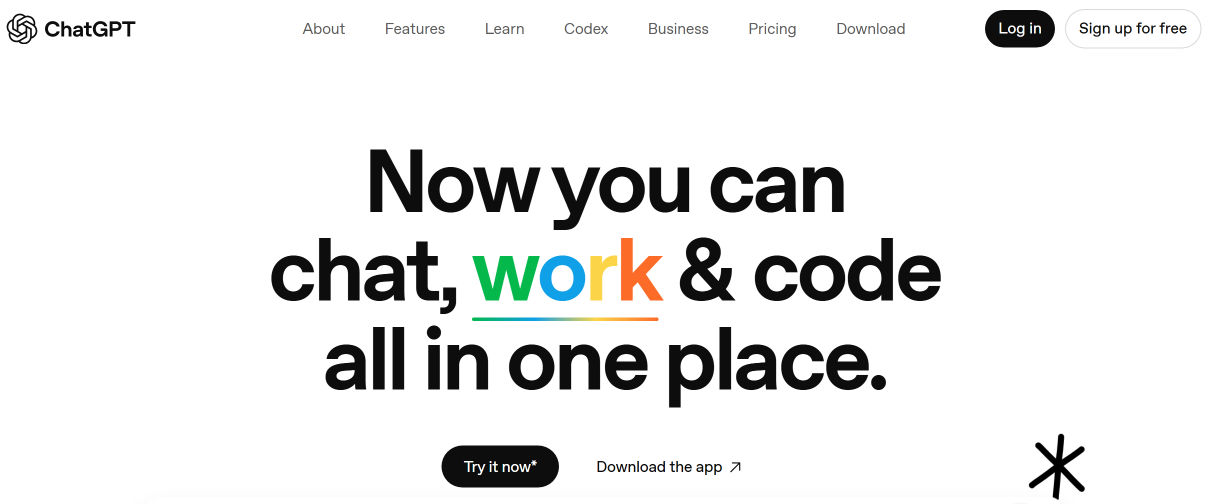
ChatGPT combines general-purpose AI with file analysis, research, and writing tools, making it useful for reading, comparing, and summarizing different types of content.
Key features:
- Users can upload PDFs, documents, spreadsheets, and other supported files directly to ChatGPT. The assistant can summarize digital text, compare documents, extract information, and analyze structured spreadsheet data. Images and charts can also be analyzed when uploaded separately, while visual retrieval for elements embedded directly in PDFs is currently limited to ChatGPT Enterprise.
- ChatGPT Plus provides higher usage limits and broader access to models and tools than the Free plan. Exact model availability can change as OpenAI updates the service. This allows it to more efficiently process long texts, create structured summaries (with lists, outlines, and annotations), perform comparisons, and search and extract relevant information.
- ChatGPT can work with long documents and maintain context across extended conversations, although exact limits depend on the model, file type, and plan. This makes it useful for tasks such as comparing documents, extracting recurring themes, or building summaries over several follow-up questions.
- Deep research mode allows you to process information from multiple sources and prepare structured materials in the form of reviews and reports.
- Writing blocks make it easier to draft and revise longer pieces of text directly in ChatGPT. Users can edit content, request targeted revisions, adjust sections, and work with drafts in a dedicated full-screen editing view when available.
- Projects help organize related chats, files, and reference material in persistent workspaces. This is useful when summarizing or comparing multiple documents over time without starting each task from scratch.
ChatGPT Plus costs $20 per month. The subscription provides higher usage limits and broader access to models and tools than the Free plan, including file uploads and analysis, image generation, voice conversations, advanced reasoning capabilities, and Deep Research where available.
Notion AI
Source: notion.com
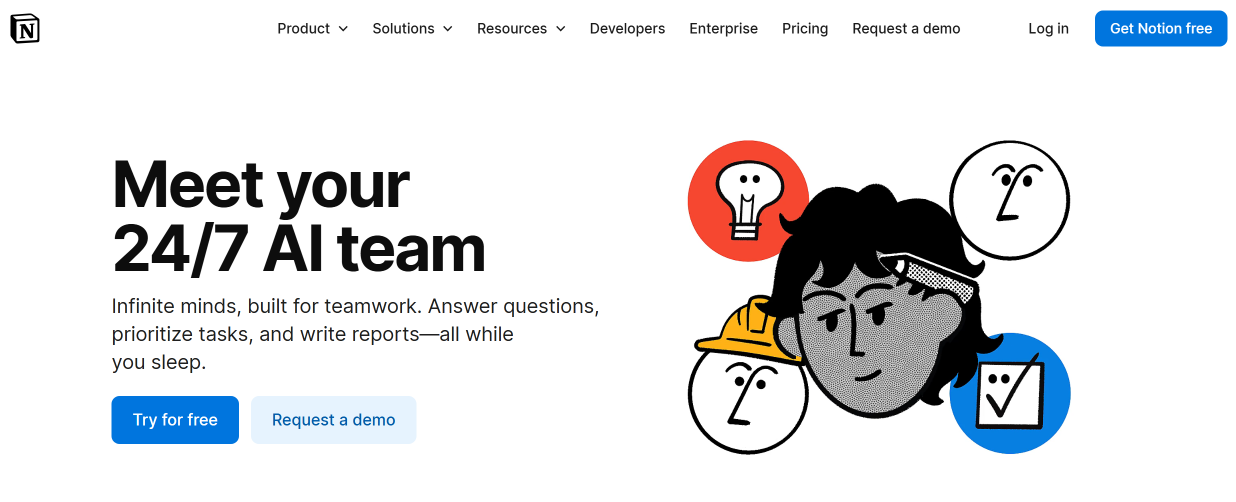
Notion AI combines knowledge management tools with artificial intelligence, making it easier to work with text-based content. Its analysis and summarization features make it a practical tool for both individuals and teams.
Key features:
- Notion AI can work with information across workspace pages and databases. On eligible plans, it can also use supported connected apps as additional sources of context when answering questions or summarizing information.
- The service generates summaries in various formats with one click. It can create short overviews in one paragraph or even one sentence, highlight key points in a list, and more.
- Notion AI can summarize, rewrite, and extract key information from content stored in workspace pages. AI Meeting Notes is a separate feature designed to transcribe meetings and generate structured notes and follow-ups. These tools can be used to summarize meeting notes, lengthy articles, documents, transcriptions, and other materials.
- Notion Web Clipper can save articles and other web content to a workspace, where Notion AI can then summarize, analyze, or transform the saved material.
- Beyond summarization, Notion AI can turn source material into plans or task lists and draft follow-up messages based on the information in a workspace.
- Users can ask Notion AI questions about specific documents or other data, receiving answers in summary or other formats. It can also combine data from multiple sources.
Full access to Notion AI is included with Notion's Business and Enterprise plans. Free and Plus users receive limited trial access to AI features.
- Business: $20 per member per month when billed annually. Includes Notion Agent, AI Meeting Notes, Enterprise Search, Research Mode, premium integrations, SAML SSO, private teamspaces, and other business features.
- Enterprise: custom pricing. Includes all Business features plus advanced security and administration, SCIM user provisioning, audit logs, domain management, zero data retention with LLM providers, and additional enterprise controls.
Some advanced agent capabilities may use separate Notion credits.
Eightify
Source: eightify.app
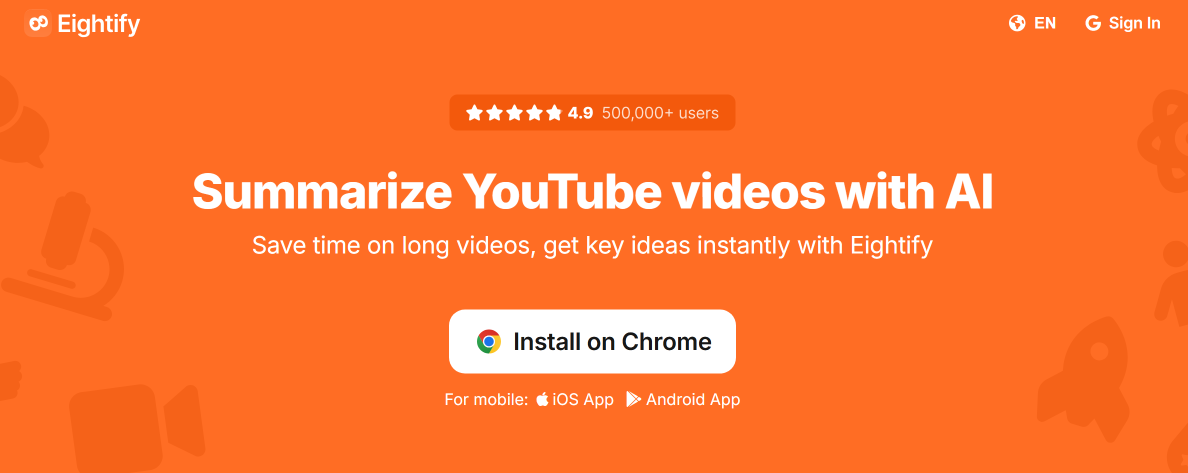
Eightify condenses YouTube videos into concise, structured summaries, allowing users to grasp the main ideas without watching the full video. It is particularly useful for lectures, interviews, podcasts, and other long-form content.
Key features:
- Eightify identifies the main ideas in a video and presents them as concise, scannable bullet points.
- For longer content such as interviews, lectures, and video podcasts, it organizes the summary into timestamped sections that correspond to different topics.
- Eightify presents key ideas in a structured format, making it easy to scan the main points and decide whether a video is worth watching in full.
- Eightify provides clear and easy-to-read video transcripts, making it a convenient alternative to standard YouTube subtitles. It can also analyze top video comments and generate summaries.
- The platform supports over 40 languages for generating and translating summaries.
- Videos can be summarized through the Eightify website, browser extensions for Chrome and Safari, or mobile apps for iOS and Android. There is no need to download the video first.
Eightify is available in free and paid versions:
- Free: limited access to video summarization features.
- Pro: $9.99 per month or $59.99 per year. The paid version provides full access to Eightify's AI-powered YouTube summarization features.
Pricing may vary depending on the platform or region.
QuillBot
Source: quillbot.com
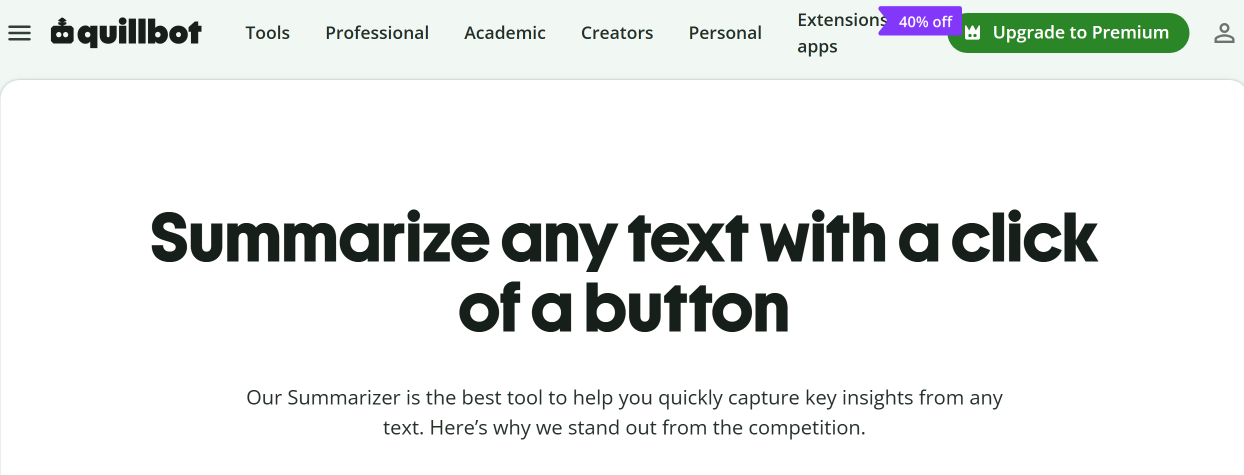
QuillBot combines several AI tools for summarizing, rewriting, and editing text. It is particularly useful for readers who want to extract key points from lengthy material or make complex passages easier to understand.
Key features:
- AI Summarizer condenses articles, essays, reports, and other long texts into shorter versions that retain the main points.
- Users can choose Paragraph or Bullet Point mode, while Premium users also have access to Custom mode. Summary length can be adjusted separately using a slider.
- The Paraphraser feature allows you to rewrite long and complex sentences, simplifying them or changing their style to be more conversational, formal, or academic.
- QuillBot also offers grammar and plagiarism checkers, an AI detector, a citation generator, and a translator supporting more than 50 languages.
- QuillBot's AI Chat can answer questions, help edit existing text, and generate new content from a prompt.
- The Chrome browser extension allows you to work with text in online documents and on websites.
QuillBot offers three main pricing options:
- Free: $0. Includes basic summarization, paraphrasing of up to 125 words at a time in two modes, basic grammar correction, and limited access to the AI Detector.
- Premium: QuillBot's standard annual rate is $8.33 per month when billed annually. Monthly and quarterly billing options are available, and prices may vary by region or promotion. Premium includes unlimited paraphrasing, additional modes, custom summaries, advanced grammar recommendations, unlimited AI Detector scans, plagiarism checking, and other writing tools.
- Team Plan: includes Premium features plus centralized billing, user management, team usage metrics, data controls, and administrative tools. Pricing depends on the number of seats.
Conclusion
The tools in this review take different approaches to content summarization. General-purpose assistants are well suited to document analysis and research, reading apps make it easier to save and revisit material, and specialized tools focus on formats such as YouTube videos or long-form text.
The best option depends on what you need to process most often. When comparing platforms, consider supported content formats, research and search capabilities, integrations, usage limits, and pricing rather than choosing a tool based on summarization alone.
Note: Pricing, plan limits, and feature availability can change over time. The details in this article were accurate when published, so be sure to check each platform’s official website for the most up-to-date information.