Today, AI tools can help students organize lecture notes, research sources, improve writing, and create presentations more efficiently. We've selected five of the best free AI apps for students in 2026 and compared their key features and free-plan limits.
Gemini Notebook (formerly NotebookLM)
Source: notebooklm.google
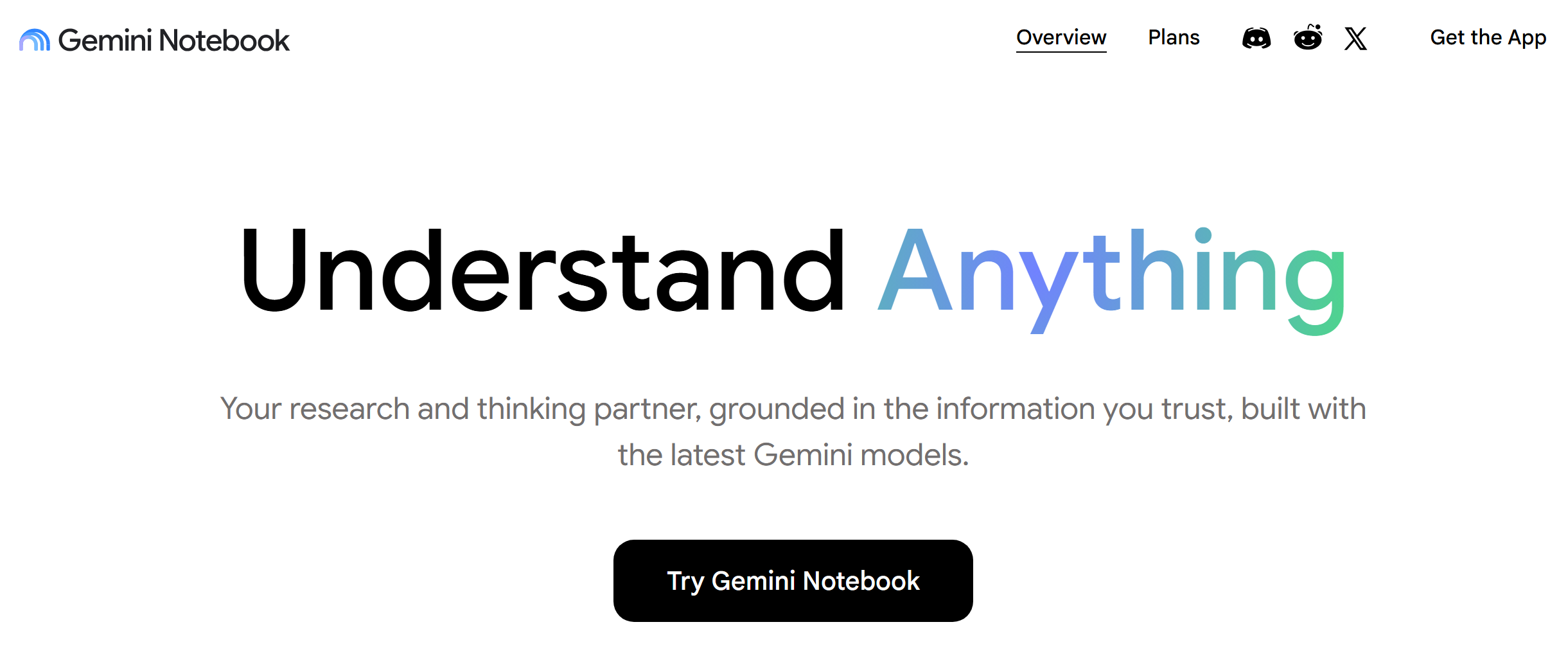
Google's Gemini Notebook, formerly known as NotebookLM, is an AI-powered research and study tool that helps students work with source materials, organize information, explore complex topics, and prepare for exams more efficiently.
Key features:
- Gemini Notebook includes a Notes section for capturing and organizing information. Users can create their own notes, save useful chat responses, combine notes, generate outlines or study guides, and develop related ideas based on their sources.
- The platform can turn source materials into different study formats, including summaries, study guides, mind maps, flashcards, quizzes, infographics, slide decks, Audio Overviews, and Video Overviews.
- Gemini Notebook offers a question-and-answer mode in which the AI processes users’ text queries, analyzes their uploaded files, and generates detailed, personalized responses.
- The service can also be used as a brainstorming aid: users can ask it to generate relevant ideas on a given topic via the chat window.
- In Audio Overviews, Gemini Notebook creates podcast-style discussions based on selected sources rather than simply reading the text aloud. Students can use them to review lecture notes and other study materials in an audio format.
The free version of Gemini Notebook includes up to 100 notebooks, 50 sources per notebook, and 500,000 words per source. Daily limits include 50 chat queries, 3 Audio Overviews, and 3 Video Overviews.
Perplexity
Source: perplexity.ai
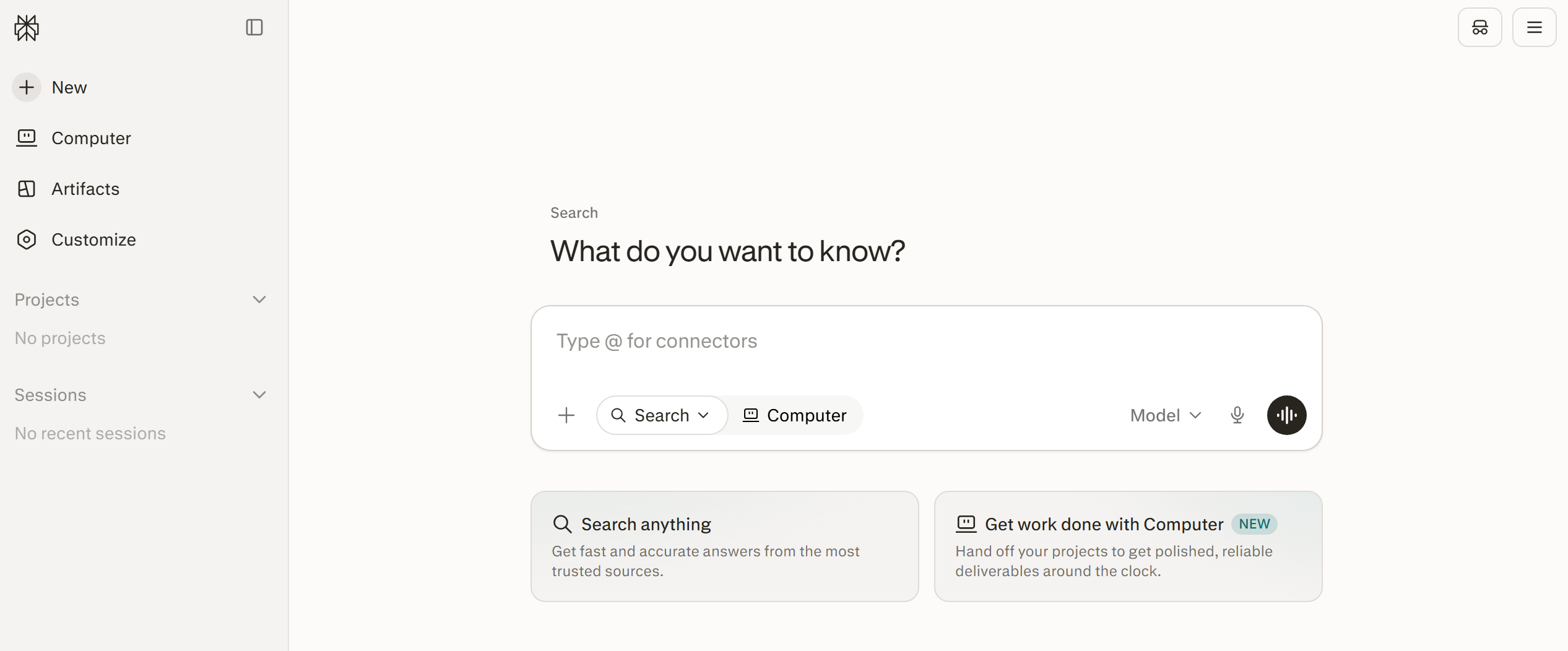
Perplexity, a general-purpose AI search assistant, is one of the best free AI tools for academic research. Students often use it as an alternative to traditional Google Search for finding relevant sources online, fact-checking, and preparing academic papers.
Key features:
- The standard Search mode allows users to send queries through a conversational interface and receive concise answers based on online sources. Users can also upload files and refine their searches, while manual selection of advanced AI models is available on eligible paid plans.
- In Research mode, the service performs an in-depth search for information on a given topic, sending dozens of search queries to analyze multiple online sources. It then generates a detailed research report.
- Learn Mode is designed specifically for studying and can guide students through topics with interactive explanations. It can also generate study materials such as flashcards, multiple-choice quizzes, and free-response exercises.
- Projects provide dedicated workspaces for organizing research and study materials. Users can group related sessions and files, collaborate with others, and keep information for different subjects or assignments in separate workspaces.
- Perplexity also offers Comet, an AI-powered browser currently available for Windows and macOS. It combines web browsing with AI assistance for research, information analysis, organization, and other everyday online tasks.
The free Perplexity plan includes practically unlimited basic searches, up to 3 Pro Searches per day, 1 Research query per month, and limited file uploads. Perplexity automatically selects the model for free users, while manual access to advanced models requires a paid plan.
ChatGPT
Source: chatgpt.com
Released in 2022, ChatGPT is a general-purpose AI assistant that can support students across a wide range of subjects. It can help explain difficult concepts, organize research, improve drafts, practice languages, and structure the learning process.
Key features:
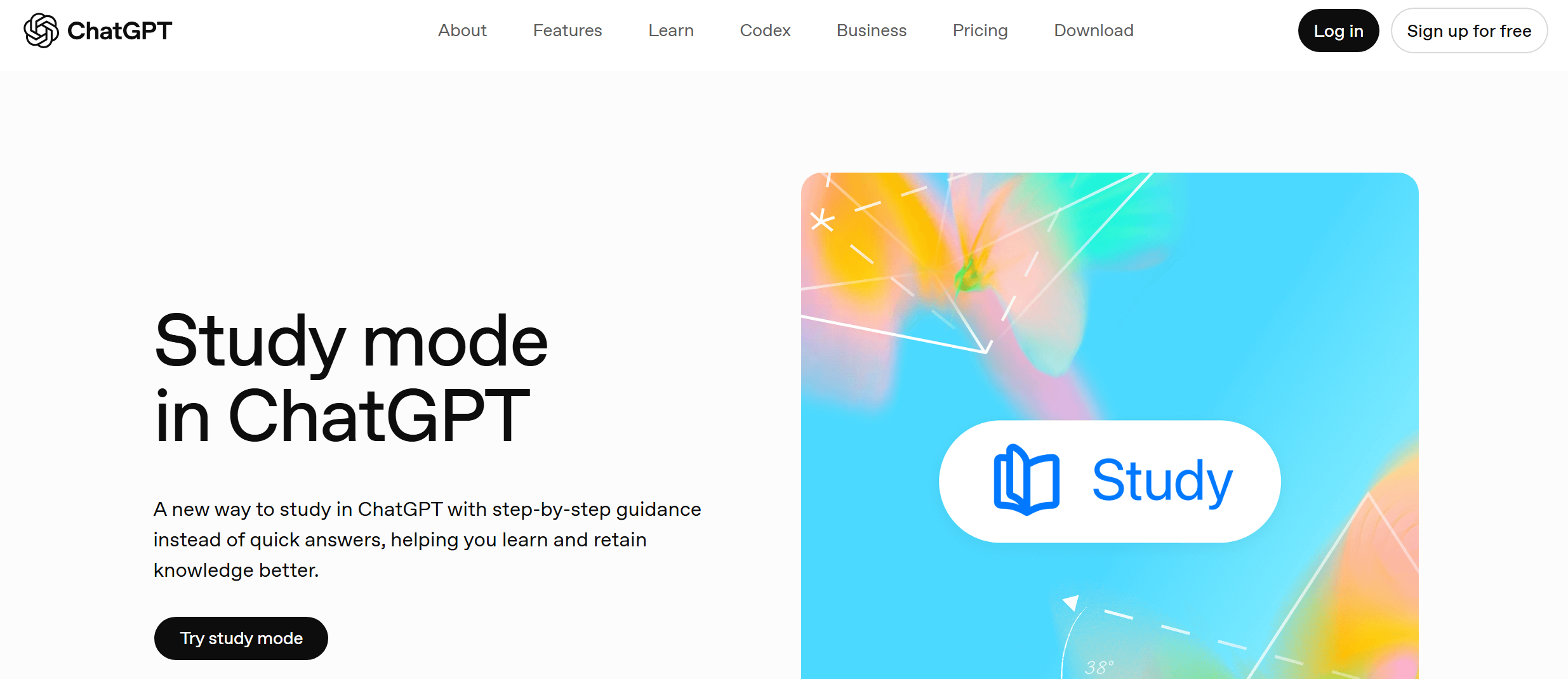
- Study Mode turns ChatGPT into an interactive learning assistant that guides students through topics step by step, asks questions, checks understanding, and provides explanations adapted to the learning process. It can be used across subjects such as mathematics, history, languages, and programming.
- ChatGPT helps students with homework. It guides them on how to solve problems and complete exercises, checks answers for correctness and provides feedback, explains solution methods, creates flashcards and quizzes for memorization, breaks down large assignments into steps, and visualizes equations for a better understanding of theorems and concepts.
- The AI bot efficiently analyzes, generates, and edits a wide range of academic materials, including abstracts, reports, presentations, essays, and lab assignments. It provides essay ideas, creates outlines, improves grammar and clarity, and produces summaries and thesis statements.
- ChatGPT also supports students with research and information gathering by generating summaries of articles and books, comparing theories and concepts, explaining academic topics, helping organize lecture notes, and highlighting key ideas in lengthy materials.
- The service is also a useful tool for learning foreign languages. It provides translation practice, grammar checks and corrections, pronunciation tips, and written assignment feedback.
- The AI chatbot is a great mentor for those studying programming and computer science. It explains code line by line, finds and fixes errors, teaches algorithms and data structures, converts code between different languages, and helps learn APIs and frameworks.
The free ChatGPT plan provides access to the current default model and a range of built-in tools. File and image uploads, image generation, data analysis, and other tools may have separate usage limits that can change over time.
Grammarly
Source: grammarly.com
Grammarly is recognized as one of the best free AI tools for writing essays, reports, research papers, and other text materials relevant to students. It helps adapt students’ writing to academic requirements, reducing the risk of common errors and improving overall writing quality.
Key features:
- Grammarly accurately checks grammar, spelling, punctuation, and sentence structure. It generates suggestions for improving your text directly in popular text editors (Google Docs, Microsoft Word).
- The platform's AI technologies effectively improve the readability of texts, making them clearer, more concise, and more organized. It highlights overly complex or wordy sentences, confusing phrasing, repetitive wording, passive voice, and more.
- The AI assistant helps users brainstorm, create outlines, rewrite text passages, develop arguments, and refine ideas. Users can interact with it via the built-in chat and Docs workspace.
- Paraphrasing and rewriting tools can simplify complex sentences, change tone, shorten texts, adapt them for an academic audience, and improve fluency.
- The built-in plagiarism detector, available on paid plans, checks text against online sources to identify potential plagiarism, unintentional copying, and passages that closely resemble existing material.
- Integrated AI detection in Grammarly's editor and supported apps is available on paid plans, while Grammarly also offers a separate free web AI detector. AI-detection results are estimates and should not be treated as definitive proof of AI authorship.
Grammarly's free plan includes core grammar, spelling, punctuation, and tone assistance, along with up to 100 generative AI prompts per month. Integrated plagiarism checking and AI detection within Grammarly's writing tools require a paid plan.
Gamma
Source: gamma.app
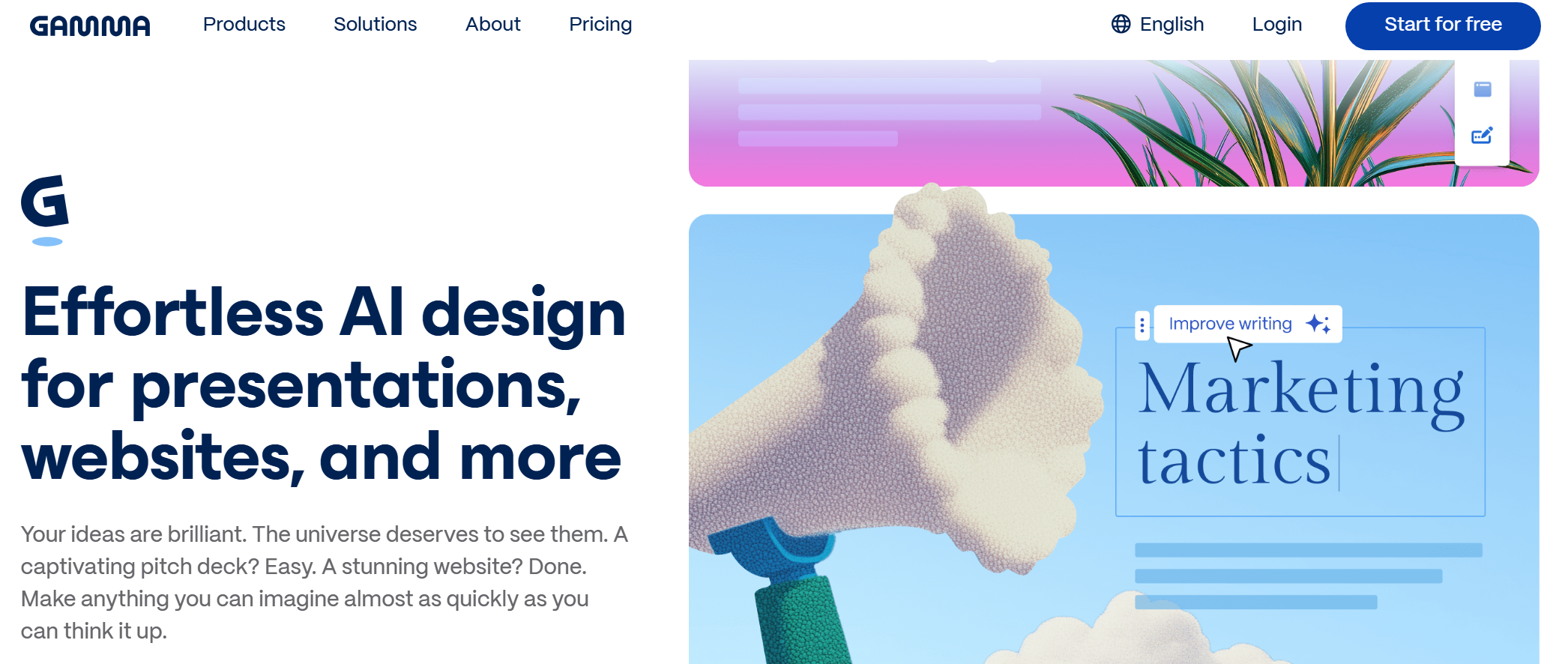
Our review concludes with Gamma, one of the best free AI presentation makers for students. This service significantly simplifies and accelerates the process of creating and editing presentations. It helps students create slides and visualize information more easily and quickly.
Key features:
- The platform's AI algorithms can generate full-fledged presentations from scratch, using short prompts, lecture notes, research summaries, essay plans, uploaded files, etc. as sources.
- This service allows users to quickly transform various materials into structured slides. It automatically inserts notes and research results, organizes content, edits, clarifies explanations, and more.
- Gamma effectively automates presentation design. Instead of requiring users to manually choose fonts and spacing, the platform automatically selects layouts and visual elements, formats text, and organizes content hierarchically.
- The platform uses a card format that supports scrolling presentations, embedded videos, interactive charts, expandable sections, and more.
- The service's AI tools for working with images allow you to generate and edit diagrams, illustrations, concept visualizations, and other graphics for presentations.
- You can publish your presentation as a web page, export it to PDF, PPTX, PNG, or Google Slides, and edit slide text (from changing tone to improving readability and rewriting sections).
- The service supports collaborative presentation creation, editing, commenting, sharing, and management. It makes it easier for students to collaborate on team presentations for assignments and projects.
The free Gamma plan allows you to create up to 10 slides per prompt. It comes with 400 credits upon registration and is suitable for creating simple presentations, documents, images, and websites. This plan supports importing presentations from PDF and PPTX, as well as exporting them to PDF, PPTX, PNG, and Google Slides.
Conclusion
The services featured in this article are among the most useful AI tools for students in 2026. They can support a wide range of study tasks, including presentation creation, language learning, research, writing, and study planning.
All the platforms in our selection offer free access or a free plan, making their core features available to a broad student audience.