
In 2026, video production became easier and more accessible than ever thanks to the emergence of numerous specialized AI services for media asset generation and editing. Invideo is considered one of the top tools in this category. In our overview, you'll learn about this platform's key features and capabilities, its key advantages and benefits, as well as its applications and current pricing.
What Is Invideo AI
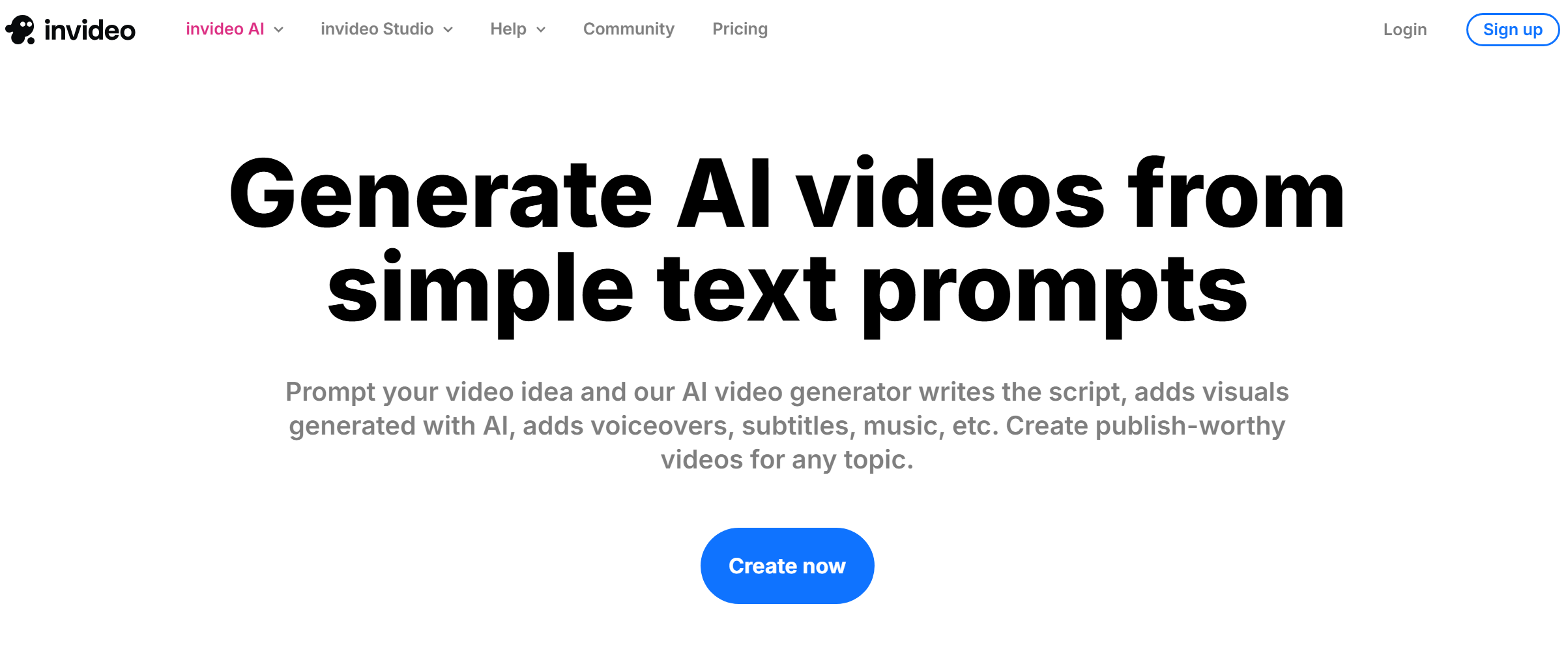
Invideo is a cloud-based solution for generating and editing visual content powered by AI algorithms. It offers dozens of tools for creating videos, images, animations, avatars, collages, and other materials.
The platform consists of two key products:
- invideo AI;
- invideo Studio.
The invideo AI online generator is designed for creating various content from scratch or using templates. It can be used to create memes, social media creatives, UGC ads, short films, music clips, and more.
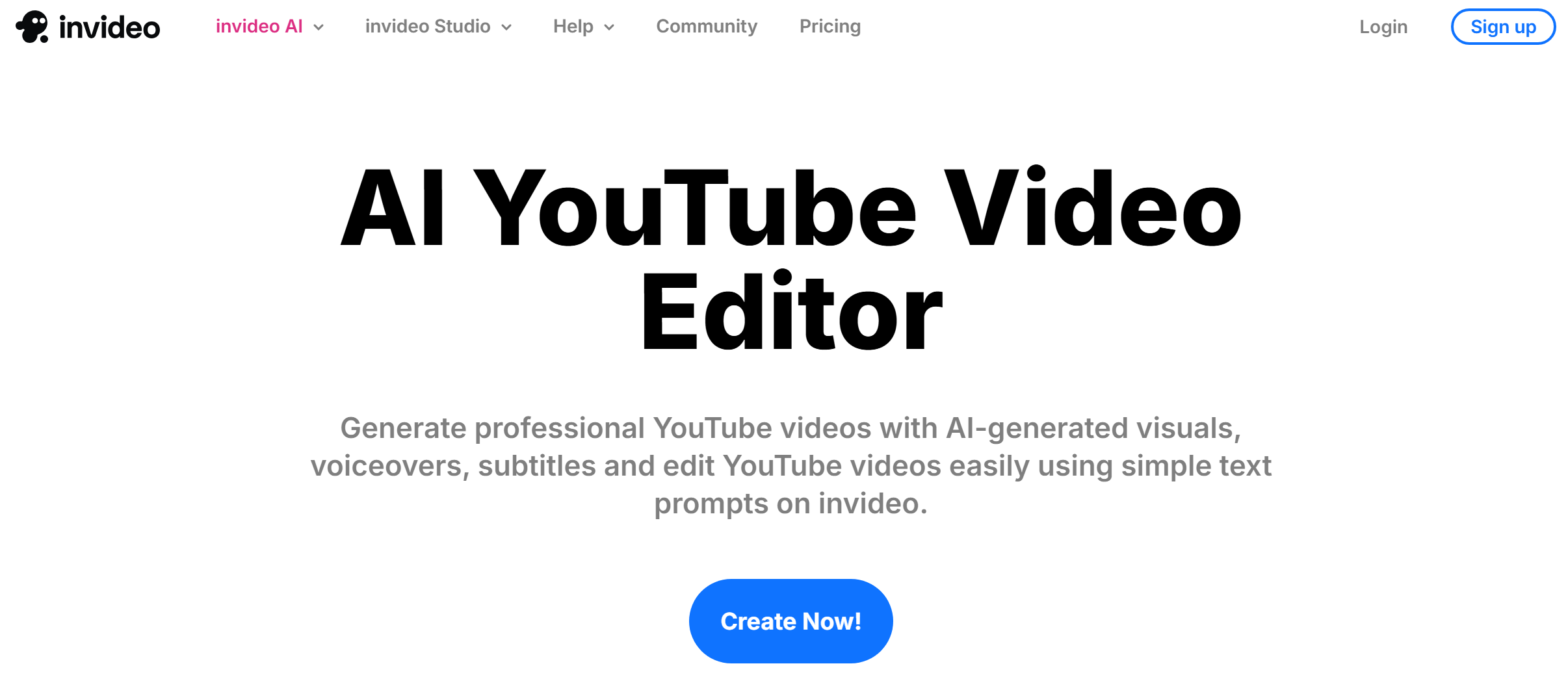
The invideo Studio online editor helps you professionally edit and enhance your content. It can turn images into clips, add music, text, and GIFs, convert videos to different formats, compress them, and adapt them for social media platforms (Facebook, Instagram).
Powerful, versatile functionality and a user-friendly interface make invideo AI a popular choice for a wide range of users. It's actively used by entrepreneurs, marketers, SMM specialists, and other digital professionals to develop commercial content. It's popular with both professional and aspiring creators and editors. The tool is also ideal for creating informational and educational materials (guides, trainings, tutorials). Invideo's AI tools are powered by models from OpenAI and other providers.
Source: invideo.io
Invideo's pricing structure includes six tiers:
- Free (2 minutes of video and 1 AI credit per week, 1 express avatar, 4 exports per week with the service's watermark, no access to generative functions).
- Plus (10 credits, 50 minutes of video + 95 iStock, 2 UGC ads, 3 users, 100 GB storage, unlimited exports, 2 express clones) — $35 per month.
- Max (40 credits, 200 minutes of video + 320 iStock, 8 UGC ads, 5 express clones, 3 users, 400 GB of storage, unlimited export) — $60 per month.
- Generative (100 credits, 200 minutes of video + 320 iStock, 5 generative UGC ads, 8 express clones, 3 users, 400 GB of storage, unlimited export) — $120 per month.
- Team (1000 credits, 2000 minutes of video + 3200 iStock, 50 generative UGC ads, 40 express clones, starting from 1 user, 4 TB of storage, unlimited export) — $999 per month.
- Enterprise — terms and prices available upon request.
The pricing listed is based on monthly billing. Plans and features are subject to change; please visit the official website for the most current information.
Core Features of Invideo AI
Invideo’s features drive its popularity and demonstrate its potential for AI-powered video production. They support all stages of content creation — from script and visual generation to editing, branding, and team collaboration. Below are key features, each tailored to a specific task.
AI Video Generator
The video generator is the platform's key tool. It creates professional clips from text prompts, images, or existing footage. The generator's AI algorithms efficiently automate all stages of production, including scriptwriting, scene creation, transitions, voiceovers, music, subtitles, and selection of additional stock content.
A video script database simplifies and accelerates content creation on various topics. Built-in text-to-speech models seamlessly complement this process, generating high-quality AI voiceovers for videos in over 50 languages. As a result, users receive not only a ready-made script but also fully voiced content without the need for third-party tools.
Online Video Editor
The editor allows users to edit and enhance media assets without prior experience or third-party tools. It can be used to make a range of changes to content, from cropping, changing resolution, and removing backgrounds to customizing scenes, branding, adding effects, cloning voices, and managing sound effects.
Templates
Invideo templates are a comprehensive library of 5,000+ full-length videos across various formats and themes. They are carefully organized into dozens of sections: advertising, marketing, memes, collages, greetings, business, travel, sports, fashion, gaming, promos, templates for YouTube, TikTok, Reels, and more.
Media Content Library
The service's library contains 16+ million stock clips, images, and footage from iStock. Users can search for the required content manually or delegate this process to AI algorithms.

- Automate the work with leads from the Facebook advertising account
- Empower with integrations and instant transfer of leads
- Don't spend money on developers or integrators
- Save time by automating routine tasks
The platform's audio catalog deserves special attention. It contains music, sound effects, and examples of professional AI voiceovers in various languages. These materials allow you to quickly enhance your media assets with high-quality audio without wasting time searching for third-party audio resources.
Users can upload their own branding elements — logos, colors, and fonts — and use them alongside media content from the library. This ensures a consistent visual style and simplifies the creation of branded videos for businesses.
Process Automation
Invideo AI tools can effectively automate the creation and editing of content across various formats. These include materials for popular social media (YouTube Shorts, TikTok, Facebook, Instagram), short films, collages, memes, avatars, animations, UGC, music clips, and more.
Collaboration and Integration
Visual content creation and editing is available in multi-user mode, allowing teams to collaborate on projects and share feedback in real time. This significantly streamlines teamwork and speeds up the content approval process.
The developers have integrated the ecosystem with OpenAI LLM models and tools. Integrations with a number of third-party systems (Google Cloud, ClipZap, iStock) help improve the performance of invideo's AI features and expand their potential.
Benefits and Advantages
Invideo's benefits reflect the solution's practical value and demonstrate which tasks it solves faster, easier, and more cost-effectively than traditional video production. These advantages combined make it a versatile tool for both individual creators and teams working on commercial and educational content projects.
Key strengths:
- Accelerating production processes. AI algorithms automate the full production cycle: from script writing to selecting visual and sound effects, scene and transition design, voiceover creation, and more. This reduces content development time from days and weeks to minutes.
- Accessibility for a mass audience. The intuitive interface of the AI generator and editor, with templates and automations, makes invideo suitable for users without any special skills or experience with professional tools.
- Extensive database of templates and materials. The AI video creation software offers a large library of templates and scripts. Here, users can quickly and easily find ready-made solutions for various tasks, from social media content and commercials to training guides and business presentations.
- Versatility. Invideo's tools are ideal for creating and editing a wide range of media content topics, formats, and styles, including not only clips but also images, animations, avatars, voiceovers, memes, and collages.
- Resource savings. The platform effectively replaces an entire team of experienced media asset makers: actors, screenwriters, camera operators, editors, sound designers, etc. Affordable pricing and a free plan allow you to significantly reduce the costs of professional video production.
- Easy scalability. With the invideo editor, you can easily and efficiently create both single clips and content series. This allows you to launch content production in streaming mode without complex preparation or high costs.
Real Use Cases and Who Benefits Most
Source: invideo.io
Practical applications cover a wide range of tasks in business, marketing, education, and digital communications. Here we examine how to use invideo AI in real-world scenarios and which user categories benefit most from the tools.
Content for Social Media
The service is actively used by bloggers and content creators to automate and scale the production of videos and other media formats. It allows creators to deliver content to their Instagram, Facebook, TikTok, and YouTube channels faster and more efficiently, without spending significant time and resources on filming and editing.
Advertising
Video advertising is one of the platform's most popular use cases. It can be used to generate promotional clips of various topics, lengths, and formats (e.g., UGC content, etc.). The library includes a section with templates that are easily branded and customized.
Marketing
Content marketing is one of invideo's key use cases. Small businesses, startups, marketers, social media managers, and digital agencies use this platform to develop essential media content (promos, product reviews) and adapt it for their marketing channels.
Education
The platform is a premier choice for creating educational videos, guides, and tutorials, as well as materials for training, staff/user onboarding, online courses, and more. A selection of thematic templates in its catalog helps simplify and accelerate the development of educational content.
Business Communication
Invideo's AI tools and other capabilities help entrepreneurs, startups, and company employees create various content pieces for communicating with clients, employers, partners, and other stakeholders much faster and with higher quality. The service's catalog includes numerous templates for various types and formats of business content: slideshows, presentations, resumes, portfolios, success stories, and more.
Conclusion
The invideo AI platform is widely regarded as one of the best online video editors available on the market in 2026. Millions of users worldwide choose it for its unprecedentedly wide range of options and tools, as well as its regularly updated database of exclusive templates and scripts. Invideo continuously expands and enhances its functionality. The platform's performance, ease of use, and accessibility make it a valuable resource for both experienced professionals and amateur video production enthusiasts.
Read more on our blog:
- Miro Whiteboards: The Future of Collaborative Brainstorming
- Mastering Firebase: Unlocking the Power of Google’s App Platform
- From Funnels to Flywheels: Rethinking Customer Journeys
- From Idea to App: Exploring the Power of Bubble.io
- TikTok and Trello Integration: Automatic Conversion of New Leads into Tasks