
Effective time management is a must-have skill for a modern entrepreneur or professional. It helps you effectively prioritize tasks, increase personal productivity, and avoid burnout and procrastination. In this article, we'll explain how to schedule your day with time blocking and which services can speed up and simplify this process.
What Is Time Blocking
Time blocking is a productivity-boosting technique that divides your daily time into segments (blocks) of a set duration. Each block is dedicated to a specific task or activity, including work, rest, and personal time.
To properly apply the principles of time blocking in practice, follow these steps:
- Identify your tasks. Make a list of the things you need to do daily or weekly. Prioritize them based on importance and urgency to identify the highest-priority tasks and complete them first.
- Create work blocks by allocating time slots for specific tasks or groups of tasks. Block durations can vary depending on task complexity and workload. Use task management and time blocking apps to automate this process.
- Balance your schedule. In addition to your work responsibilities, your day should include breaks for rest and personal activities.
- Stick to your schedule. Try to stay on track throughout the day and avoid juggling several different tasks at once. If you can't complete a task within the allocated block, reschedule it for the next block rather than extending the current one.
- Review your daily plan and adjust it if necessary. At the end of the day, review completed and unfinished tasks and adjust the number, duration, and sequence of blocks if necessary.

- Automate the work with leads from the Facebook advertising account
- Empower with integrations and instant transfer of leads
- Don't spend money on developers or integrators
- Save time by automating routine tasks
The time-blocking technique allows you to group tasks according to specific criteria. For example, you can allocate one block for an important and complex task, and another for several smaller, related tasks.
When planning your schedule, try to keep each block between 30 and 90 minutes. This will help maintain high productivity. It's equally important to evenly alternate work with rest and personal activities to avoid overexertion and burnout.
Sunsama
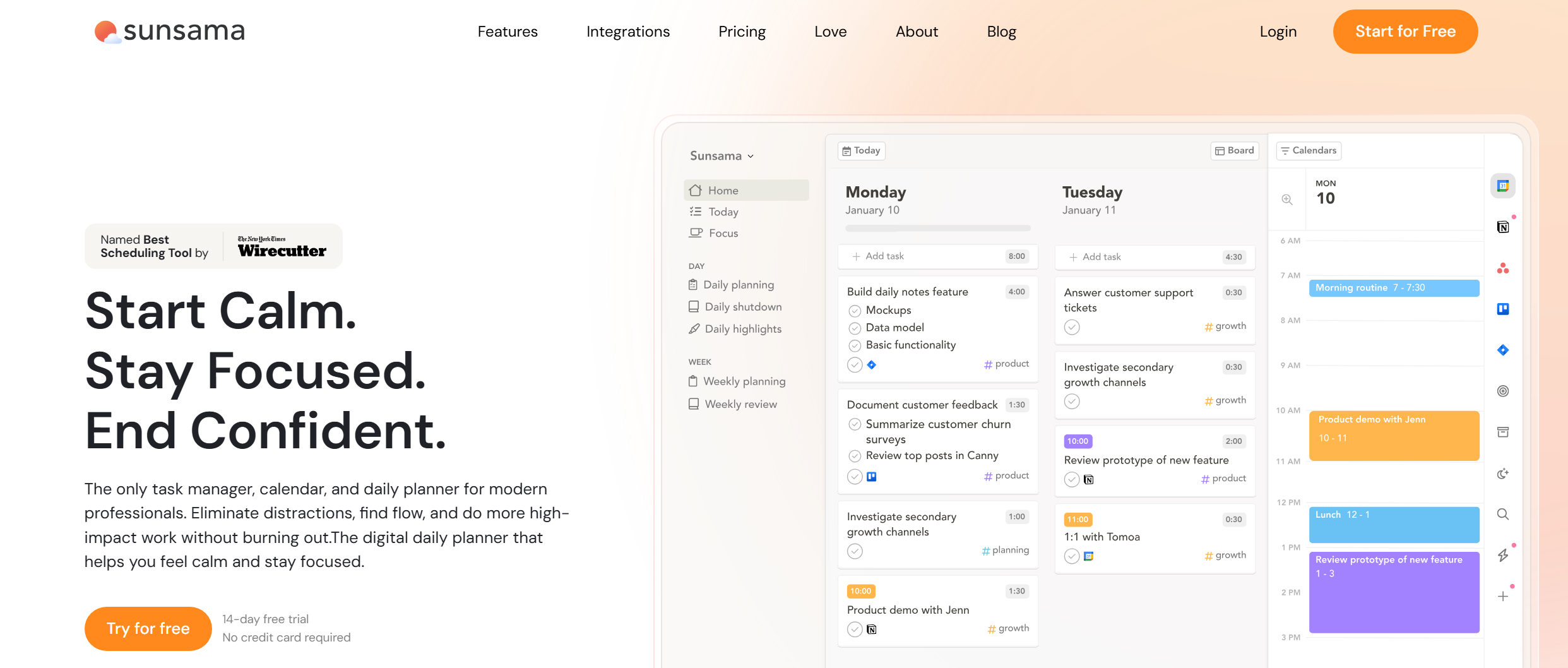
Source: sunsama.com
Sunsama is one of the most popular productivity apps with time-blocking features. It combines task management, calendar management, and daily planning.
Key features:
- The Timeboxing feature allows you to create and manage time slots for tasks in the built-in calendar, so you can coordinate them with meetings and events.
- Users can add tasks to the service's online calendar or sync them with third-party calendars and also set the time periods required for their completion.
- The service automatically distributes tasks throughout the day based on the current schedule and helps reduce multitasking. If it doesn't find enough time for a new task, it suggests postponing it or rescheduling it.
- Users can manually set time periods for task completion, or the system calculates their duration automatically. This setting is easily adjusted as needed.
- Sunsama automatically generates a daily work plan based on current tasks, their order, and scheduled time. Users can adjust it manually at any time.
- Native integrations with popular productivity and collaboration tools (Asana, ClickUp, Gmail, Jira, Notion, Monday.com, etc.) allow you to automatically add tasks and processes to the service interface and organize them using time blocking.
Sunsama offers two pricing plans:
- Pro (unlimited usage and integrations, AI) — $25 per month when paid monthly and $20 per month when paid annually.
- Enterprise (SSO and SAML, SCIM and audit logs) — pricing available upon request.
New users are offered a free 14-day trial.
Reclaim
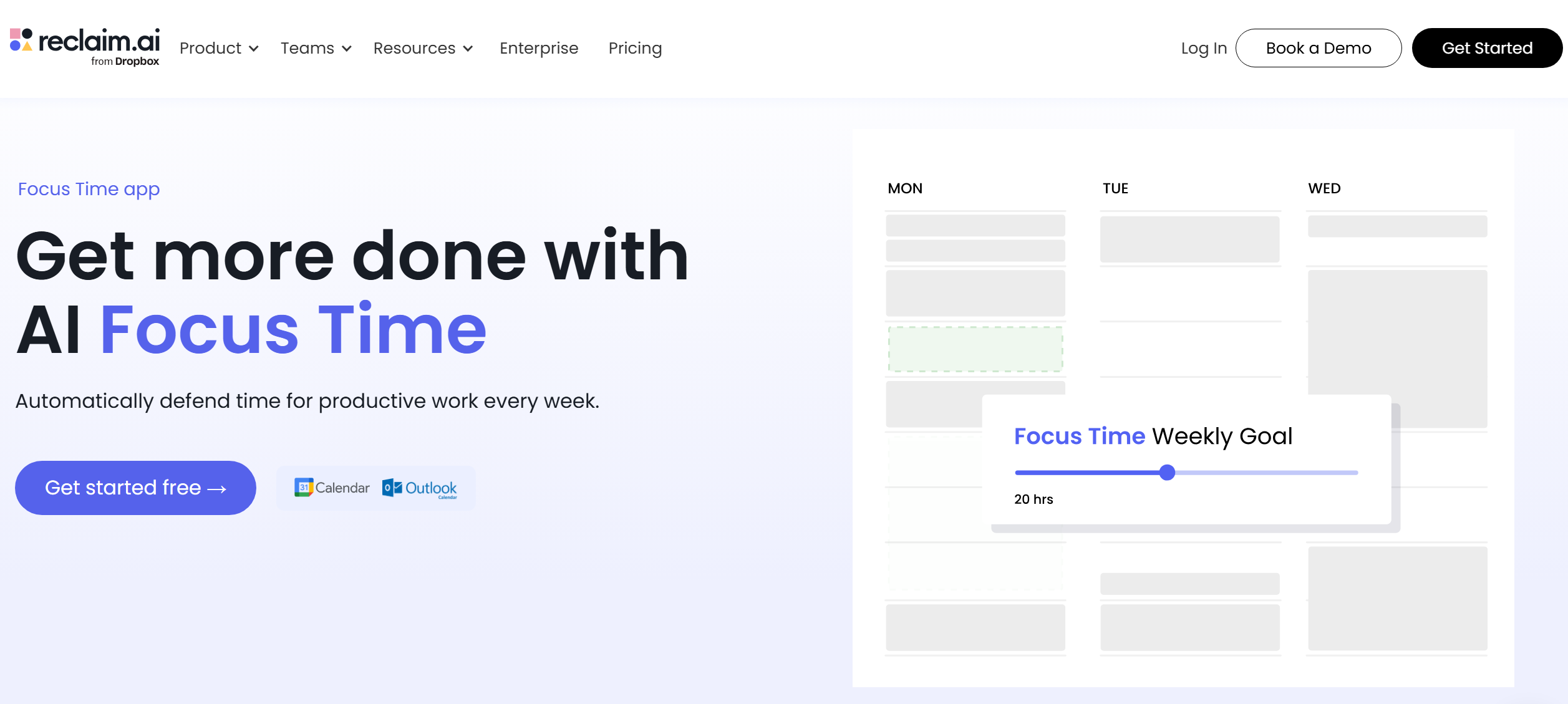
Source: reclaim.ai
Reclaim AI is widely considered one of the best time-blocking apps of 2026. It offers a powerful set of features for time management and productivity: a scheduler, task manager, automatic break assignment, syncing with Google and Outlook calendars, integrations, and more.
Key features:
- The service automatically creates work blocks in the calendar based on the user's current tasks, priorities, availability, and scheduled meetings.
- Reclaim provides flexible and adaptive scheduling — its AI algorithms consider deadlines, priority, and task duration when creating work plans.
- The service dynamically moves tasks when meetings or other events are added to the calendar, adjusts block completion times without violating specified deadlines, reschedules unfinished work, and makes other automatic adjustments.
- For each task, the user sets a priority: critical, high, medium, or low. Based on this, Reclaim AI determines which tasks should not be changed and which can be adjusted without impacting your productivity.
- The Focus Time feature adds dedicated focus blocks to your schedule. These blocks are prioritized, helping you maintain focus even with a busy workload.
- The service supports automatic task splitting, dividing large tasks into several blocks and distributing them across different days based on current workload and availability.
- The functionality is integrated into Google Calendar by default, ensuring instant data synchronization. It also supports integrations with Slack, Asana, ClickUp, Todoist, Jira, Zoom, Google Tasks, and other systems.
Reclaim AI offers four pricing plans:
- Lite (1 user, 1 week of planning, 1 schedule link, unlimited tasks and Buffer Time, limited integrations, etc.) — free.
- Starter (up to 10 participants, 8 weeks of planning, unlimited tasks, Buffer Time and Focus Time, unlimited integrations and calendar sync, analytics and time tracking, 3 schedule links, etc.) — $12 per user per month.
- Business (up to 100 participants, 12 weeks of scheduling, all Starter features + unlimited Smart Meetings and schedule links, delegated access, webhook support) — $18 per user per month.
- Enterprise (100+ participants, all Business features + account creation via SSO and SCIM) — pricing available upon request.
Morgen

Source: morgen.so
Morgen is top-tier time-blocking software for daily planning, allowing users to create and manage their work schedules manually or with AI. It lets you effectively coordinate task lists, meetings, and projects through a web interface, desktop app, or mobile app.
Key features:
- You can manually add and manage time blocks with tasks using drag-and-drop, setting or changing the duration of each one. You can also split large tasks into multiple blocks or create subtasks for them.
- Morgen allows you to automatically add tasks to blocks at regular intervals using custom rules (daily, weekly, etc.).
- Automated time blocking is available through a built-in AI scheduler. Users can also manually adjust their plans by moving tasks between blocks and days.
- The service can synchronize with several online calendars simultaneously, allowing you to coordinate various types of activities (work projects, personal activities, etc.).
- Morgen automatically syncs tasks with popular task managers and collaboration platforms (Notion, Todoist, Linear, ClickUp) through native integrations.
The service offers two pricing plans:
- Monthly (time-blocking with AI Planner, unlimited calendars and integrations, calendar automation, booking page, and schedule links) — $30 per month.
- Yearly (all Monthly features + access to all service updates and improvements) — $15 per month when paid annually.
Clockwise
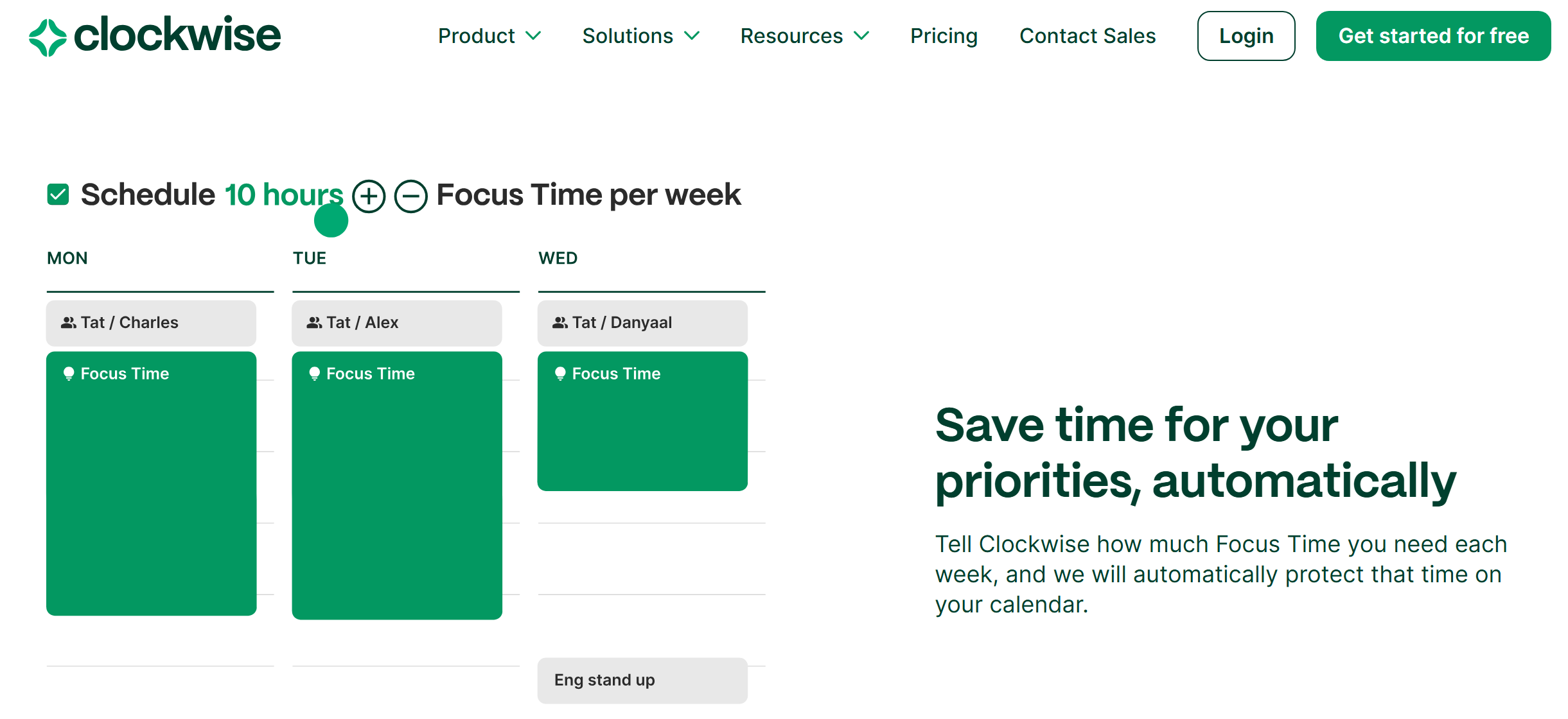
Source: getclockwise.com
Clockwise, a multifunctional AI assistant for planning and optimizing work time, is often featured among the best apps for focused work time blocking. The service offers a range of useful features and integrations with popular business systems.
Key features:
- AI algorithms automatically analyze your schedule and allocate blocks of time for focused attention (Focus Time). They also continuously monitor and optimize your calendar, adjusting the order and duration of meetings where possible.
- The Smart Meeting tool helps you hold events at the most convenient time, organize them into groups, and perform other actions.
- Users can set their appointments to Flexible (available for revision) or Fixed (AI will not change their plans).
- Clockwise automates work schedule optimization for both individuals and teams. It flexibly coordinates tasks across all team members, finds convenient meeting times for everyone, and simplifies calendar coordination.
- The service provides detailed analytics and insights, helps you track the balance between focused work and meetings, study productivity trends, and manage your schedule.
- Integrations with online calendars allow you to synchronize data in real time, instantly adjusting your daily plan and focus blocks when a new task or meeting arises.
Clockwise offers several pricing plans:
- Free (automatic daily planning with AI, unlimited schedule links, delegated calendar management).
- Teams (all Free features + meeting time optimization, automatic focus periods, shared schedule links) — $7.75 per month, or $6.75 per month when paid annually.
- Business (all Teams features plus company-wide focus and meeting time analytics, advanced administrative settings, and billing functionality) — $11.50 per month, billed annually.
- Enterprise (all Business features + user account management via SCIM, user data processing settings, priority support, and maintenance) — pricing available upon request.
TickTick
Source: ticktick.com
To conclude our overview of time-blocking tools for professionals and teams, let's look at TickTick. This online calendar and task planner supports several productivity techniques, including Pomodoro and time-blocking.
Key features:
- The built-in online calendar lets you track and manage your daily, weekly, or monthly plan. Tasks are displayed as blocks, with scheduled start and end times for each.
- The Arrange Tasks feature allows you to view new tasks and add them to free blocks, as well as change their duration and order.
- Users can flexibly manage blocks using drag-and-drop: shrink/expand blocks, move them between time slots, create lists, mark them with different colors, etc.
- TickTick automatically syncs data with Google Calendar, Outlook Calendar, Gmail, and other platforms. Adding or changing calendar blocks automatically reflects these changes in connected systems.
- Users can review their schedule daily or weekly, compare planned/completed tasks, and make adjustments to their time blocks.
The service's basic functionality is available for free. Access to advanced tools requires a premium subscription at $35.99 per year.
Conclusion
By applying time-blocking principles to your daily activities, you can effectively manage a heavy workload, avoid schedule conflicts, and complete pressing tasks on time. The time-blocking productivity tools discussed in this article will help you more easily and quickly manage tasks in your daily plan, allocating the necessary time slots for work, meetings, rest, and personal matters.
Prices and plan details can change. To make sure you’re getting the most accurate deal, always double-check the current rates on the official sites.
Read more on our blog:
- Miro Whiteboards: The Future of Collaborative Brainstorming
- Mastering Firebase: Unlocking the Power of Google’s App Platform
- From Funnels to Flywheels: Rethinking Customer Journeys
- From Idea to App: Exploring the Power of Bubble.io
- TikTok and Trello Integration: Automatic Conversion of New Leads into Tasks