Maintaining a healthy work-life balance has become increasingly difficult in the era of hybrid work, constant notifications, and overloaded schedules. Fortunately, modern productivity and wellness platforms can help professionals manage their time more effectively, reduce stress, and avoid burnout. In this article, we’ll look at five of the best work-life balance tools in 2026, including their key features, pricing, and ideal use cases.
Motion
Source: usemotion.com
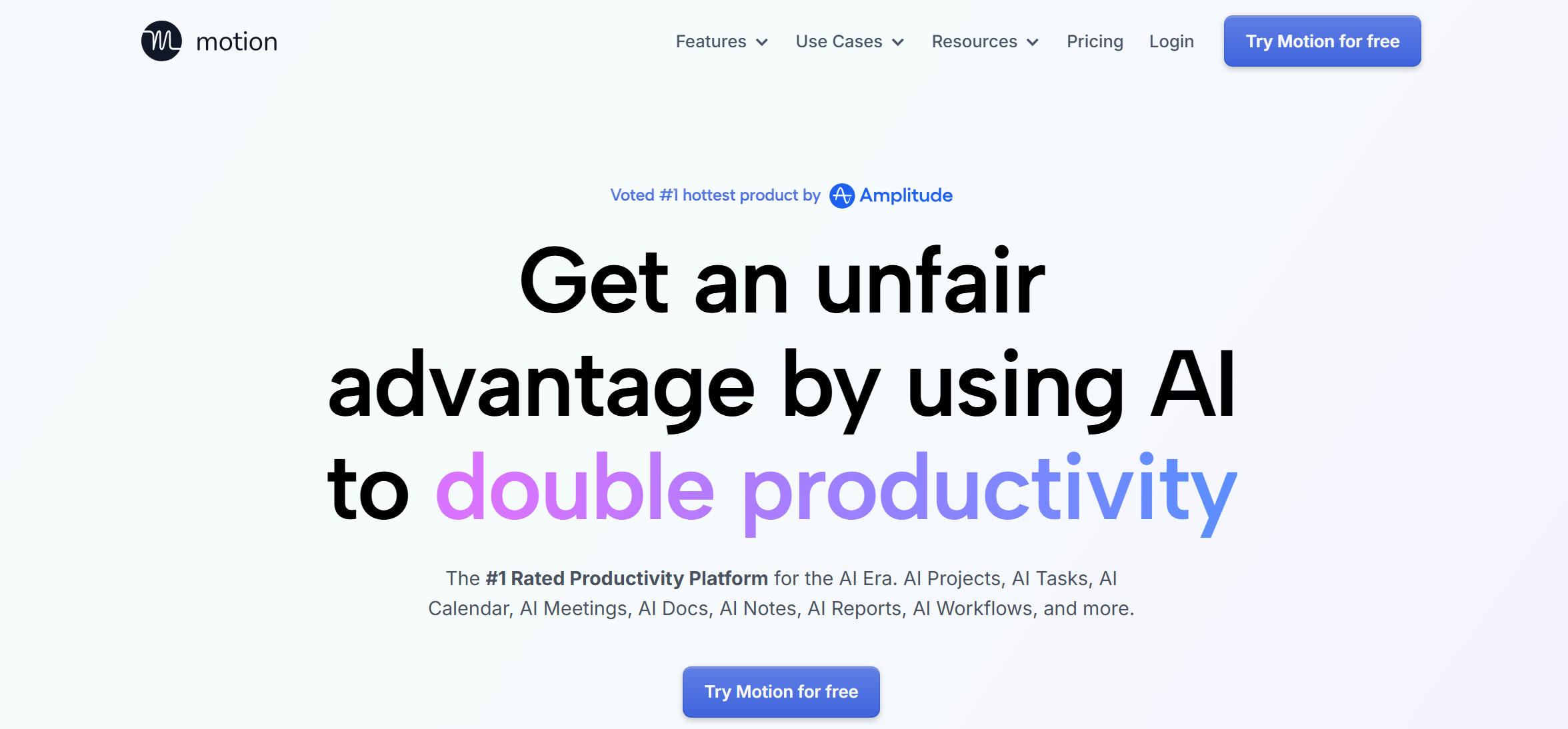
Motion is an AI-powered productivity and scheduling platform that helps professionals plan their day, manage tasks and projects, and automatically organize work around meetings and deadlines.
Key features:
- The platform is built around a universal AI calendar planner that automatically distributes daily tasks and activities according to their importance, deadlines, and interrelationships.
- Motion automates meeting scheduling by finding suitable time slots based on your current workload and availability. Its AI algorithms prevent event conflicts and allocate periods for focus time.
- The service automates project management. The AI assistant can generate project plans from text prompts, keep tasks and timelines synchronized, and monitor progress and delays.
- Built-in AI scheduling tools for work-life balance effectively automate repetitive processes, set triggered reminders, notifications, and follow-ups, helping to optimize and standardize daily operations. This approach frees up more time for rest and recovery while helping users maintain healthier boundaries between work and personal life.
- The AI assistant can automatically summarize meetings, extract key points, and create follow-up tasks based on the discussion.
- The platform’s knowledge management tools help users draft, organize, and summarize documents more efficiently. It also transforms notes into structured tasks and projects and efficiently finds relevant information in the database.
- Motion offers collaborative capabilities for tasks and projects, including comments, mentions, and permissions. It also features built-in dashboards and reports for project monitoring and personal productivity.
- The platform also supports integrations with popular business tools such as Zoom, Slack, and Gmail.
At the time of writing, Motion offers two main pricing tiers for individuals and teams:
- Pro AI (AI Chat, Projects, Tasks and Projects, Calendar & Meetings, Documents & Notes, Planner, AI Writer & Editor, Unlimited Storage, Integrations, 7500 AI Credits, etc.) — $49/month per solo user or $29/month per user for teams.
- Business AI (all Pro AI features + 15,000 AI credits, advanced reports and dashboards, timeline, Gantt charts, time tracking, access control, priority support, onboarding, billing, etc.) — $69/month per solo user or $49/month per user for teams.
Reclaim.ai
Source: reclaim.ai
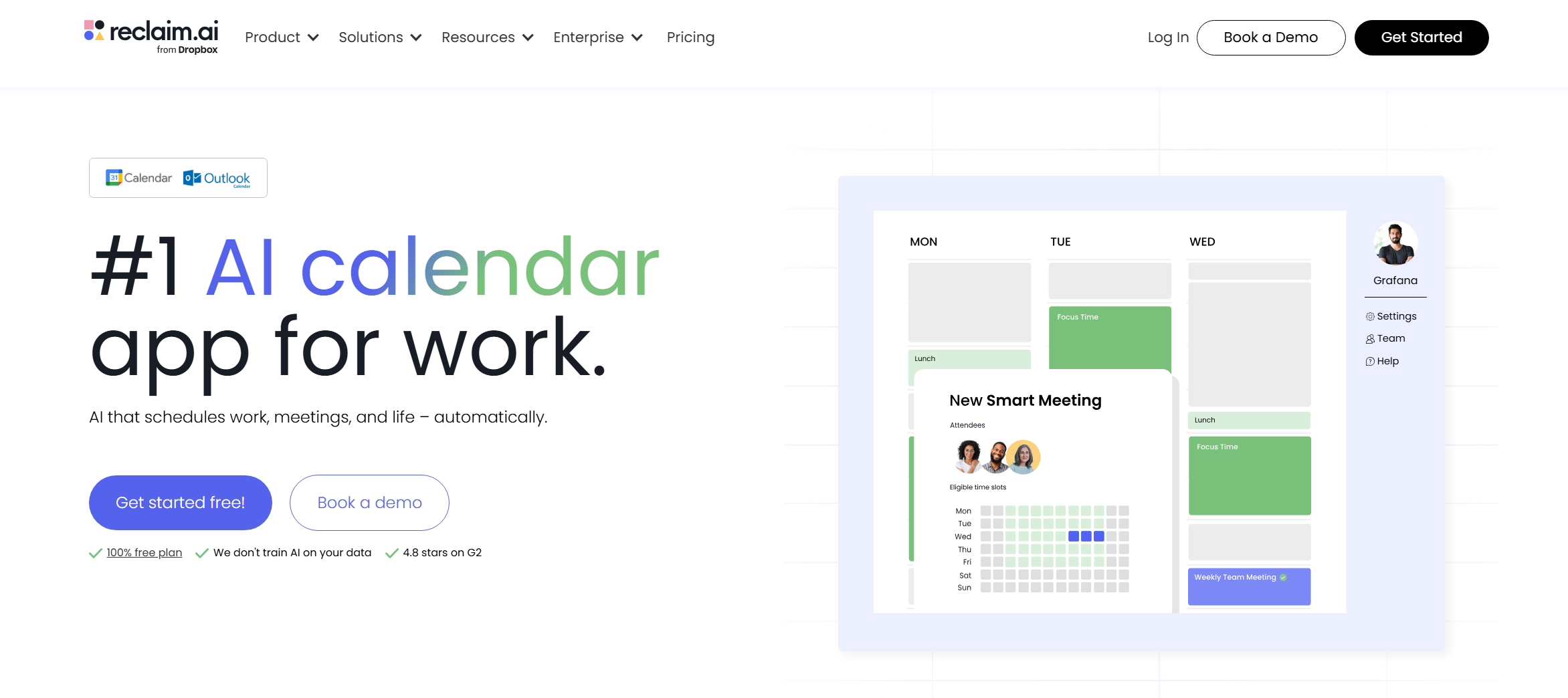
Reclaim.ai is an AI scheduling platform designed to help users balance meetings, tasks, deadlines, and personal time more effectively.
Key features:
- An AI scheduling assistant for Google Calendar and Outlook. It automatically adds and organizes tasks, meetings, and other events. The system considers priority, availability, and deadlines.
- Focus Time finds time in your schedule for focused work by assigning it to high-priority blocks. This allows users to carve out time to work on important projects, even with a busy schedule.
- Reclaim can also automatically schedule recurring routines such as workouts, email management, and other daily habits. The platform can also coordinate meetings and booking availability automatically.
- The service's AI algorithms determine the importance of a task, meeting, or event and find the optimal place for it in the schedule in accordance with the user-defined priority (critical, high, medium, or low).
- The platform automatically adjusts the schedule when new tasks/events are added, splitting them into multiple blocks and distributing them across different days.
- The platform synchronizes schedules across multiple calendars and integrates with a wide range of workplace applications (Slack, Asana, ClickUp, Todoist, Jira, Zoom, Google Tasks) for automatic transfer of tasks and other data.

- Automate the work with leads from the Facebook advertising account
- Empower with integrations and instant transfer of leads
- Don't spend money on developers or integrators
- Save time by automating routine tasks
Reclaim offers four pricing plans:
- Lite (1 user, 1 week of planning, 1 schedule link, unlimited tasks and Buffer Time, limited integrations, etc.) — free.
- Starter (up to 10 participants, 8 weeks of planning, unlimited tasks, Buffer Time and Focus Time, unlimited integrations and calendar sync, analytics and time tracking, 3 schedule links, etc.) — $10/month per user.
- Business (up to 100 participants, 12 weeks of planning, all Starter features + unlimited Smart Meetings and schedule links, delegate access, webhook support) — $15/month per user.
- Enterprise (100+ participants, all Business features + account creation via SSO and SCIM) — $22/month per user.
Headspace
Source: headspace.com
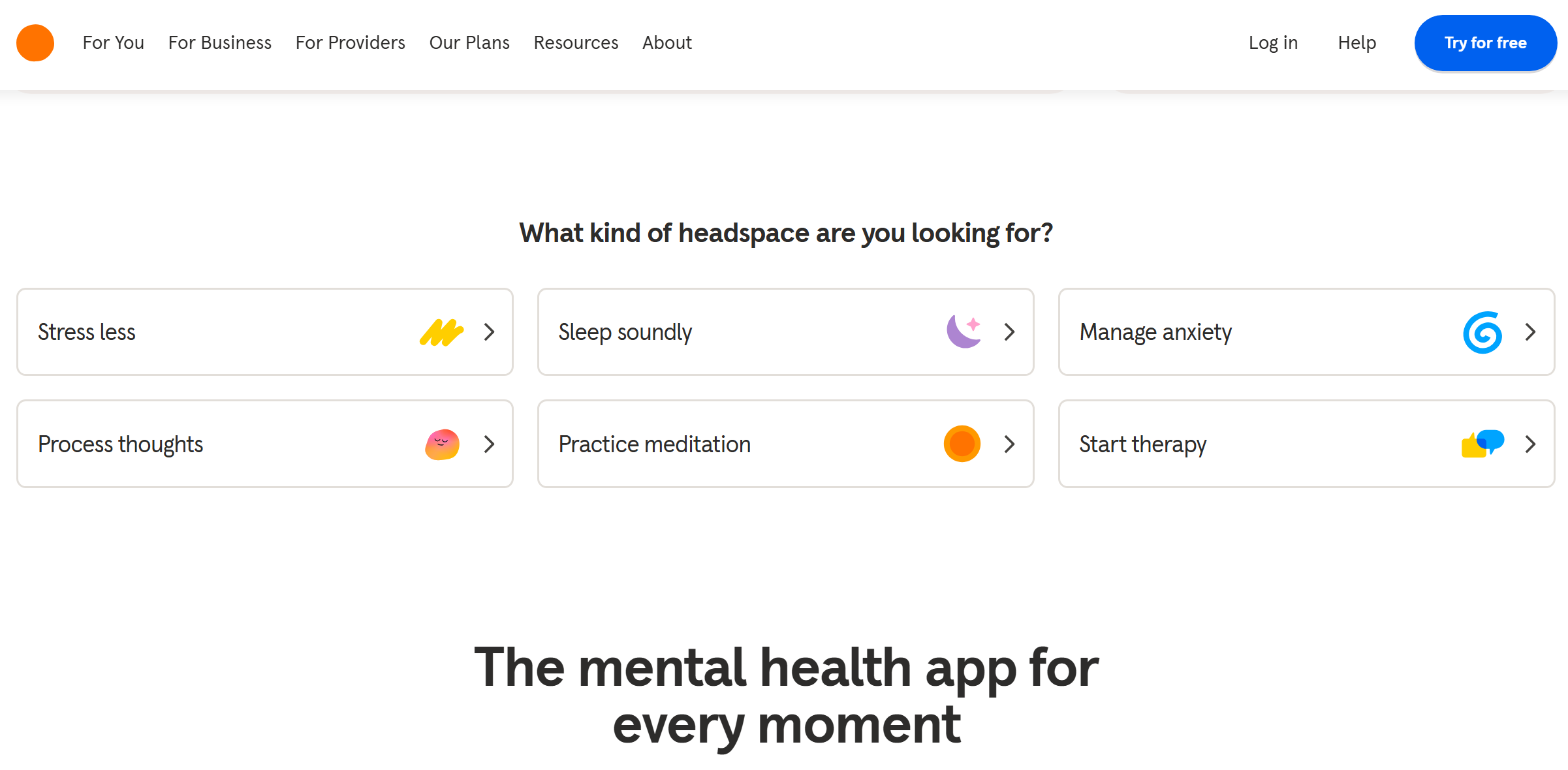
Headspace is one of the most popular mindfulness and meditation apps for improving mental well-being and reducing stress.
Key features:
- The service offers an extensive library of over 1,000 guided meditations designed for various purposes: stress relief, anxiety management, self-esteem, concentration, and more. Structured courses and programs of varying length and complexity are available to users.
- Headspace offers a suite of tools and content to help you sleep better, including Sleepcasts (soothing voice-over stories), relaxing music and sound recordings, and sleep-promoting exercises and meditations.
- A separate category of the platform's tools is dedicated to improving productivity. These include music for focus, audio and video sessions to improve concentration, and specialized content for more productive work or study.
- Users have access to stress management and mental health tools. These include mindfulness exercises, programs to combat anxiety and burnout, and short SOS meditations for stressful situations.
- The platform's functionality includes options for tracking progress, motivational statistics, and daily reminders to help you develop healthy habits.
Headspace offers only two pricing plans:
- Monthly (7 days free trial) — $12.99/month.
- Annual (14-day free trial) — $69.99/year.
Freedom
Source: freedom.to
Freedom helps users reduce digital distractions and stay focused, making it a popular tool for improving concentration and preventing burnout. This service allows users to create a more disciplined work schedule and reduce the risk of emotional exhaustion due to high daily workloads.
Key features:
- The service blocks access to selected websites and applications for a specified period of time. It can even block internet access completely when needed for deep concentration.
- Blocking sessions can be scheduled in advance, setting rules for their automatic activation at specified times and days of the week. Users can create recurring focus sessions and automate them based on specific times and days.
- Blocking mode prevents early termination of sessions or any changes to the lists of blocked sites or applications while they are running.
- Cross-platform support allows you to synchronize user-defined rules and scenarios across all connected devices: laptops, smartphones, tablets, etc.
- The platform provides the ability to create custom lists to block specific websites and applications, as well as use the “allow only” mode, adding programs with permitted access.
- The service allows users to create structured focus sessions with defined durations and goals, hide distracting notifications, and even play background music and sound effects for better concentration.
Freedom currently offers three pricing plans:
- Free (block websites, apps, or all internet access, sync an unlimited number of devices, custom lists, music and sounds, website exceptions, sessions limited to "Start now" mode and up to 2 hours).
- Premium (all Free options + scheduling and automation, recurring sessions, delayed session start, blocking mode, unlimited session duration, etc.) — $8.99/month.
- Forever (all Premium options) — $99.50/lifetime.
Sunsama
Source: sunsama.com
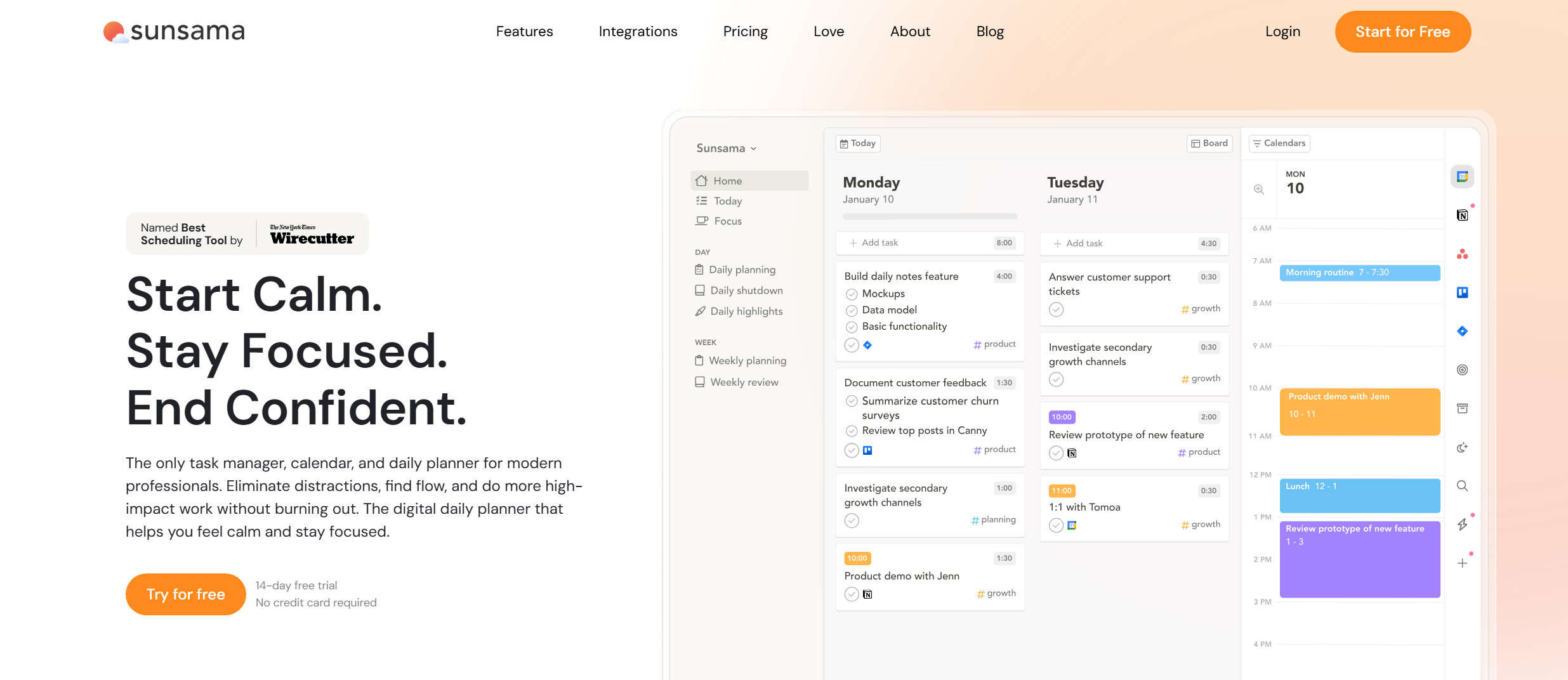
Sunsama rounds out our list of the best work-life balance and productivity tools for professionals. It helps users effectively manage their time with a daily planner, online calendar, and other useful tools.
Key features:
- The service lets you quickly add tasks and events using drag-and-drop in the built-in calendar. It also synchronizes with Outlook, Google, and Apple calendars. Users can set deadlines for each task.
- Tasks are automatically distributed throughout the day based on the user’s schedule, helping prevent overlaps and scheduling conflicts. If there's not enough time to add a new task, the system suggests postponing it or rescheduling it.
- Timeboxing lets you create and manage task slots in your calendar, and automatically sync them with meetings, bookings, and other events.
- Sunsama helps schedule tasks and events for each day, based on data from your calendar, planner, and other features. Users can also adjust and reorganize their schedules manually at any time.
- Thanks to native integrations with popular business systems (Asana, ClickUp, Gmail, Jira, Notion, Monday.com, etc.), the platform supports the automatic transfer of tasks and processes, seamlessly integrating them into the schedule using time-blocking techniques.
Sunsama offers two pricing plans with a 14-day trial period:
- Pro (unlimited usage and integrations, AI) — $22/month.
- Enterprise (all Pro options + SSO & SAML, SCIM + audit logs, custom privacy and data management settings) — price upon request.
Conclusion
Each of these tools approaches work-life balance differently, from AI scheduling and productivity management to mindfulness and distraction reduction. Choosing the right platform depends on your workflow, priorities, and work style, but the right tool can make it easier to stay productive without sacrificing personal well-being.
Pricing, features, and limits may change over time. Please check the official websites for the latest updates.