
Email marketing remains one of the most effective and affordable promotion channels today. This is largely thanks to versatile outreach platforms that help you find contacts, build databases, and create email campaigns without the usual complexity. We invite you to explore one such tool. In our Hunter.io review, you'll learn about this platform's key features and capabilities, as well as its current pricing.
Core Features: Mastering Domain Search and Email Finder
Hunter.io's practical value is best demonstrated by its core tools — the ones you use every day. These include email address search and contact data collection, which are essential for any outreach process.
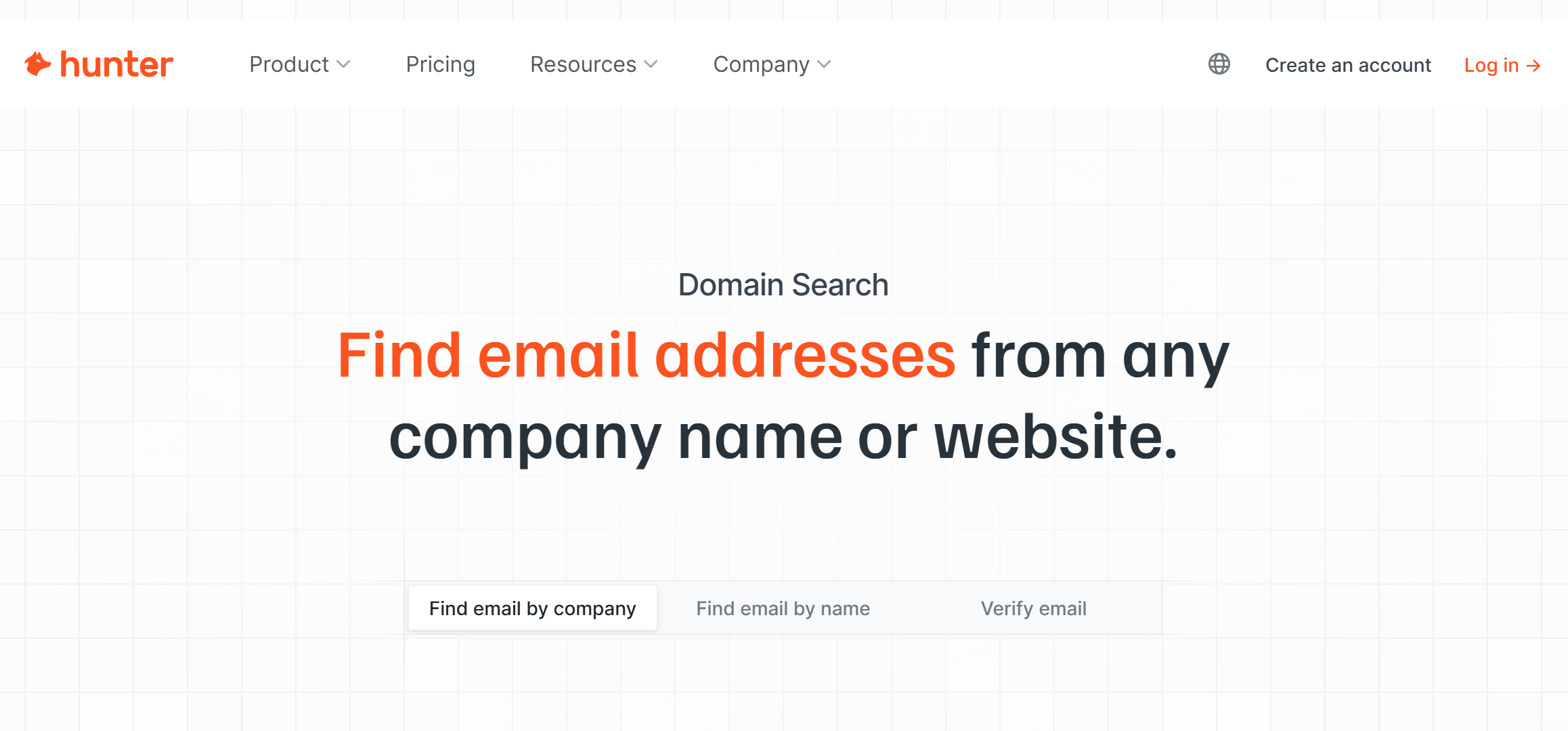
The toolkit is based on two complementary solutions: Domain Search and Email Finder. The former helps you quickly compile a list of email addresses associated with a specific company or domain, while the latter helps you find the contact information for a specific professional. Together, they cover most database building and enrichment tasks, whether you're working with targeted datasets or large volumes of data.
Source: hunter.io
Domain Search features:
- By entering a website address or company name in the corresponding window of the platform's web interface, you can receive a complete list of email addresses associated with that company or domain in a matter of seconds.
- Hunter finds email addresses and provides additional information about the company or domain. Rich contact data includes the owner's full name, location, job title, department, social media profiles, and data sources.
- The platform can filter found email addresses by several criteria: company division, employee position, location, type (personal or corporate email), verification status, etc.
- For each email, its verification status (valid, accept-all, unknown) and a reliability score are displayed, which helps assess the likelihood of successful email delivery.
- In addition to manual searches via the web interface, Hunter supports bulk searches across a list of domain names or company names. It also offers one-click email searches via a browser extension and automation via an API.
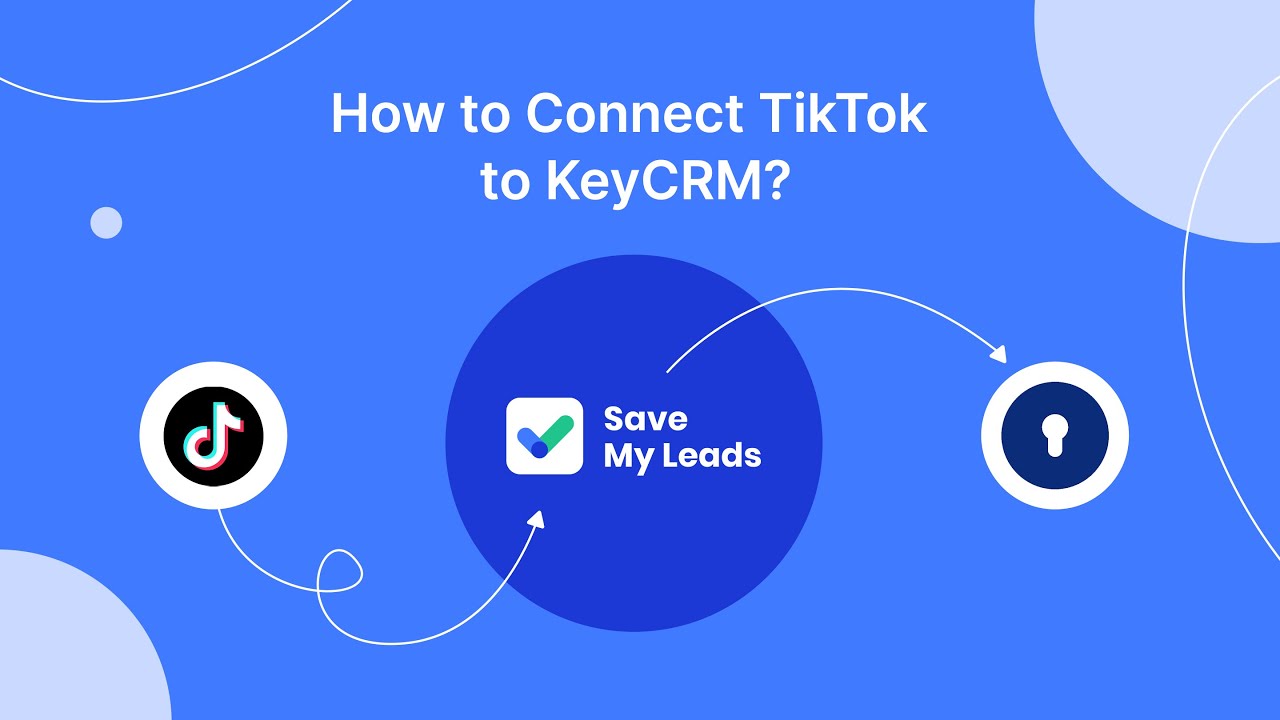
By the way, for automated replenishment of your contact database, you can use our platform, SaveMyLeads. Set up integrations and get automatic transfer of contacts to Hunter from Facebook, TikTok, and other sources.
Email Finder features:
- A quick and accurate search for email addresses of entrepreneurs and professionals available online. Simply enter the full name of the person you're interested in and the name of their associated company or website address.
- Hunter's search algorithms work with a database of over 150 million indexed professional email addresses to find likely email addresses associated with a given professional.
- If no direct matches are found, the system displays the most probable email formats.
- Built-in verification tools check the validity of search results, helping filter out invalid email addresses.
- Users can look up email addresses manually, or perform a bulk search. To launch a bulk search, upload a contact list in CSV/TXT format to the system.
- Additionally, this function can also be automated via the API, as well as quick search and verification of email addresses in spreadsheets via the Google Sheets add-on.
Outreach Automation: Streamlining Cold Email Campaigns
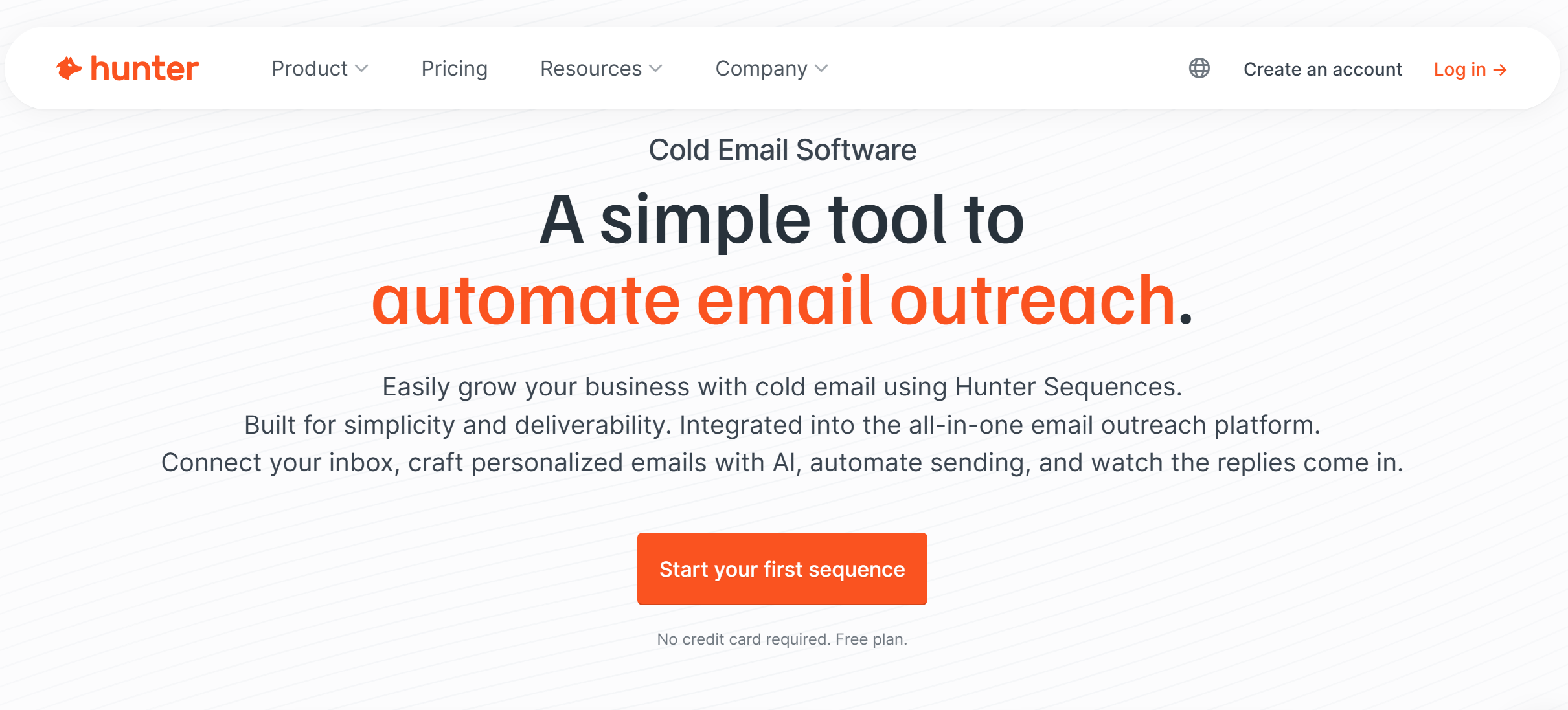
Once a contact database has been assembled, the next step is turning this data into real responses and conversations. It’s not just about sending emails but a structured outreach workflow where each touchpoint builds on the previous one and improves reply rates.
Hunter.io solves this problem through cold email automation tools that integrate email preparation, sending, and results analysis into a single system. To better understand how this works in practice, let's look at the key elements of this automation — from integrations with email services and lead management to personalization, follow-ups, and analytics.
Integration with email providers
The platform supports native integrations with Gmail and Outlook. These allow you to add domains and accounts, as well as create and manage email campaigns through these providers directly from the dashboard.
Lead management
Hunter provides end-to-end outreach automation through integrations with CRM and automation platforms. This allows for automatic data synchronization between different systems and the launch of a workflow: searching for potential client contacts online, transferring them to the CRM, and sending cold emails.
Templates and customization
Platform users can not only create email campaigns from scratch but also use templates from the built-in library. Each template can be easily customized by adding images, links, or attachments, custom formatting, or dynamically updating variables (name, job title, company name, etc.).
Automatic follow-ups
Hunter lets you set up automatic follow-ups that will trigger if a recipient hasn't responded to a cold email. This allows you to improve campaign performance without having to resend emails manually.
Campaign scheduling and management
Automation allows you to schedule email campaigns, sending them at specific times and days of the week. You can distribute the volume of emails sent across multiple domains or accounts to improve deliverability.
AI assistant
The built-in AI assistant can generate and edit email texts and subject lines, and personalize content based on custom attributes. It also automatically identifies key audience segments, configures campaign settings, and monitors results.
Tracking and analytics


One of the key features of this B2B lead generation software is its tracking tools that monitor clicks, opens, bounces, and other email campaign metrics. The system automatically identifies the most engaged leads and evaluates campaign performance against established goals.
Data Accuracy and Trust: The Verification Advantage
Even the largest contact database loses its value if it contains many outdated or invalid addresses. Errors at this stage directly impact email deliverability, domain reputation, and the overall success of outreach campaigns. Hunter.io solves this problem with built-in verification mechanisms that ensure data accuracy and help filter out unreliable contacts before sending campaigns.
The main verification stages include:
- Syntax validation — checks whether the email matches the standard format ([email protected]).
- Domain and MX record verification — confirms that the domain is active and capable of receiving emails.
- SMTP server verification — the verifier checks mailbox validity through SMTP validation.
- Accept-all verification — this stage identifies domains that accept all incoming emails, which helps improve email deliverability.
- Disposable address detection — the system detects temporary or disposable addresses that are often used for spam or registrations.
Hunter Email Verifier marks the addresses it verifies with statuses corresponding to the verification results:
- Valid (the address is safe to use in outreach campaigns and can be added to the verified email database).
- Invalid (the address does not exist or does not accept incoming emails).
- Accept-all (the domain accepts all types of emails, so it may reduce email deliverability).
- Disposable (this status is used for temporary or fake email addresses).
- Unknown/Blocked (this status means that the server did not respond or rejected the check).
In addition to automatically validating new email addresses, the platform revalidates existing leads regularly. Users can also verify the validity of addresses by manually entering them through the web interface. Bulk validation is also available by uploading a CSV file to the platform or automatically via the API.
Pricing and Plans: Scaling Your Outreach Budget
Source: hunter.io
Choosing a plan directly impacts the flexibility and scalability of your outreach processes — from test launches to full-scale campaigns with large data volumes. It's not just the number of available features that matters but also the limits that determine your actual workload. Each level of Hunter.io's pricing plan is designed for a different stage of growth. Let's look at the capabilities each plan offers and how they differ from one another.
Free
The Free Plan is suitable for users who want to test the platform's capabilities at no cost. It includes 50 monthly renewable Unified Credits, which are required to use the service's core features: Email Finder, Email Verifier, and Domain Search. Email searches cost 1 credit, and verification costs 0.5 credits.
Other features of the Free plan include 100,000 saved leads, CSV data export, unlimited users, basic filters for the B2B database, 10 AI searches and 15 proactive AI suggestions per month, 10 signals, one email account for sending emails, email open tracking, and email campaigns for up to 500 addresses.
Additionally, the Free plan supports all available integrations, including the Google Sheets add-on, browser extensions, CRM integrations, and integrations via MCP and API. Standard support is also available.
Starter
The Starter paid plan, priced at $49 per month, offers more comprehensive features. In addition to all the features available in the Free plan, these include 2,000 credits per month (additional credits can be purchased), advanced filters for the B2B database, email address auto-verification, 2,000,000 saved leads, and a lead enrichment feature.
Additionally, the Starter plan allows you to connect up to three email accounts (including SMTP/IMAP accounts), unlocks access to the AI Writing Assistant, and includes Inbox Protection. It also includes 50 AI searches and 150 proactive AI suggestions per month, 20 signals, email account rotation, link tracking, A/B testing, and reporting.
Users with the Starter plan can send campaigns to up to 2,500 recipients, connect additional email accounts (starting at $10/month) and domains (starting at $6/month), and receive priority support.
Growth
The Growth plan, priced at $149 per month, is positioned as the best value-for-money option. In addition to all the features included in the Starter plan, it offers 10,000 credits per month, 10 connected email accounts, 10,000,000 saved leads, 150 AI searches and 450 proactive AI suggestions per month, and 200 signals. Growth plan users also have access to custom domain tracking and the ability to send email campaigns to a database of 5,000 addresses.
Scale
The more advanced Scale plan, priced at $299 per month, is designed for business users who want to scale their email outreach campaigns. In addition to all the features of the Growth plan, it offers 25,000 credits per month, 30,000,000 saved leads, 300 AI searches and 900 proactive AI suggestions per month, unlimited signals, 20 connected email accounts, and email campaigns to a database of 15,000 contacts.
Enterprise
The fifth plan in the Hunter line is designed for larger businesses. Its price, number of credits, saved leads, connected email addresses, and contacts in the database are calculated individually upon contacting the sales department. Enterprise includes all the features of the Scale plan and the support of a dedicated account manager.
Pricing, features, and limits may change over time. Please check the official Hunter.io website for the latest updates.
Final Thoughts
The Hunter.io platform offers businesses a set of powerful tools for building contact lists and conducting email outreach campaigns. This solution enables professional email searches by website addresses, company names, and the first and last names of individuals.
The service helps you quickly and easily verify addresses, generate content, create and automate newsletters, and customize them using an AI assistant. It also allows you to manage leads and track campaign results, generating data-driven insights. Hunter has very flexible pricing, offering different plans. A particular advantage is the free plan, which allows you to evaluate the service's basic features at no additional cost.