
Developers of many modern applications require functionality for preparing, managing, and tracking email campaigns. Universal email platform APIs help them address this need. We'll discuss one of them in this article. In our Resend review, you'll learn about the service's key features and tools, the specifics of API integration setup and overall developer experience, as well as its pricing in 2026.
What Is Resend and Who Is It For
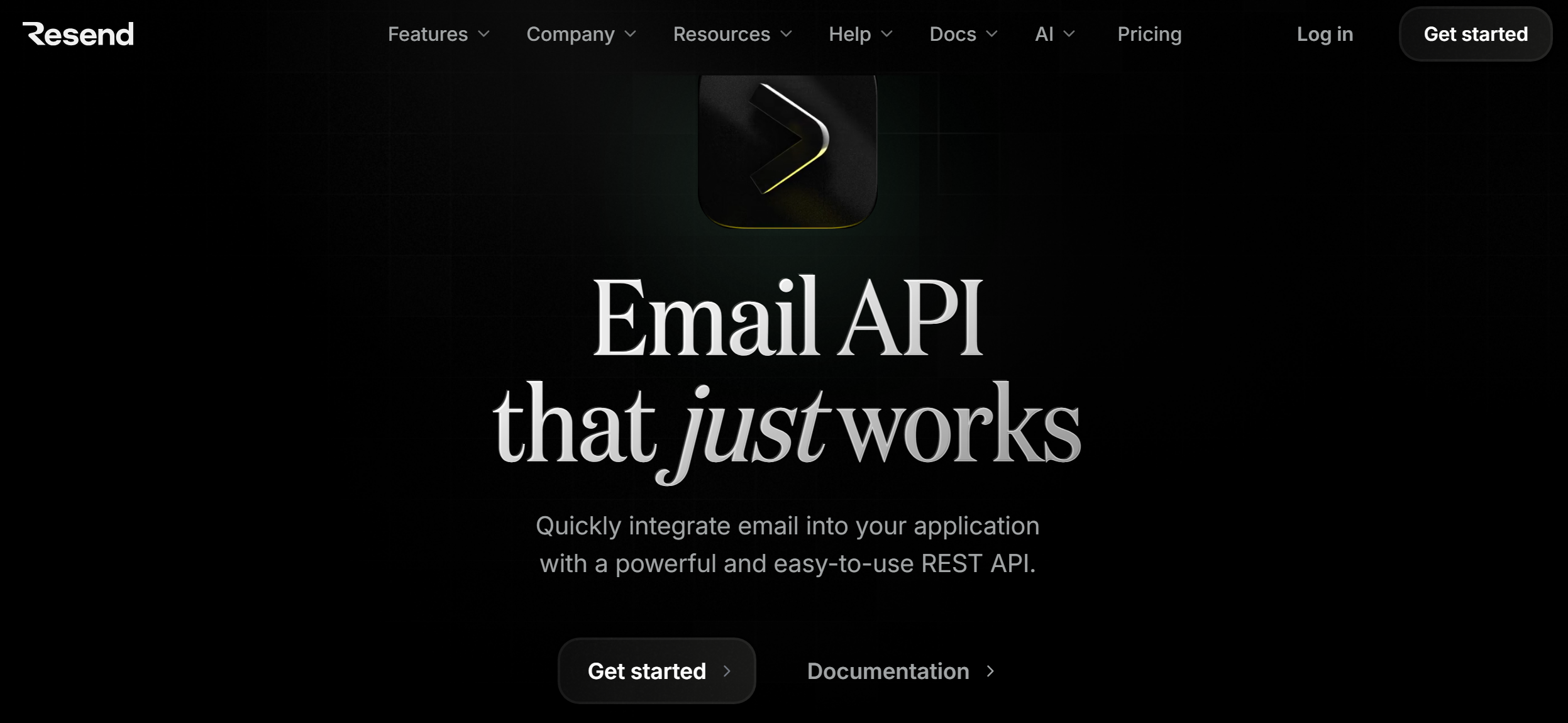
Resend is a cloud service for creating, sending, and tracking different types of email campaigns. It is often considered a strong option among modern email API solutions for developers.
Its REST API allows you to integrate bulk email capabilities into third-party systems. This simplifies how developers and administrators create, test, and manage email campaigns within their applications.
Resend helps automate a range of email types. These include transactional emails (notifications, order confirmations, password resets, etc.), marketing emails (cart reminders, welcome series, etc.), and informational campaigns (newsletters and other similar messages).
The platform features a user-friendly and intuitive interface with detailed technical documentation. This allows developers to quickly master its tools and set up API integrations with external applications in minutes.
One of Resend's key advantages as a developer-first email platform is its pre-built SDKs for many modern programming languages and frameworks — JavaScript, PHP, Java, Python, Go, Ruby, and others. Furthermore, the service also includes an analytics dashboard for tracking and monitoring key email campaign metrics. It also offers campaign testing and optimization tools designed to improve email deliverability.

Source: resend.com
Resend's target audience:
- Software developers. The service provides them with extensive opportunities to integrate email functionality into applications for running different types of campaigns (primarily transactional).
- SaaS and startups. This group relies on Resend as a scalable cloud solution for bulk emails, eliminating the need to build their own email infrastructure.
- Product teams. Digital product development teams can integrate the platform's tools into their backend services to automate user communications (sending notifications, alerts, order confirmations, etc.).
- Indie developers and side project creators. Resend is popular among them because it offers simple and quick campaign setup, convenient integration with external programs, a full-featured API, and flexible and budget-friendly pricing plans.
Core Features and Functionality
To evaluate whether a service fits specific needs, it's important to review its capabilities in practice. The Resend features overview shows how email marketing works, what tools are available, and what features are emphasized. Below are key features that will provide a general overview of the platform.
Email API and SDK
One of Resend's key features is its REST API, which allows for the seamless integration of its email functionality into external applications. It's complemented by a set of ready-made SDKs that support integration with multiple popular programming languages and frameworks, from Java to Rust.
SMTP
SMTP enables the integration of core email functionality into the appropriate tech stack without using external libraries or other resources. Modern email SMTP service Resend supports integrations with a number of popular software solutions, including Auth0, NextAuth, Django, Laravel, WordPress, Supabase, Metabase, Liferay, and more.
Inbound
The platform supports inbound email processing. It allows you to view and manage incoming emails through a separate dashboard in the interface. You can use the email address provided by Resend or a custom domain to receive inbound emails.
Email attachments are automatically retrieved and analyzed. Incoming emails are processed by its algorithms as structured data. Applications can therefore parse email content via API or SDK for internal use.
Audiences
The Audiences feature allows you to create and manage email lists for your campaigns. It allows you to quickly add your contact database to the platform via one of the built-in import tools or SDKs, by uploading a CSV file, or manually using copy-and-paste.



Built-in analytics options allow you to conveniently monitor your contact list size and growth trends. Furthermore, Audiences makes it easy to handle unsubscribe management for various email campaigns through the platform interface.
Broadcasts
The Broadcasts tool helps you create email newsletters (individually or with a team) using the built-in WYSIWYG editor. You can add various design elements (headlines, images, buttons, links) and content in one click, as well as customize your emails.
Resend allows you to create personalized email templates using React components via the React Email library. This opens up broad possibilities for quickly developing and testing responsive emails without manually writing complex HTML.
Infrastructure
The platform provides email delivery infrastructure designed to support high deliverability. Its functionality in this area includes dedicated IP address management, DNS configuration checking (SPF, DKIM, DMARC), domain authentication, blacklist monitoring, and additional tools.
Monitoring and analytics
Resend's native features help track and compare key email metrics, including opens, deliverability, engagement, and other KPIs. Furthermore, the platform can visualize this data with charts and dashboards and generate personalized insights from it.
Setup Process and Developer Experience (DX)
Resend’s key advantage is its ease of use and developer-friendly workflow. The service offers a simple and quick setup process. On average, basic platform integration setup with external systems via one of the pre-installed SDKs, an SMTP service, or directly via the REST API can take as little as 10–15 minutes. This is due to the minimal configuration complexity.
Full production-ready setup with DNS and domain verification doesn't take much longer — usually no more than 30–60 minutes. Most of this time is spent waiting for DNS records to propagate.
Source: resend.com
The main steps for setting up the Resend email API:
- Creating an account and generating an API key. First, register on the platform, then log in and go to the API Keys section of the dashboard. Here, generate a unique API key and save it in the environment variables of the connected services. It will then be used in the SDK to authenticate requests.
- SDK installation. Resend provides a ready-to-use SDK for different programming languages and frameworks. This allows developers to easily integrate the platform's email functionality directly into their application's codebase.
- Sending your first email. After setting up the SDK and API key, you can create a test email campaign with just a few lines of code.
- Sender domain verification. Before sending bulk emails, you need to verify the domain you'll be sending emails through. To do this, add your domain to your Resend account, copy the DNS records from the dashboard, add them to your DNS provider, and wait for confirmation.
- Setting up webhooks (optional). Finally, you can set up webhooks. This will allow you to receive notifications about events related to your email campaigns (email delivered, opened, bounced, etc.).
Resend’s team places strong emphasis on developer experience (DX). This makes the platform a popular choice as a transactional email platform for SaaS and other modern services.
Resend simplifies and speeds up the process of integrating email functionality into external services and managing email campaigns:
- Simple API. Resend has a user-friendly and easy-to-use REST API. It features minimal configuration, short code snippets, JSON responses, and simple error handling.
- React-based email templates. React Email support allows developers to quickly and easily create responsive email newsletters based on templates from the React Email open-source library.
- Framework support. The platform offers integrations with a number of modern web frameworks, including Next.js, Remix, Nuxt, Express, Astro, and serverless platforms.
- Test mode. Developers can conveniently and securely test email campaigns to identify and fix potential issues without the risk of accidentally sending emails to real recipients.
- Detailed logs and analytics. The Resend dashboard provides detailed information on delivery status, opens, clicks, errors, bounces, and other key email campaign performance metrics.
Pricing Plans: From Free to Pro
The Resend pricing plan structure is transparent. By choosing the most suitable plan, you can easily scale usage to suit your contact base size and campaign goals.
For transactional emails, the service offers 4 plans:
- Free (3,000 emails/month, sending and receiving, 1 domain, 30 days of data storage, 10,000 automation runs, ticket support, up to 100 emails/day).
- Pro (50,000 emails/month, sending and receiving, 10,000 automation runs, 10 domains, no daily limit, 30 days of data storage, ticket support) — $20 per month.
- Scale (100,000 emails/month, sending and receiving, 1,000 domains, 30 days of data storage, 10,000 automation runs, no daily limit, dedicated IP with add-on, support via tickets and Slack) — $90 per month.
- Enterprise (custom limits for emails, domains, automations, and data retention, no daily limit, dedicated IP with add-on, priority support) — price upon request.
Resend offers 3 plans for marketing emails:
- Free (1,000 contacts, unlimited sending, 3 segments, 1 domain, 1,000 automation runs, ticket support).
- Pro Marketing (5,000 contacts, unlimited sending, domains, segments, marketing analytics, support via tickets and Slack) — $40 per month.
- Enterprise (number of contacts and automations calculated individually, unlimited sending, domains, lists, marketing analytics, dedicated IP, priority support) — price upon request.
In addition, the platform offers several add-ons, including:
- Pay-as-you-go. If you exceed your monthly email limit, additional emails are charged per 1,000. Available to users with any paid transactional email subscription.
- Dedicated IP address. The service costs $30/month. Available to Scale plan subscribers who send at least 500 emails per day.
Pricing and feature limits may change over time. For the most up-to-date information, refer to the official Resend website.
Bottom Line
The Resend Email API platform provides developers with tools for integrating and managing email functionality in modern applications. It allows you to set up integrations with external systems with minimal effort, create different types of email campaigns based on templates, test, optimize, and manage them, and track and analyze key campaign metrics.
Read more on our blog:
- The Strategy Stack: How to Align Positioning, Messaging, and Channels Without Spreading Thin
- Influencer 3.0: Micro‑Influencers and AI‑Generated Influencers
- Neuromarketing Decoded: Turning Brain Science into Business Strategy
- From Idea to App: Exploring the Power of Bubble.io
- Google Lead Form and Monday.com Integration: How-to Guide